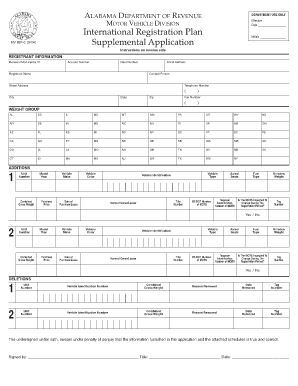
Definition and Meaning of "Form Online"
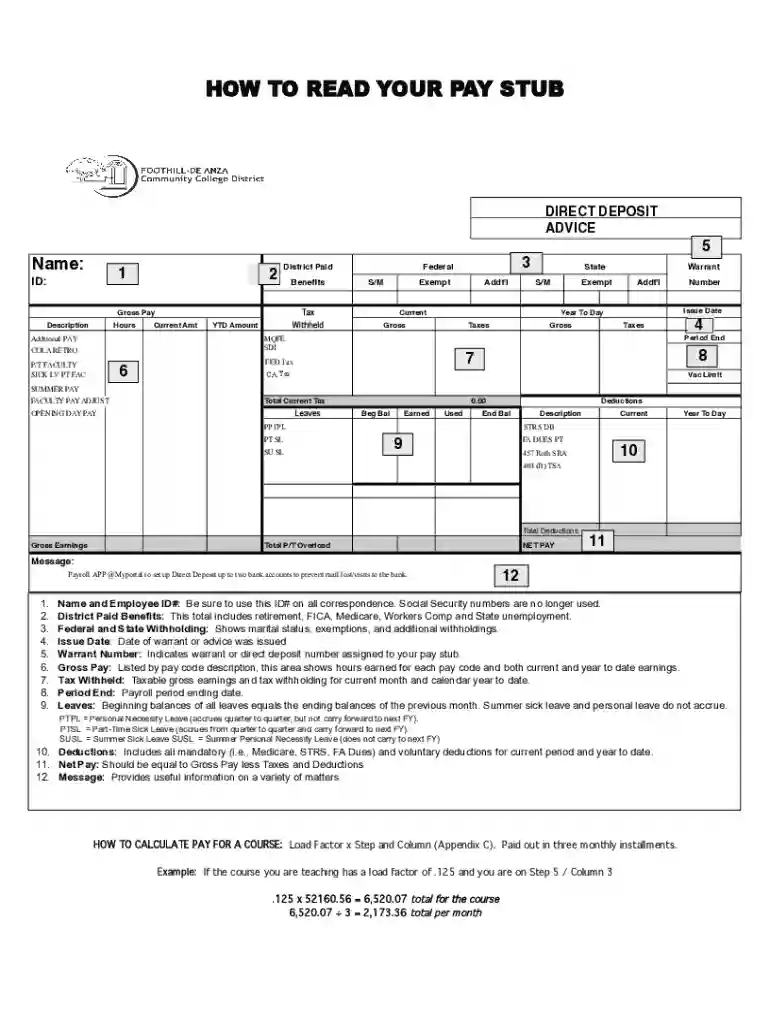
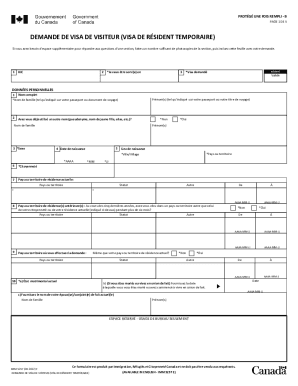
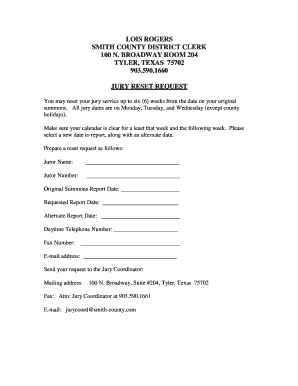
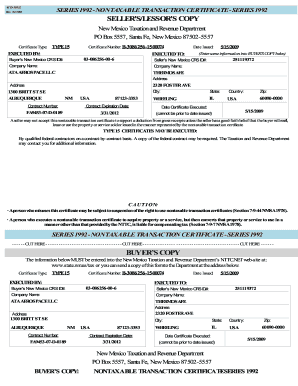
"Form online" refers to the digital versions of documents that can be accessed, completed, and submitted via the internet. This method offers a paperless alternative to traditional paper forms, streamlining processes such as data entry, storage, and retrieval. By utilizing online forms, individuals and businesses can experience advantages like easier access to updates, environmentally friendly practices, and enhanced organizational efficiency.
Benefits of Form Online
- Accessibility: Online forms can be accessed from anywhere with an internet connection, offering flexibility for users to complete them at their convenience.
- Efficiency: Automates data collection and reduces manual errors, leading to quicker processing times.
- Organization: Digital storage of completed forms facilitates easy tracking and searchability.
How to Use Forms Online
Using a form online typically involves interacting with a platform or web service that hosts the form. The process can vary slightly depending on the specific form or platform but generally includes:
- Accessing the Form: Navigate to the website or service hosting the form and locate the specific form needed.
- Filling Out the Form: Enter the required information into designated fields, which may include text boxes, checkboxes, and dropdown menus.
- Submission: Review the entered information for accuracy before submitting the form through the platform's submission button.
Online Form Features
- Auto-fill Options: Many platforms offer auto-complete features to speed up data entry, particularly useful for repetitive fields.
- Form Fields Verification: Platforms may include checks to ensure all mandatory fields are completed, reducing submission errors.
Steps to Complete a Form Online
Completing a form online involves several key steps to ensure accuracy and timely submission. Here’s how to navigate the process:
- Find the Correct Form: Utilize the platform’s search or navigational tools to locate exactly the form you require.
- Read Instructions Carefully: Review any provided guidelines to understand the information and documentation needed.
- Complete Each Section: Methodically fill out each required section, using the platform's tools to guide you.
- Attach Any Required Documents: Upload necessary attachments, such as identification or supporting documents, if applicable.
- Review All Entries: Double-check information for correctness and completeness.
- Submit the Form: Use the designated submission feature to send the form electronically.
- Receive Confirmation: Look for confirmation or reference numbers to verify the submission was successful.
Importance of Correct Entry
- Avoid Delays: Correct entries reduce the need for revisions and resubmissions, ensuring timely processing.
- Accurate Records: Maintaining accuracy supports compliance and provides reliable documentation for future reference.
Why You Should Form Online
Adopting online form submission has significant impacts on operational efficiency and effectiveness. Organizations and individuals stand to gain:
- Cost Savings: Reduces paper, printing, and mailing costs associated with traditional paper forms.
- Environmentally Friendly: Online forms contribute to reduced paper waste.
- Enhanced Security: Digital platforms often provide encryption and security measures to protect sensitive information.
Real-World Applications
- Business Operations: Companies use online forms to streamline processes like employee onboarding and client agreements.
- Government Services: Many governmental forms, such as applications for permits or licenses, now offer online completion.
Key Elements of Form Online
Successful online forms incorporate several essential components to ensure functionality and ease of use:
- User-Friendly Interface: An intuitive design helps users navigate the form without confusion.
- Responsive Design: Adaptability to different devices ensures accessibility for users on phones, tablets, and desktops.
- Validation Rules: Built-in checks to confirm data entry integrity, such as character limits and required fields.
Common Field Types
- Text Fields: For inputting general information.
- Radio Buttons/Checkboxes: For selecting predefined options.
- Dropdown Menus: Offers choice selections from a list.
- Digital Signature Fields: Enables legal sign-off from anywhere in the world.
State-Specific Rules for Online Forms
When dealing with online forms, it's crucial to understand that some forms may be subject to state-specific regulations and requirements:
- Varying Deadlines: Some states may have different submission deadlines for forms like tax documents.
- Local Jurisdiction Requirements: Unique local data, such as specific county codes or state identification numbers, might be needed.
Adaptation Strategies
- Consultation: Contact local authorities for guidance on state-specific rules and compliance.
- Research Tools: Use state government websites to access relevant forms and instructions.
Examples of Using Forms Online
There are numerous situations where online forms provide valuable functionality:
- Tax Filing: Individuals and businesses can file various tax forms, like the 1040, directly online for fast processing.
- Job Applications: Employers streamline hiring processes by enabling applicants to complete their applications online.
- Surveys and Feedback: Organizations collect customer or employee feedback through digital surveys.
Case Study Scenarios
- Education: Universities use online forms for student registrations, course selections, and scholarship applications.
- Healthcare: Patients can fill out medical history or consent forms online prior to appointments, saving time during visits.
Software Compatibility with Online Forms
Online forms often interface with various software solutions to enhance user experience and data management:
- Integration with Productivity Tools: Platforms like DocHub connect with Google Drive, allowing seamless import and export of form data.
- Compatibility with Accounting Software: Forms related to finance can often be directly integrated with software like QuickBooks for synchronized data.
Supported Formats
- PDF and Excel: Commonly used formats for exporting and printing completed forms.
- API Connections: Some platforms provide APIs to connect with custom software solutions.
By understanding these detailed blocks, users can make the most out of the online form capabilities provided by modern platforms. This comprehensive overview should assist individuals and organizations in effectively transitioning to and thriving within a digital-first form landscape.