



Here's how it works



How to use or fill out ihsaa physical form with our platform

- Click ‘Get Form’ to open the ihsaa physical form in the editor.
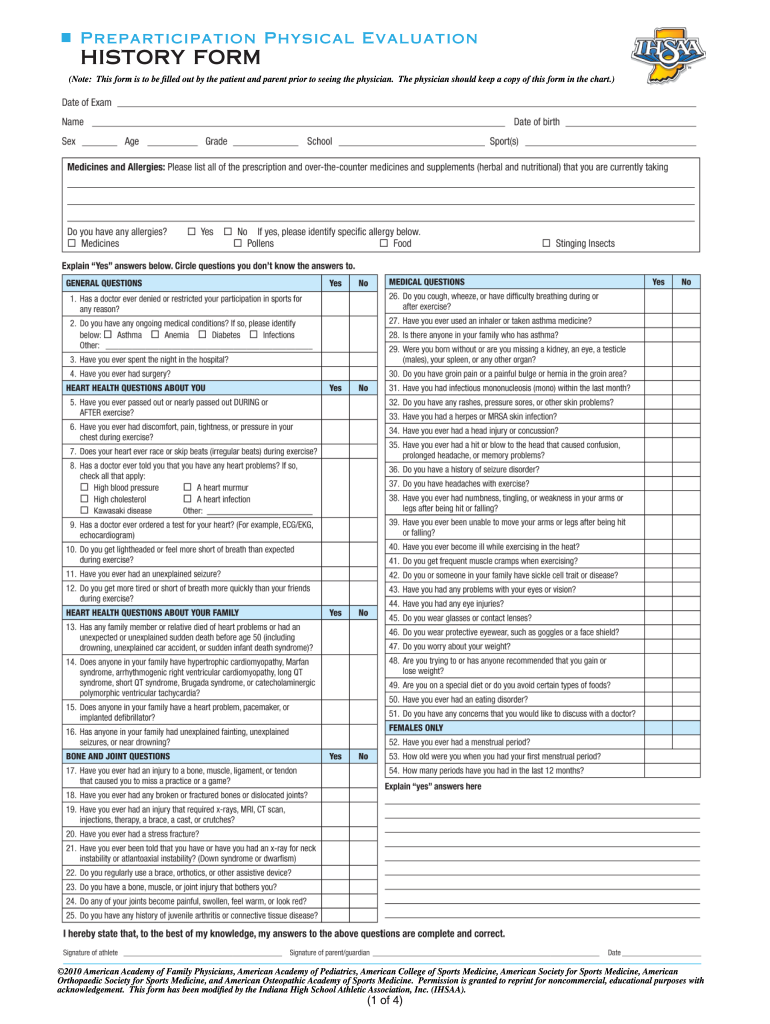
- Begin by filling out the 'History Form' section. This requires inputting personal information about the student-athlete, including medical history and any previous injuries. Ensure that both the patient and parent complete this section.
- Next, move to the 'Physical Examination Form.' This section must be completed by a licensed physician. Make sure to include the date of examination, which should be on or after April 1 for validity.
- Review the 'IHSAA Eligibility Rules' carefully. Acknowledge each rule and ensure compliance before signing. This is crucial for maintaining eligibility in interschool athletics.
- Finally, complete the 'Consent & Release Certificate.' Both student and parent/guardian signatures are required here. Be sure to check insurance options and provide necessary details.
Start using our platform today to easily fill out your ihsaa physical form online for free!
It's free
Got questions?
How can I send my indiana sports physical form for eSignature?
Upload your indiana sports physical form to DocHub (after you’ve set up an account for this). If you need to fill out fields in it, use proper tools from the upper pane. For example, add Signature Fields, assign each to a particular person, and click on Sign → Request signatures from others. Customize your message for your recipients and click Send Request. You can also send your document by fax or as a Signing link instead of using email (you’ll find these options by navigating to the Menu → Send)
How to fill out ihsaa physical form online for free in 2024?
With a swift editing system like DocHub, you do not require anything but a web browser and internet connection to modify your ihsaa physical form online easily. Upload your document or find the relevant form in DocHub’s catalog, open our editor with a single click, and complete it digitally. To edit your forms anytime, register a free account with DocHub.
How long is a physical good for?
What is a pre-participation exam?
How long are PIAA physicals good for?
Security and compliance
At DocHub, your data security is our priority. We follow HIPAA, SOC2, GDPR, and other standards, so you can work on your documents with confidence.
Learn more