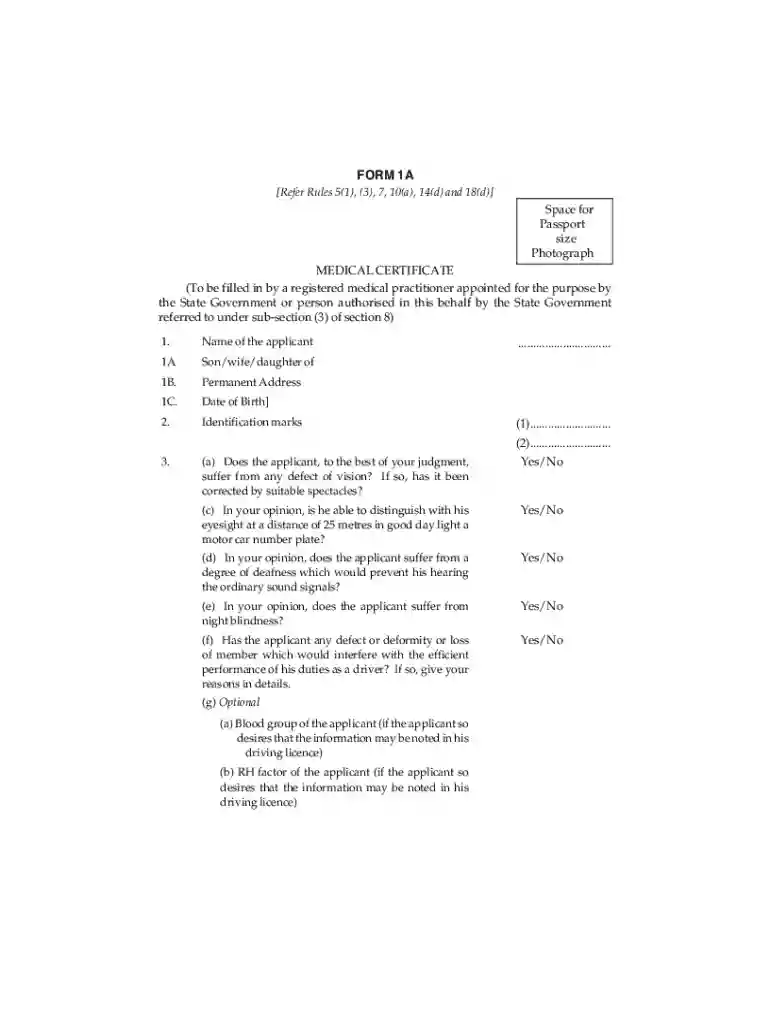
Definition and Meaning
The term "form online" refers to the digital version of a document designed to be completed, submitted, or managed electronically. These forms eliminate the need for paper-based processes by providing an accessible, efficient means of data collection and management. In the context of document management platforms like DocHub, forms online are intuitive and user-friendly, allowing users to fill out and submit information directly through their web browsers.
Advantages of Digital Forms
- Instant Access: Available from any internet-enabled device.
- Time-Saving: Streamlines data entry and submission processes.
- Cost-Effective: Reduces costs associated with printing and mailing paper forms.
- Environmentally Friendly: Minimizes paper waste.
How to Use the Form Online
Completing a form online through platforms like DocHub involves a straightforward process designed for user convenience. Here is how you typically use a form online:
- Access the Form: Navigate to the website or document management platform where the form is hosted. Ensure you have the necessary permissions if the form is restricted.
- Review Instructions: Carefully read any guidelines or instructions provided on the form page.
- Fill Out the Form: Use the interactive fields to enter your information directly. These can include text boxes, checkboxes, dropdowns, and signature fields.
- Review Entries: Double-check your entries for accuracy and completeness before submission.
- Submit: Click on the submit button, which automatically sends the form to the designated recipient or system for processing.
Steps to Complete the Form Online
Completing forms online involves a systematic approach to ensure all necessary information is accurately provided.
- Preparation: Gather all required documents and information beforehand, such as personal identification or supporting documentation.
- Access: Log into the platform hosting the form.
- Enter Information: Carefully input data into the corresponding fields on the form. Use guides or tooltips that may be available on the platform.
- Attach Files: If the form requires additional documents, upload them in the specified format.
- Verification: Review all entered information and attached documents for errors.
- Confirmation: Complete the form by submitting it. Some platforms may provide a confirmation message upon successful submission or allow you to print a copy of the completed form.
Key Elements of the Form Online
Digital forms typically consist of several essential components that facilitate the input and processing of information. These include:
- Text Fields: For typing in personal or sensitive data.
- Checkboxes: Allow users to select multiple options simultaneously.
- Radio Buttons: Let users choose a single option from a predefined list.
- Dropdown Menus: Provide a list of options from which users can select.
- Signature Fields: Enable users to sign the form electronically.
- Date Fields: Ensure uniform entry of date information.
Legal Use of the Form Online
The legal use of forms online involves ensuring compliance with relevant regulations and standards. Digital forms must adhere to:
- ESIGN Act: Ensures online signatures are legally binding.
- Privacy Laws: Protects user data during form completion and submission.
- Accessibility Standards: Guarantees that forms are accessible to all users, including those with disabilities.
Importance of Compliance
- Protects the rights and information of users.
- Ensures that forms are usable across different platforms and devices.
- Maintains legal integrity in interactions that require documentation and signatures.
Important Terms Related to Form Online
Understanding relevant terminology is crucial when working with forms online. Key terms include:
- Encryption: Secures data during transmission, ensuring privacy.
- OAuth 2.0: A protocol for secure authentication and access.
- Fillable Fields: Interactive elements on a form that users can complete with personal or required information.
- Integration: The ability of the form to work with other software and platforms for enhanced functionality.
Software Compatibility
Forms online must be compatible with various software solutions to ensure broad usability. Compatibility includes:
- Document Management Systems: Such as DocHub, providing essential editing and submission tools.
- Productivity Suites: Integration with tools like Google Workspace or Microsoft Office allows seamless document handling.
- Accounting Software: Compatibility with TurboTax or QuickBooks can provide additional functionality, especially for financial or tax-related forms.
Digital vs. Paper Version
Choosing between digital and paper forms depends on the requirements and context.
Pros of Digital Forms
- Efficiency: Automate data collection and reduce processing times.
- Ease of Access: Available online from any location.
- Environmentally Conscious: Reduces paper consumption significantly.
Pros of Paper Forms
- Familiarity: Some users are more comfortable with physical documents.
- Independence from Technology: No need for an internet connection or digital device.