




01. Edit your form online
Type text, add images, blackout confidential details, add comments, highlights and more.

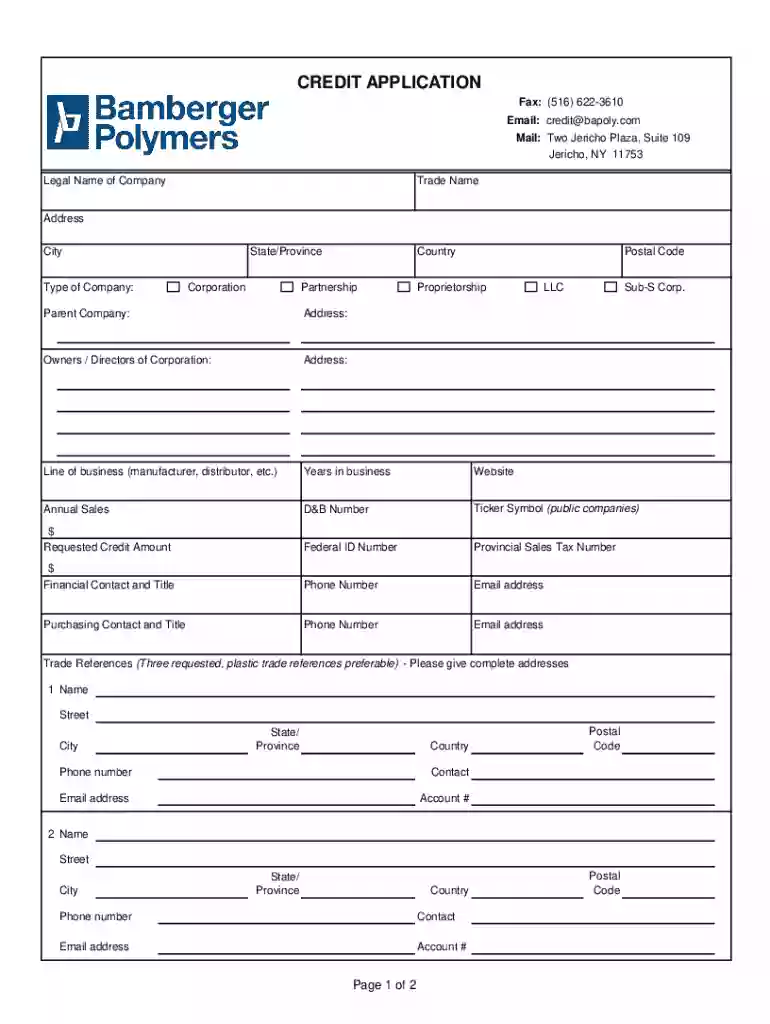
Type text, add images, blackout confidential details, add comments, highlights and more.

Draw your signature, type it, upload its image, or use your mobile device as a signature pad.

Send it via email, link, or fax. You can also download it, export it or print it out.
The concept of a "form online" refers to electronic forms that can be accessed, completed, submitted, and managed entirely via the internet. This digital evolution of traditional paper-based forms offers enhanced convenience and efficiency, allowing users to interact with forms without the need for physical documents. These forms can span a variety of purposes, such as applications, registrations, surveys, and contracts. By creating and utilizing forms online, organizations and individuals can streamline processes, reduce paper usage, and increase accessibility.
Using an online form typically involves several straightforward steps that simplify data collection and submission. Users first access the form through a web application like DocHub, where they can begin by familiarizing themselves with the form fields and requirements. Generally, online forms enhance the user experience by providing intuitive navigation and interactive elements that guide users through the completion process. They can input data directly into text fields, select options from dropdown menus, and mark checkboxes as needed. Once all required fields are completed, the form can be submitted electronically, often with the option to save a copy for personal records.
Filing forms online is a beneficial practice for multiple reasons. Primarily, it enhances convenience by eliminating the need for physical signatures and manual handling of documents. In a fast-paced digital world, submitting forms online saves significant time and resources by facilitating the automation of workflow processes. Additionally, online forms often include validations that prevent errors and incomplete submissions, improving overall data accuracy. The digital submission also allows for immediate confirmation, reducing the waiting period associated with traditional mail processes.
Online forms typically consist of multiple elements crucial for precise data gathering and user interaction. These include:
The legality of executing forms online hinges on adherence to digital signature laws like the ESIGN Act, which provides the same legal standing to electronic signatures as handwritten ones. Platforms like DocHub ensure compliance by implementing secure and legally binding electronic signing options. When completing legal forms online, users must ensure they understand the implications and validity of electronically sharing their information. Legal forms can include business contracts, lease agreements, and tax forms, wherein maintaining the integrity and confidentiality of the data is paramount.
While the modern trend moves toward online submissions, various methods are available to submit forms:
Real-world applications of filling out forms online are diverse, ranging from job applications and rental agreements to tax filings and membership sign-ups. For instance, professionals seeking new opportunities can upload resumes and fill job forms online, streamlining their application experience. Similarly, businesses can digitize forms related to client intake or service agreements, making the process more efficient and accessible. Educational institutions may use online forms for student admissions or survey feedback, making information collection far more effective than paper-based equivalents.
We've got more versions of the Credit Application Form form. Select the right Credit Application Form version from the list and start editing it straight away!
At DocHub, your data security is our priority. We follow HIPAA, SOC2, GDPR, and other standards, so you can work on your documents with confidence.
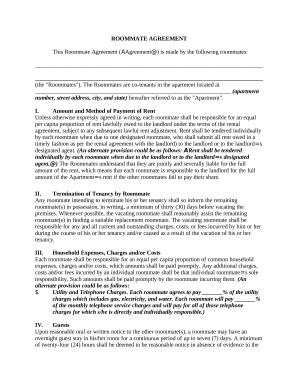
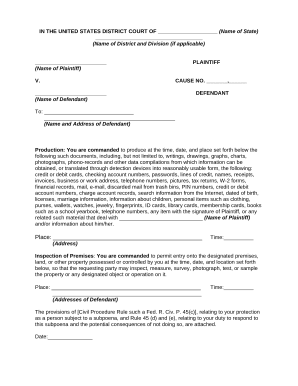
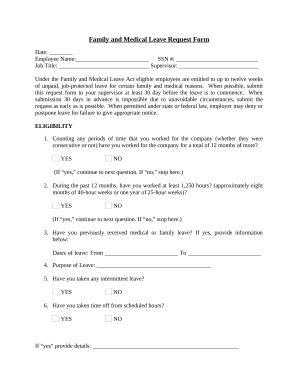
To start, select the semester you are planning to take your college course. Applications forms are currently available for the Spring 2026 term, Summer 2026Read more
Jun 16, 2026 Download the ECOA model and sample forms. unsecured or secured credit loan
Sep 6, 2015 A non-refundable application fee of R500.00 payable upon submission of the application form;. Initial registration fee of R100 000.00;. BranchRead more


