Type text, add images, blackout confidential details, add comments, highlights and more.
02. Sign it in a few clicks
Draw your signature, type it, upload its image, or use your mobile device as a signature pad.
03. Share your form with others
Send inz 1025 form 2023 via email, link, or fax. You can also download it, export it or print it out.
How to use or fill out 1025 inz form 2011 with our platform
Ease of Setup
DocHub User Ratings on G2
Ease of Use
DocHub User Ratings on G2
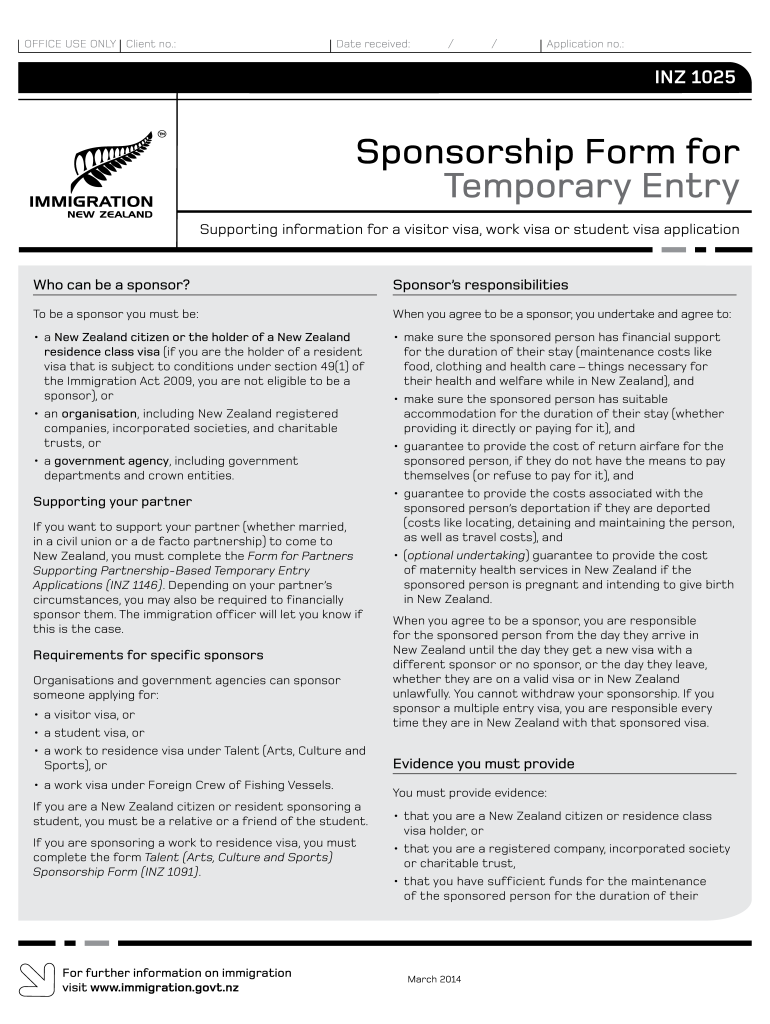
Click ‘Get Form’ to open the 1025 INZ form in the editor.
Begin with Section A, where you will enter the applicant's details. Fill in their full name, relationship to you, date of birth, and type of application (visitor, student, or work). Ensure all information is accurate and written in capital letters.
Proceed to Section B if sponsoring foreign crew members. List each crew member’s name and date of birth as required.
In Section C, provide your details as the sponsor. Indicate whether you are a natural person, organization, or government agency. Include your contact information and citizenship status.
Complete Sections D and E by answering eligibility questions and confirming your sponsorship undertakings regarding accommodation and financial support for the sponsored individual.
Finally, sign the declaration in Section G before submitting the completed form along with any required evidence.
Start filling out your 1025 INZ form today using our platform for free!
Sponsorship form PDFINZ 1014 formVisitor visa sponsorship form AustraliaNew Zealand temporary entry class visa vs NZeTAI am travelling visa waiver and applying for a visitor visa on arrival in New Zealand
Security and compliance
At DocHub, your data security is our priority. We follow HIPAA, SOC2, GDPR, and other standards, so you can work on your documents with confidence.
2011. Oberst. FAEHIDRICI 5.7.43. Conscription of forced labour. G.S. SD often used as an abbreviated form when. Chief of SIPO .and SD was meantRead more
Cookie consent notice
This site uses cookies to enhance site navigation and personalize your experience.
By using this site you agree to our use of cookies as described in our Privacy Notice.
You can modify your selections by visiting our Cookie and Advertising Notice.