Definition & Meaning of Form Online
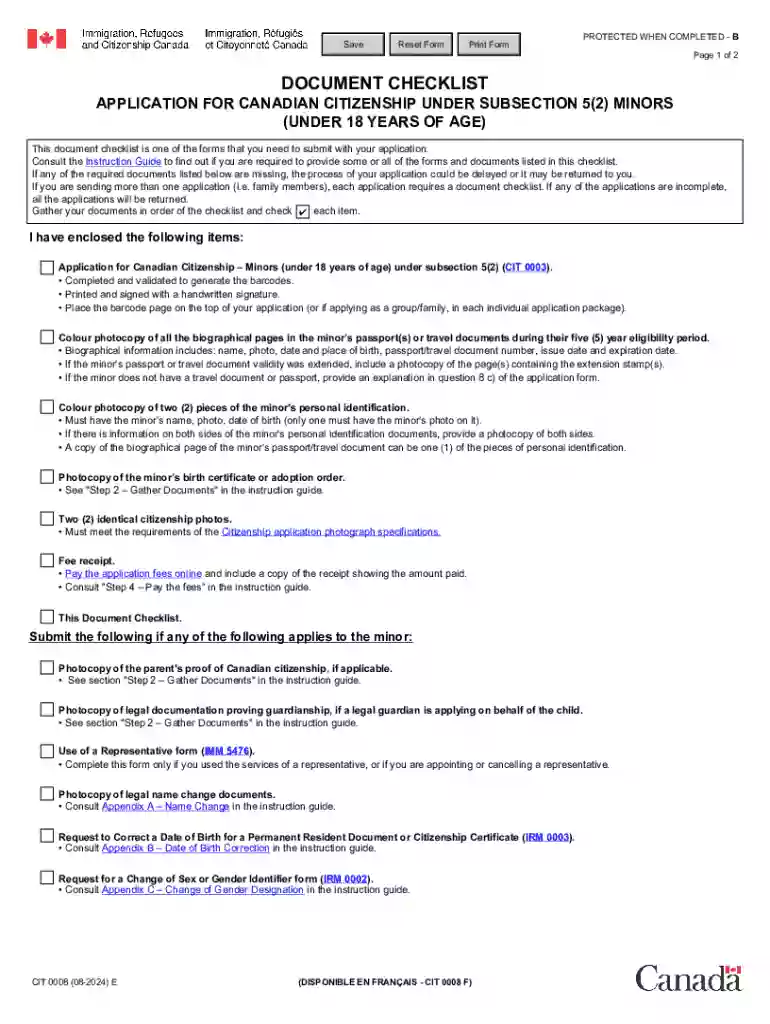
Form online refers to the digital version of various forms that can be completed, submitted, and processed electronically. This method replaces traditional paper forms, providing convenience and efficiency in document handling. Online forms are accessible through internet platforms, allowing users to fill them out from any location with an internet connection. These forms are integrated into many workflows for tasks including applications, registrations, and requests, streamlining processes across different sectors.
Key Benefits of Using Form Online
- Accessibility: Forms online can be accessed at any time, eliminating the need to travel or adhere to office hours.
- Efficiency: Completing forms online reduces paperwork and speeds up the processing time.
- Accuracy: Digital forms often include validation to minimize errors and ensure that all required fields are completed.
- Cost-Saving: Reduces printing and mailing costs associated with traditional paper forms.
How to Use the Form Online
Using forms online is typically straightforward and involves a few essential steps. Users begin by locating the desired form on a platform such as DocHub, downloading it, if necessary, and filling in the required fields.
Step-by-Step Instructions
- Access the Form: Navigate to the website hosting the form. Search or browse to find the specific online form needed.
- Download or Open: If the form is downloadable, save it to your device, or open it directly on the platform.
- Complete the Form: Fill in all mandatory fields, ensuring accuracy and thoroughness.
- Review and Validate: Double-check entries for correctness and complete any optional sections that apply.
- Submit: Submit the form online through the platform or email it as an attachment if required.
Practical Example
Consider a situation where you're applying for a permit using an online form. You would follow the above steps, ensuring all your information is current, after which you'd submit your completed form directly through the platform's submission system.
Steps to Complete the Form Online
Completing forms online requires understanding the requirements and following a structured process.
Detailed Steps
- Gather Information: Before starting, compile all necessary documents and details needed to fill out the form.
- Field Navigation: Use intuitive navigation to move through the form fields efficiently.
- Data Entry: Input data carefully, using tools like drop-down lists to ensure accuracy.
- Form Editing Tools: Use available tools to edit your responses, insert digital signatures, and attach supporting documents.
- Final Review: Conduct a final review of your entries for completeness and correctness before submission.
Common Challenges
- Technical Difficulties: Users may encounter issues with internet connectivity or compatibility with certain browsers.
- Data Security Concerns: Always ensure the form platform uses secure protocols to protect sensitive information.
Legal Use of the Form Online
Legal acceptance of online forms varies by jurisdiction but is widely recognized, especially in contexts like contracts and applications.
Legal Considerations
- Compliance: Ensure that the form and its process comply with relevant laws and regulations, such as the ESIGN Act for electronic signatures.
- Authentication: Confirm that digital identities and signatures are verified for legally binding documents.
Common Legal Scenarios
- Contract Agreement: Using online forms to finalize contracts with electronic signatures.
- Regulatory Filings: Submitting required documentation to governmental or regulatory bodies through approved online forms.
Important Terms Related to Form Online
Several terms are crucial for understanding and utilizing online forms effectively.
Key Terminologies
- Digital Signature: An electronic form of a signature ensuring authenticity and integrity.
- Form Fields: The various sections of an online form where users input information.
- Submission Confirmation: An acknowledgment received after successfully sending off an online form.
- Data Validation: A procedure ensuring all data entries meet required standards before acceptance.
Contextual Usage
Understand how terms function within forms, such as ensuring fields are correctly completed and signatures are appropriately captured.
Software Compatibility with Form Online
Successfully using online forms often requires compatibility with specific software or platforms.
Supported Software
- DocHub: Allows editing, signing, and sharing of online forms.
- Google Workspace: Integrates with forms for direct collaboration and editing.
- Desktop Browsers: Compatible across browsers like Chrome, Safari, and Firefox.
Integration Examples
- Google Drive: Direct uploading and updating of forms stored within cloud storage.
- Text Editors: Users can download forms for offline completion in programs like Microsoft Word before re-uploading.
State-Specific Rules for the Form Online
Legal and procedural differences exist for online forms based on state regulations.
Considerations
- State Requirements: Each state may have unique forms, formats, and submission methods.
- Regulatory Compliance: Ensure adherence to local laws governing online document submissions.
Examples
- Tax Forms: States provide specific forms for tax submissions, such as variations in income declarations or deductions.
- Licensing Applications: Each state may vary in forms and processes for professional licenses or permits.
Penalties for Non-Compliance with Form Online
Failing to correctly use or submit online forms can result in penalties.
Potential Consequences
- Financial Fines: Monetary penalties for incorrect, late, or fraudulent filing.
- Legal Repercussions: Legal actions or status repercussions depending on the severity of non-compliance.
Avoidance Strategies
- Timely Submission: Adhering to deadlines and following all instructions thoroughly to prevent punitive actions.
- Accurate Completion: Ensuring accurate completion and submission with all required attachments and correct information.