Definition & Meaning
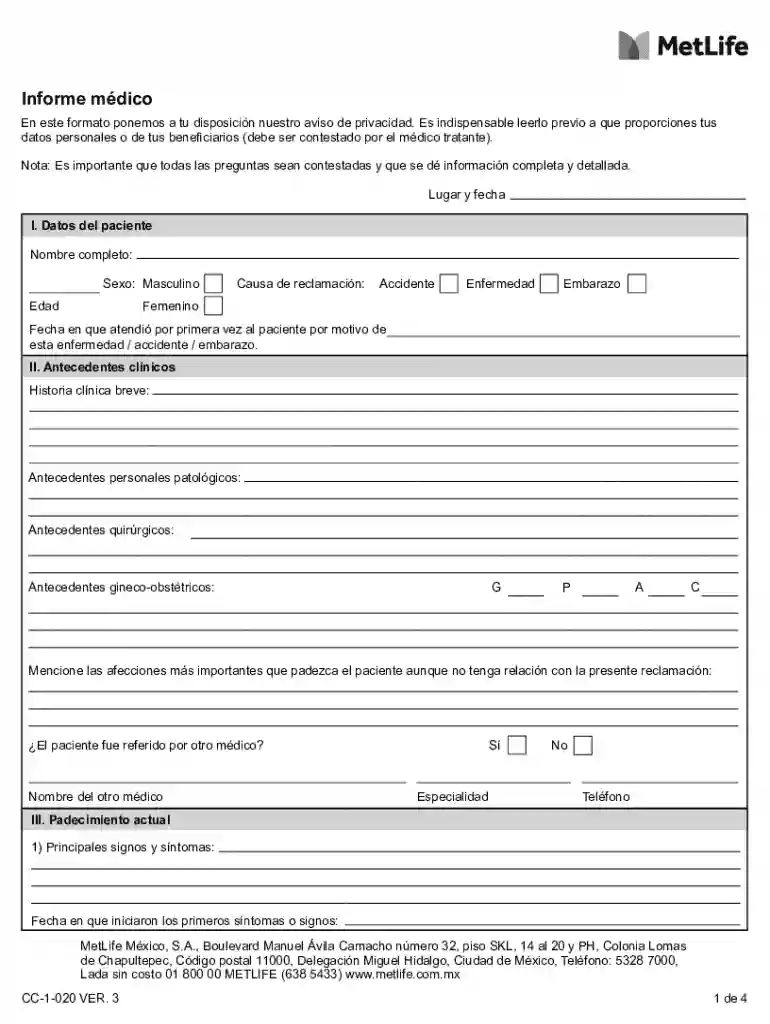
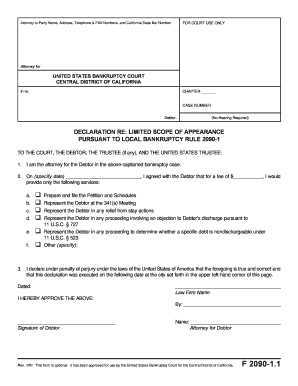
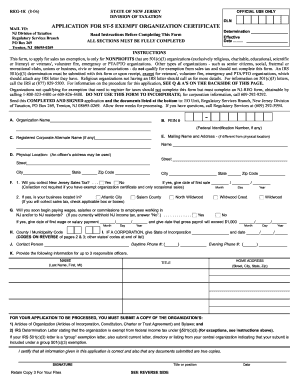
"Form online" refers to digital documents that can be filled out and submitted over the internet, allowing users to complete necessary paperwork through a web interface. This modern approach to forms eliminates the need for physical paper copies, reducing clutter and increasing efficiency. The forms are designed to be user-friendly, often featuring interactive elements like dropdown menus, text fields, and checkboxes.
Key Features
- Interactivity: Includes fillable fields to input data directly on the form.
- Accessibility: Available across multiple devices, including desktops, tablets, and smartphones.
- Convenience: Reduces need for in-person submissions or mailings.
How to Use the Form Online
Understanding how to use forms online is essential for effective completion and submission. These forms often require an internet connection and may need specific software or a compatible web browser.
Step-by-Step Process
- Access: Visit the platform offering the form, such as DocHub.
- Select Form: Navigate to the desired form using search or menu options.
- Fill Out: Use interactive fields to input data. Ensure accuracy and completeness.
- Review: Double-check entered information to prevent errors.
- Submit: Follow on-screen prompts to finalize and submit the form.
Tips for Success
- Save Progress: Regularly save data to avoid loss due to connectivity issues.
- Seek Help: Use available help resources or customer support for form-specific questions.
How to Obtain the Form Online
Accessing an online form is a straightforward process, but it requires familiarity with the hosting platform.
Procedures
- Visit the Website: Go to the relevant website or service.
- Search: Use search functionality to locate the needed form.
- Download/Access: Depending on the platform, download the form or work on it directly online.
Example Platforms
- DocHub: Provides various forms accessible through a robust online platform.
- Government Sites: For tax or legal forms that are distributed digitally.
Steps to Complete the Form Online
Completing a form online involves a few critical steps to ensure accuracy and completeness.
Instructions
- Open the Form: Ensure the form is fully loaded and visible on the screen.
- Input Information: Fill in personal data, ensuring it's accurate and up-to-date.
- Attach Documents: If required, upload any supporting documents in the specified format.
- Review for Errors: Check all entries for typos or missing information.
- Submit: Confirm submission details and send the form electronically.
Common Mistakes to Avoid
- Misspelled Entries: Proofread to catch spelling mistakes.
- Incomplete Sections: Ensure all required fields are complete.
Why Should You Form Online
Using forms online offers numerous benefits over traditional paper forms, making them a preferred choice for many users.
Advantages
- Efficiency: Reduce time spent completing and processing forms.
- Error Reduction: Built-in error checks minimize common mistakes.
- Cost-Effective: Eliminates printing and mailing costs.
Contextual Benefits
- Remote Access: Ability to fill forms from any location with internet access.
- Eco-Friendly: Reduces paper usage, aiding environmental conservation.
Scenarios
- Tax Filings: Taxpayers use online portals to submit forms.
- Legal Documentation: Contracts and agreements.
Key Elements of the Form Online
Understanding the essential features of online forms is crucial for efficient usage.
Core Components
- Form Fields: Including text boxes, checkboxes, and dropdowns.
- Validation: Checks that prevent incomplete or incorrect submissions.
- Dynamic Sections: Adaptive fields that change based on prior inputs.
Examples
- Signature Fields: For electronic signing.
- Date Selection: Using calendars for choosing dates.
Form Submission Methods (Online / Mail / In-Person)
Each submission method has its unique process and requirements.
Digital Submission
- Description: Submit forms via online platforms directly.
- Benefits: Instant submission confirmation; easy tracking.
Traditional Methods
- Mail: Physical form submission via postal services.
- In-Person: Direct handover at a designated office.
Considerations
- Timeline: Be aware of deadlines and potential processing delays with mail/in-person submissions.
- Document Preservation: Maintain copies and digital backups for records.