




01. Edit your detailed inspection report online
Type text, add images, blackout confidential details, add comments, highlights and more.

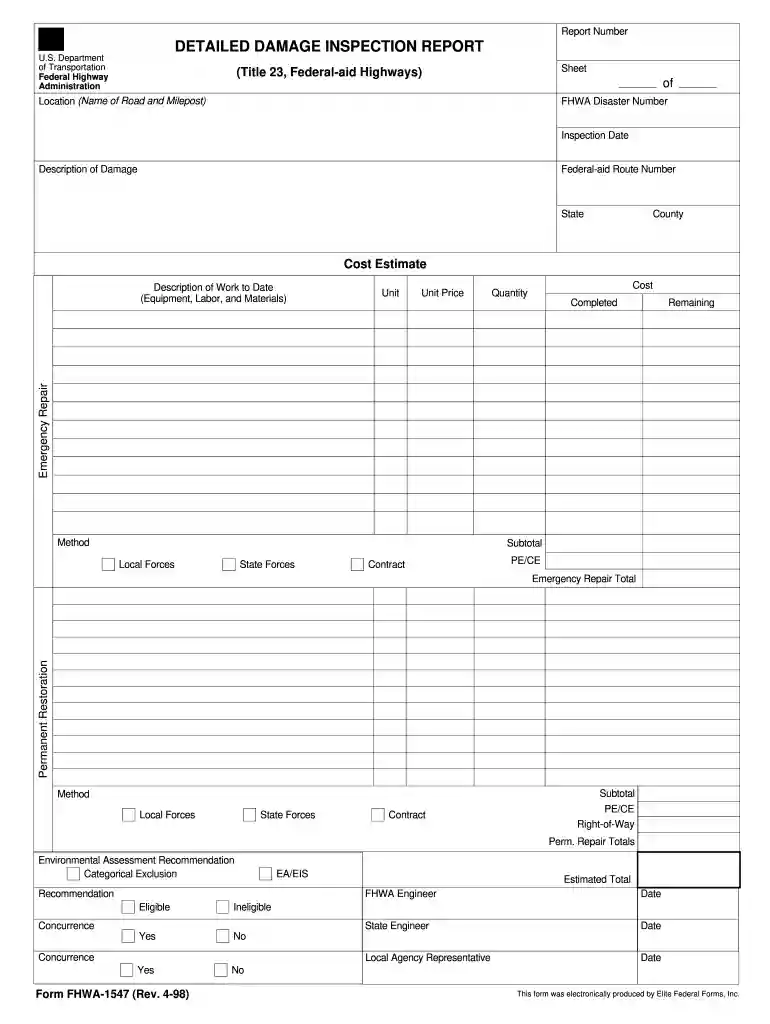
Type text, add images, blackout confidential details, add comments, highlights and more.

Draw your signature, type it, upload its image, or use your mobile device as a signature pad.

Send 300 400 via email, link, or fax. You can also download it, export it or print it out.

Start using our platform today for free to streamline your FHWA report form completion!
We've got more versions of the detailed inspection report form. Select the right detailed inspection report version from the list and start editing it straight away!
| Versions | Form popularity | Fillable & printable |
|---|---|---|
| 1998 | 4.8 Satisfied (22 Votes) |
At DocHub, your data security is our priority. We follow HIPAA, SOC2, GDPR, and other standards, so you can work on your documents with confidence.
by K Gilson 2020 Cited by 8 This document is a technical summary of the Federal. Highway Administration report, Leveraging Augmented. Reality for Highway Construction (FHWA-HRT-20-038).Read more
FEDERAL-AID HIGHWAY CONSTRUCTION CONTRACTORS ANNUAL EEO REPORT. 2. COMPANY NAME, CITY, STATE: 1. MARK APPROPRIATE BLOCK. 4. DOLLAR AMOUNT OF CONTRACT: 5Read more
FHWA periodically reviews quality issues and adjusts its programs and processes to ensure continuous quality improvement. Technical Documentation Page. 1.Read more


