




01. Edit your form online
Type text, add images, blackout confidential details, add comments, highlights and more.

Type text, add images, blackout confidential details, add comments, highlights and more.

Draw your signature, type it, upload its image, or use your mobile device as a signature pad.

Send it via email, link, or fax. You can also download it, export it or print it out.
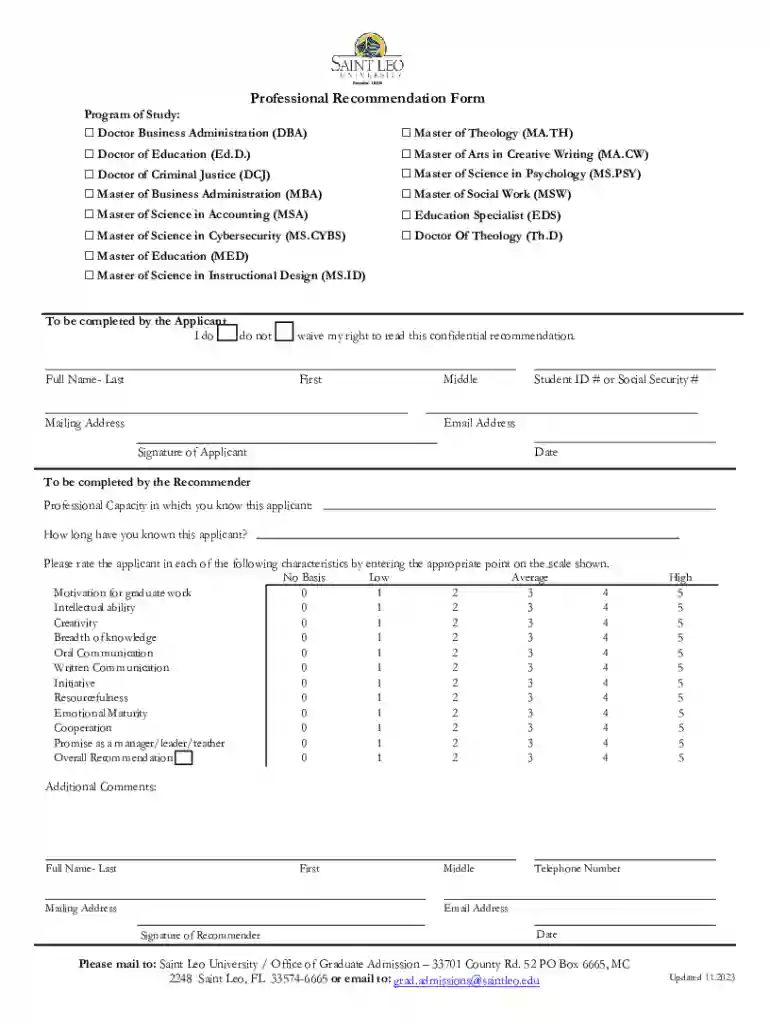
In today's digital landscape, a "form online" refers to a digital equivalent of paper-based forms traditionally used for data collection, submission of applications, and various other procedural requirements. These online forms allow users to input information directly into a web-based application that processes data for diverse purposes, ranging from educational admissions to government filings. By offering a platform accessible via any internet-enabled device, online forms streamline processes that were once labor-intensive and time-consuming. For instance, a Professional Recommendation Form for graduate programs, previously mailed in, is now completed online, offering real-time tracking and instant submission.
Utilizing a form online begins with accessing the specific platform where the form is hosted. For applications such as DocHub, users can navigate to the intended form through direct links, search functions, or user dashboards. Typically, the process involves:
For example, a university recommendation form may guide the user through sections for entering applicant details, recommender evaluations, and submission.
To obtain the necessary form online, users can typically follow these steps:
This enables students, for example, to download university recommendation forms or fill them directly online for easier access and submission.
Completing a form online typically involves several detailed steps to ensure accurate and complete submissions:
For instance, a graduate school recommendation form might require detailed sections to be filled by both the applicant and recommender, including personal assessments and contact information.
Shifting to online forms offers numerous benefits such as:
Such efficiencies are evident in educational contexts, where institutions can manage admissions processes more effectively with online recommendation forms.
Online forms typically feature several key elements necessary for their functionality:
A professional recommendation form, for example, might include sections for personal statements, reCAPTCHA verification, and document uploads to ensure comprehensive evaluations.
Forms online serve a critical role in maintaining legal compliance across various sectors:
These features are vital for maintaining the integrity and legal standing of documents like university recommendation forms and more, ensuring both the institution and users abide by necessary regulations.
Online forms are versatile tools used across diverse scenarios such as:
An illustrative example is the Professional Recommendation Form used across many graduate programs, where faculty and employers can assess candidates’ suitability for advanced studies, tapping into the ease and convenience offered by online submissions.
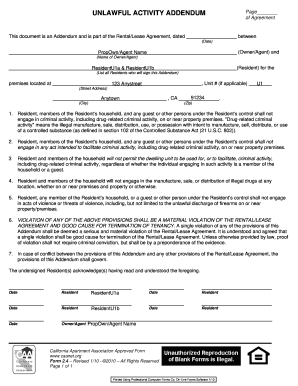
We've got more versions of the Professional Recommendation Form form. Select the right Professional Recommendation Form version from the list and start editing it straight away!
At DocHub, your data security is our priority. We follow HIPAA, SOC2, GDPR, and other standards, so you can work on your documents with confidence.
Professional recommendations are used by applicants who have previous experience in a field related to the opportunity they are applying to. ProfessionalRead more
I am pleased to write a letter of recommendation for [name of student]. I highly recommend [name of student] to your organization for the position of [job title]Read more
Oct 23, 2013 The letters of recommendation must be strictly addressed to the Alexander S. Onassis Public Benefit Foundation, Foreigners FellowshipsRead more


