01. Edit your form online
Type text, add images, blackout confidential details, add comments, highlights and more.

Type text, add images, blackout confidential details, add comments, highlights and more.

Draw your signature, type it, upload its image, or use your mobile device as a signature pad.

Send it via email, link, or fax. You can also download it, export it or print it out.
Forms are essential documents designed for capturing specific information from individuals or entities in an organized manner. When discussing "form online," it refers to digital forms accessible via the internet, which allows users to complete and submit them electronically. Digital forms can include anything from tax documents, application forms, legal agreements, to contracts. Their online availability enhances accessibility, efficiency, and convenience for users who can fill them out from virtually any location.
Online forms often contain fields that users need to fill out, such as names, addresses, dates, signatures, and other pertinent details. They streamline the data collection process by eliminating the need for paper forms, reducing physical storage requirements, and enabling easy data management and retrieval.
Using an online form usually involves several straightforward steps that guide a user through the completion and submission process. Here's a typical sequence:
Access the form: Begin by opening the document link or navigating to the website where the form is hosted. This could be through platforms like DocHub, where you can locate forms by searching or browsing categories.
Review the instructions: Before filling out any information, read the instructions or guidelines presented at the start of the form. It’s crucial to understand what each section requires so you can provide accurate data.
Complete the fields: Enter your information into the designated fields. Forms may contain varying field types, including text boxes for inputting data, checkboxes, radio buttons for selections, dropdown menus for predefined options, and signature fields.
Review and verify: Once all fields are completed, review your entries to ensure accuracy. Verify that all information is provided where necessary and check for any potential errors.
Submit the form: After ensuring all details are correctly inputted and verified, submit the form via the indicated method, often by clicking a "Submit" button.
Save a copy: Depending on the platform, you might have the option to save a copy of the completed form for your records.
To obtain forms online, several methods can be utilized based on the type of form and where it is hosted:
Direct Downloads: You can download forms from government or organizational websites. For example, tax forms are often available on IRS.gov, while application forms may be found on specific agency sites.
Email Distribution or Requests: Some forms are distributed via email or can be requested from a relevant organization or service provider.
Cloud Services and Platforms: Platforms like DocHub allow users to access and manage their forms directly from cloud services such as Google Drive or Dropbox, streamlining the process of finding the necessary documents.
Document Management Software: Specialized software solutions provide access to a repository of standard forms, which can be accessed based on user needs.
Completing an online form may require a systematic approach to ensure all necessary steps are followed. Here’s a breakdown:
Open the form on an appropriate device: Ensure that your computer or mobile device is compatible with the form's format, especially if it requires specific software.
Understand the sections: Online forms often have different sections that require specific types of responses. Whether it's demographic information, financial details, or declarations, understanding each section helps in accurate completion.
Input information systematically: Start filling out the form from top to bottom, ensuring no sections are skipped. Use the "tab" button or click through each field to facilitate smooth entry.
Utilize auto-fill features, if available: Some platforms offer auto-fill options that help populate information rapidly based on pre-saved details or previous entries.
Attach supporting documents: If required, upload any supporting documents directly through the form's attachment feature.
Validate and submit: Before submitting, a thorough review is crucial to confirm all sections are filled correctly. After validation, proceed with submission through the indicated means, either via a direct "Submit" button or through uploading back to a portal.
Using forms online offers several advantages:
Convenience: Online forms can be filled at any time and from any location, reducing the need for physical visits to offices.
Efficiency: They save time, as responses are saved automatically and can be processed more quickly than paper forms.
Accessibility: Digital forms are easier to distribute, track, and manage. They can be accessed by multiple users for collaborative efforts.
Environmental Impact: Reduces paper usage, contributing to environmentally responsible practices.
Security: Many platforms use encryption and authentication to safeguard sensitive information provided in forms.
Online forms cater to a diverse audience:
Individuals and Professionals: For purposes like job applications, educational enrollments, and certificates of compliance.
Businesses and Organizations: Utilize forms for customer information collection, compliance, legal agreements, and data management.
Governments and Public Services: Often use online forms for public records, tax filings, registrations, and license applications.
Healthcare Providers: Use forms for patient information, insurance claims, and appointment scheduling.


Understanding terms related to online forms enhances effective use:
Form Field: Individual parts of the form where data is inputted, such as text boxes, checkboxes, and dropdown selections.
Digital Signature: An electronic marker that verifies the authenticity and integrity of a digital form.
Encryption: Method of converting information into a secure format during transmission or storage.
Responsive Design: Ensures forms are viewable and usable on multiple devices, such as desktops, tablets, and smartphones.
Forms need to be used in accordance with legal regulations and standards:
Electronic Signatures: Governed by laws such as the ESIGN Act, which gives legal validity to electronic signatures in transactions.
Privacy & Data protection: Must comply with policies like the GDPR or CCPA to ensure user data remains confidential and is handled responsibly.
Authenticity and Non-repudiation: Techniques that assure a document's authenticity and that its originator cannot deny sending it.
Using forms online requires understanding both the technical aspects and the legal context to ensure both compliance and security.
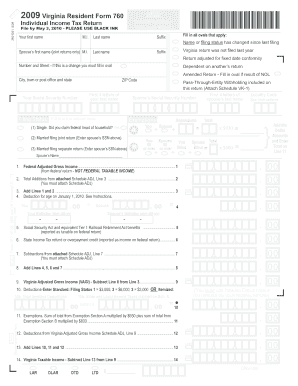
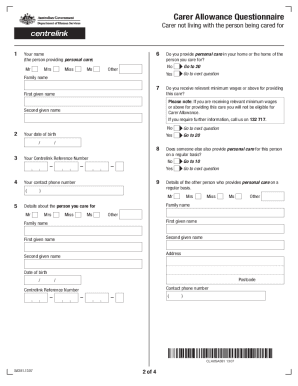
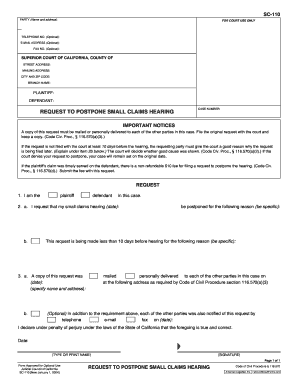
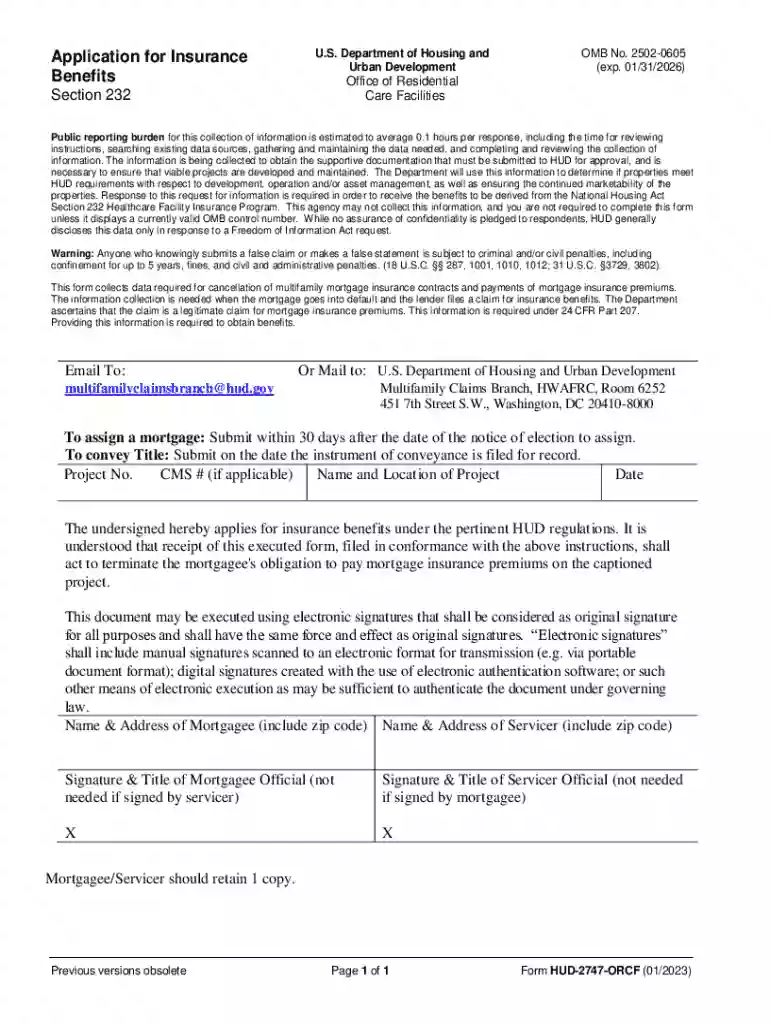
We've got more versions of the HUD-2747-ORCF Form form. Select the right HUD-2747-ORCF Form version from the list and start editing it straight away!
At DocHub, your data security is our priority. We follow HIPAA, SOC2, GDPR, and other standards, so you can work on your documents with confidence.