01. Edit your form online
Type text, add images, blackout confidential details, add comments, highlights and more.

Type text, add images, blackout confidential details, add comments, highlights and more.

Draw your signature, type it, upload its image, or use your mobile device as a signature pad.

Send it via email, link, or fax. You can also download it, export it or print it out.
The "Reg Forms - California Grain and Feed Association - cgfa" refers to registration forms utilized by members and participants of the California Grain and Feed Association (CGFA). These forms are essential for various administrative processes within the organization, including event registrations, membership renewals, and information updates. Understanding this form ensures streamlined event participation and compliance with CGFA requirements.
To use these forms, first access the CGFA’s official website or contact their administrative office to obtain the latest version. Depending on the purpose, follow specific instructions provided on the form to input your information accurately. Whether it's for an event, membership requirement, or reporting updates, accurately completing each section as per the guideline ensures successful submission and avoids processing delays.
The forms can be downloaded from the CGFA’s website in PDF format, or they can be requested via email by contacting the association. Some forms may also be available during association meetings or events. Ensure you obtain the correct and updated version from official sources to guarantee compliance with current association standards.
The form typically includes several critical components:
Ensuring all key elements are filled out correctly is crucial for smooth processing.
Members of the CGFA, including grain processors, feed manufacturers, and affiliated businesses, frequently utilize these forms. In addition, new members, event participants, and industry partners may also need these forms for registration and compliance purposes.


Legally, these forms are essential for documenting agreements, registrations, and memberships under the jurisdiction of California's agricultural laws. They facilitate transparent communication between the association and its members while ensuring compliance with state regulations.
Understanding these terms helps in accurately completing and submitting the form in accordance with CGFA standards.
Choosing the appropriate method depends on accessibility and the urgency of the submission requirements.
Failure to submit the required forms by the specified deadlines can result in penalties, such as late fees, denied event participation, and potential suspension of CGFA membership. Ensuring timely and accurate submission protects members from these consequences.
The digital version allows for quicker and more convenient submission, often with automated acknowledgments. The paper version, while sometimes slower due to mailing times, provides a tangible record of submission. Members can choose based on their comfort with technology and infrastructure availability.
The CGFA specifies deadlines for form submission, usually linked to event dates or the fiscal cycle. Missing these deadlines can affect registration and participation, so users should monitor timelines carefully. Always refer to the CGFA calendar or announcements for the most current information.
Depending on the form type, users might need to attach additional documents such as identification copies, business certifications, or proof of membership fees. Always verify the requirements listed with the form to ensure complete and correct submission.
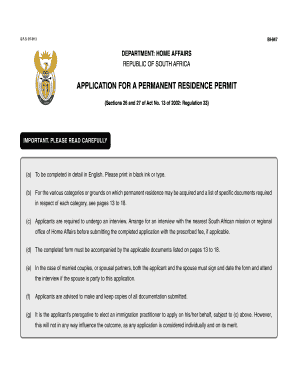
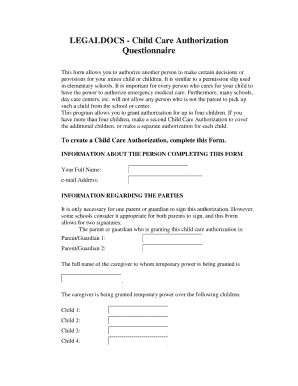
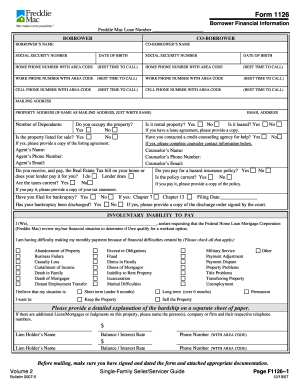
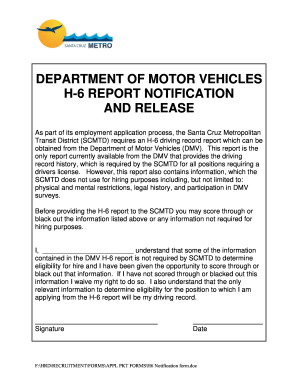
We've got more versions of the Reg Forms - California Grain and Feed Association - cgfa form. Select the right Reg Forms - California Grain and Feed Association - cgfa version from the list and start editing it straight away!
| Versions | Form popularity | Fillable & printable |
|---|---|---|
| 2010 | 4 Satisfied (22 Votes) |
At DocHub, your data security is our priority. We follow HIPAA, SOC2, GDPR, and other standards, so you can work on your documents with confidence.