




01. Edit your form online
Type text, add images, blackout confidential details, add comments, highlights and more.

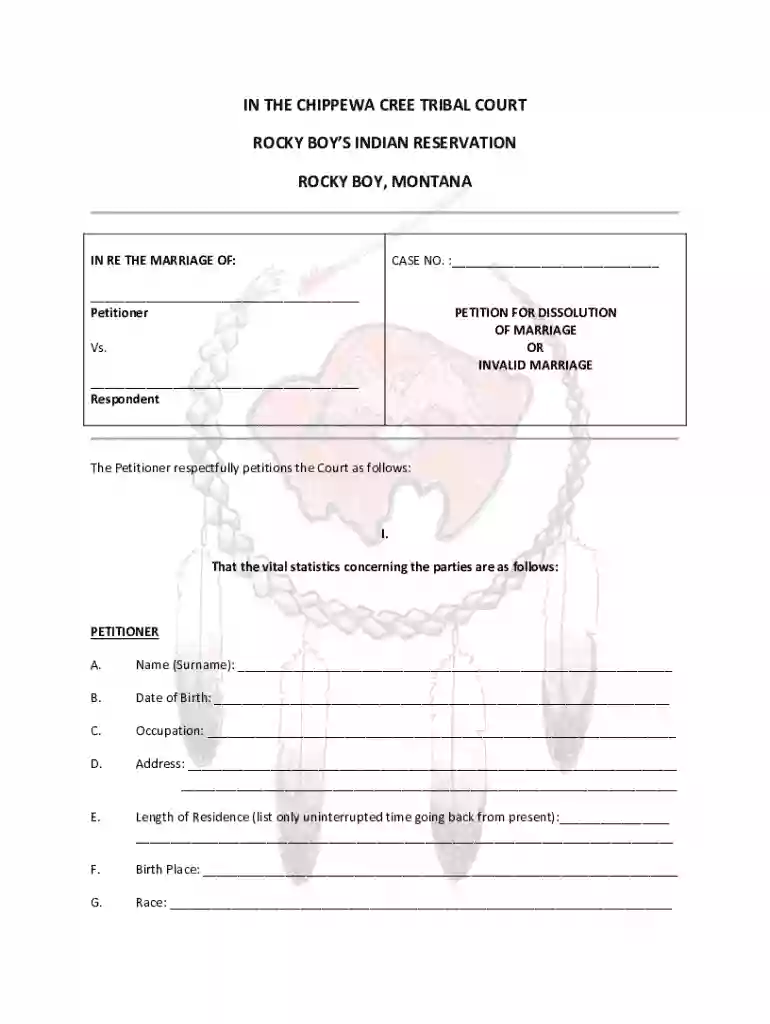
Type text, add images, blackout confidential details, add comments, highlights and more.

Draw your signature, type it, upload its image, or use your mobile device as a signature pad.

Send it via email, link, or fax. You can also download it, export it or print it out.
"Form online" typically refers to electronic documents that can be accessed, completed, and submitted over the internet without the need for physical paperwork. This digital transition streamlines processes and allows users to engage with forms efficiently from any location. Online forms can encompass a wide range of purposes, from simple contact queries to complex legal and financial reporting. They offer interactive fields such as text boxes, checkboxes, and dropdown menus, which help in collecting precise information. By moving these forms online, organizations can enhance accessibility, reduce errors, and speed up processing times.
Using an online form involves several straightforward steps that simplify document management. Users can start by accessing the form through a web browser, ensuring they have a stable internet connection. Once the form is open, fields should be filled accurately, guided by inline instructions where available. Depending on the form, users might need to attach supporting documents, which can usually be uploaded directly from their device storage or cloud services. Many platforms allow the user to save drafts, enabling them to complete the form over multiple sessions if necessary.
Forms are usually accessible directly through official websites or document management platforms like DocHub. Users can search for specific forms via search engines or directly on the organization's website. Navigating to the sections labeled "Forms" or "Downloads" often leads to available templates ready for download or direct completion online. Some platforms may require users to set up an account or log in to access specific documents, especially if the forms handle sensitive information.
Successfully completing an online form involves structured steps to ensure all necessary information is correctly provided. Begin by reading through any instructional content associated with the form, as this will outline specific requirements or unique steps. Systematic completion of fields follows, starting with personal information and progressing to more specific data entries. Platforms often incorporate error-checking features that highlight incomplete or incorrectly filled sections, allowing users to make corrections before final submission.
Opting to complete forms online offers several significant advantages over traditional paper methods. Vital among these is enhanced convenience, as users can access forms without geographical or time constraints. Online forms also support faster processing through automatic data validation and instant submission capabilities. Additionally, they reduce paper waste, align with sustainability goals, and often feature built-in security measures to protect personal information, such as encryption and password protection.
Understanding the core components of an online form is crucial for complete and correct submission. These forms typically include sections for personal identification, specific inputs related to the document's purpose, and a conclusion area for verification and e-signature where applicable. Most forms offer interactive elements like drop-down menus and checkboxes to streamline data entry and ensure compliance with required formats.
Online forms often possess legal standing equivalent to their paper counterparts, provided they are used appropriately within regulatory frameworks. Forms that require a signature benefit from online e-signature technology compliant with laws like the ESIGN Act. These forms can be used for official applications, agreements, or reports, but always ensure that online submissions are accepted by the relevant authority for the specific use case, such as court filings or government submissions.
In the United States, each state might have its own regulations governing the use and management of online forms, particularly in legal, tax, or business contexts. Forms related to state taxes, business registrations, or court matters may have distinct procedures or additional requirements based on local laws. Users should consult state-specific guidelines or legal advice to ensure compliance with all necessary regulations when completing and submitting state-related forms online.
Online forms cater to a variety of applications, such as job applications, tax filings, and legal forms. For instance, individuals filing taxes may opt for IRS-approved online forms to submit their returns more efficiently. Businesses might use online registration forms to streamline recruitment processes or collect customer feedback. Legal professionals could rely on online forms to file court documents or manage client contracts with ease and precision.
We've got more versions of the Chippewa Cree Tribal Court Dissolution of Marriage Petition form. Select the right Chippewa Cree Tribal Court Dissolution of Marriage Petition version from the list and start editing it straight away!
At DocHub, your data security is our priority. We follow HIPAA, SOC2, GDPR, and other standards, so you can work on your documents with confidence.
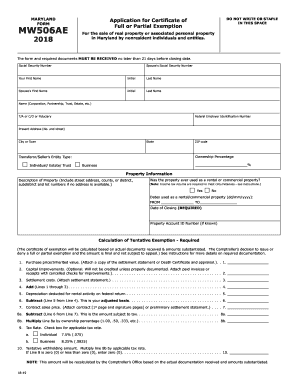
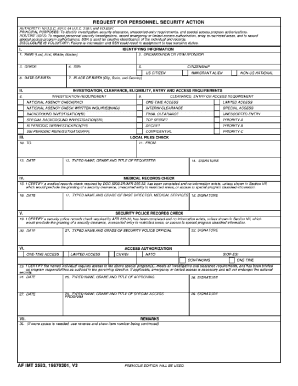
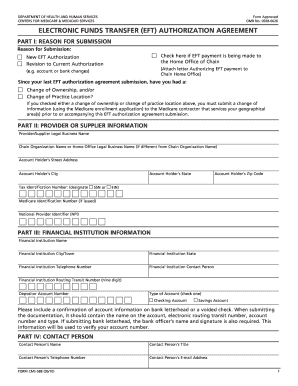
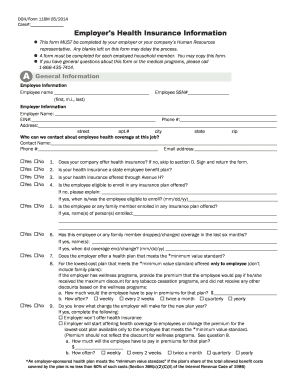

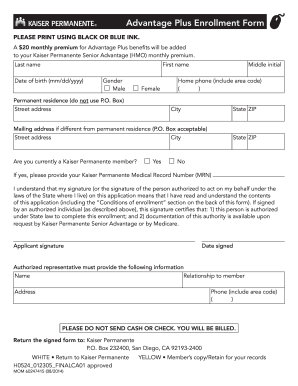

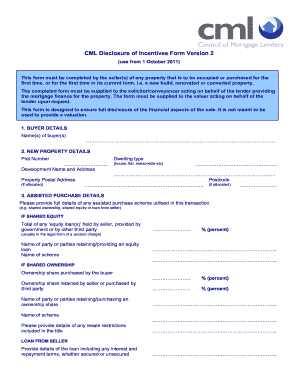
Q: Is the accident report form available on the Internet? A: Yes. The Motor Vehicle Accident Report Form is now available in fillable PDF format. Visit our
Create powerful online forms with pre-fill, AI, and multi-step workflow features. Try our easy-to-use online form builder with enterprise-level
This page lists the USCIS forms that are currently available to file online. Visit the File Online page to learn about the benefits of filing a form using


