




01. Edit your form online
Type text, add images, blackout confidential details, add comments, highlights and more.

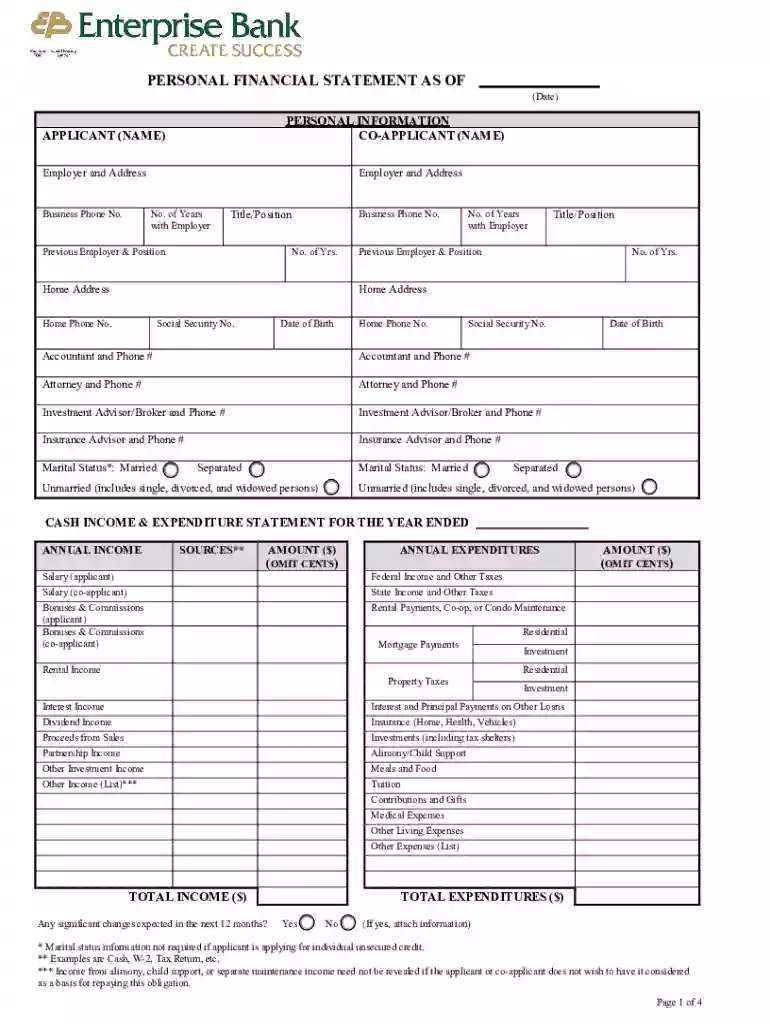
Type text, add images, blackout confidential details, add comments, highlights and more.

Draw your signature, type it, upload its image, or use your mobile device as a signature pad.

Send it via email, link, or fax. You can also download it, export it or print it out.
Online forms are digital versions of documents that are designed to collect information quickly and efficiently from users over the internet. They replace traditional paper-based forms and facilitate seamless data collection. These forms can be simple, like contact forms on a website, or complex, such as applications for financial services requiring detailed information. Online forms support various input fields, including text boxes, dropdown menus, checkboxes, and signature fields, making them highly versatile tools for data gathering across numerous fields. They allow users to submit data through web browsers, enhancing accessibility and convenience.
Using online forms is generally straightforward. Users begin by accessing the form through a provided link or embedded section on a website. Once accessed, they complete the form by filling out the necessary fields. This typically involves typing into text fields, selecting options from dropdown menus, checking applicable boxes, and adding signatures if required. Internet connectivity is essential for submitting the form, enabling real-time data transmission and processing. Users should ensure to review their entries for accuracy before submission, as incorrect information can lead to delays or inaccuracies in processing.
Forms can be obtained online through various channels. They are frequently available on the websites of the organizations that require them. Users can usually find them under sections like "Forms," "Applications," or "Resources." For specific professional, governmental, or educational needs, a search on the organization’s website or contacting their customer support can provide direct links to the necessary forms. Additionally, third-party platforms may host applications and forms for more generalized needs.
The primary benefits of using forms online include increased efficiency, reduced paper waste, and enhanced data accuracy. Online forms streamline workflows by allowing for quicker data entry and processing. They minimize the risk of errors commonly associated with paper documents, such as illegible handwriting or misplaced sheets. Online submissions also facilitate immediate data transfer to centralized databases, supporting timely responses and updates. Additionally, they allow easy alteration and resubmission if errors are detected before final submission.
Online forms can incorporate several key elements to capture data effectively:
A wide range of industries and individuals utilize online forms for various purposes:
Before filling out an online form, it may be necessary to gather certain documents to ensure all required information is readily available:
Online forms can generally be submitted in several ways:
These features enhance the user experience by reducing complexity and ensuring that data is transferred securely and accurately.
We've got more versions of the Personal Financial Statement Form form. Select the right Personal Financial Statement Form version from the list and start editing it straight away!
At DocHub, your data security is our priority. We follow HIPAA, SOC2, GDPR, and other standards, so you can work on your documents with confidence.
We instill investor confidence. Learn more about our firm and the benefits of partnering with us to meet your financial goals.Read more
Feb 13, 2025 This form is used to assess repayment ability and creditworthiness of applicants for: 7(a) loans; 504 loans; Disaster loansRead more
Instructions to the Texas Ethics Commission Form PFS, or Personal Financial Statement. PDF Version Also Available for Download.


