




01. Edit your form online
Type text, add images, blackout confidential details, add comments, highlights and more.

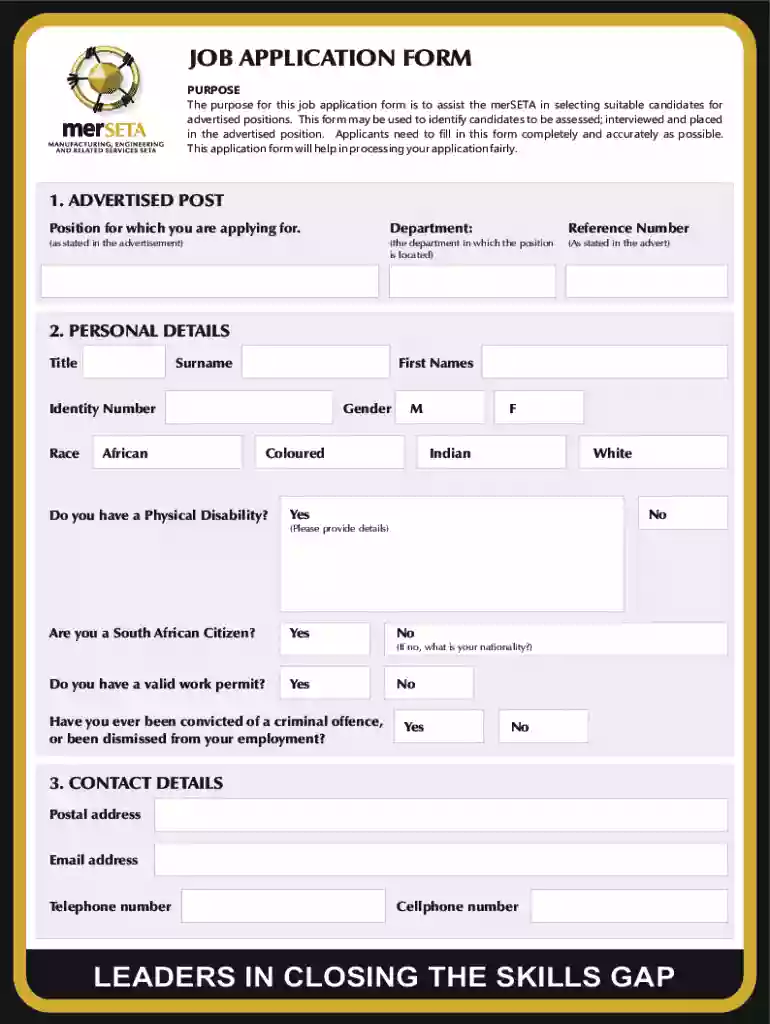
Type text, add images, blackout confidential details, add comments, highlights and more.

Draw your signature, type it, upload its image, or use your mobile device as a signature pad.

Send it via email, link, or fax. You can also download it, export it or print it out.
Forms online refer to digital versions of documents that individuals and businesses can fill out and submit via the internet, eliminating the need for physical paperwork. These forms can be used for various purposes, such as collecting information, processing applications, or obtaining signatures. The primary advantage of online forms is the convenience they offer, allowing users to access, complete, and submit forms anytime and from anywhere, as long as they have internet access. This approach not only simplifies the workflow but also enhances efficiency in data processing.
To use a form online, begin by accessing the platform where the form is hosted, such as DocHub, using a web browser on your PC or mobile device. Once logged in, locate and open the desired form. The intuitive interface typically includes tools for completing each section of the form, such as text boxes, checkboxes, and dropdown menus. Follow these steps to fill in the required fields:
After completing the form, you can choose to save, share, or submit it online according to the specific instructions associated with the form.
Completing an online form typically involves several straightforward steps, which may vary slightly depending on the platform:
Access the Form: Use your browser to navigate to the online form's location.
Fill in Details: Enter the required information into each designated field. Pay attention to mandatory fields marked with an asterisk or similar indicator.
Validate Entries: Double-check all inputs to ensure they are correct. This is particularly important for fields like names, dates, and other critical data.
Add Attachments: If the form requires supplementary documents, use the provided option to upload files from your computer or linked cloud storage services.
Sign the Form: Use digital signature options to sign the document electronically if a signature is required.
Submit the Form: After completing the form, follow the provided instructions to submit it for processing.
Embracing the use of online forms offers numerous advantages:
Every online form is composed of several key elements that facilitate the user's completion:
Understanding common terms associated with online forms ensures smooth completion:
There are multiple methods for submitting forms:
Online forms find applications in a wide range of scenarios, including:
We've got more versions of the Job Application Form form. Select the right Job Application Form version from the list and start editing it straight away!
At DocHub, your data security is our priority. We follow HIPAA, SOC2, GDPR, and other standards, so you can work on your documents with confidence.
GENERAL APPLICATION FOR EMPLOYMENT (Print neatly and complete all blanks.) Are you legally able to work in the US? Total Hours available per week:
Describe your current qualifications for the position including education, skill, abilities, and work experience (please attach resume):.Read more


