




01. Edit your form online
Type text, add images, blackout confidential details, add comments, highlights and more.

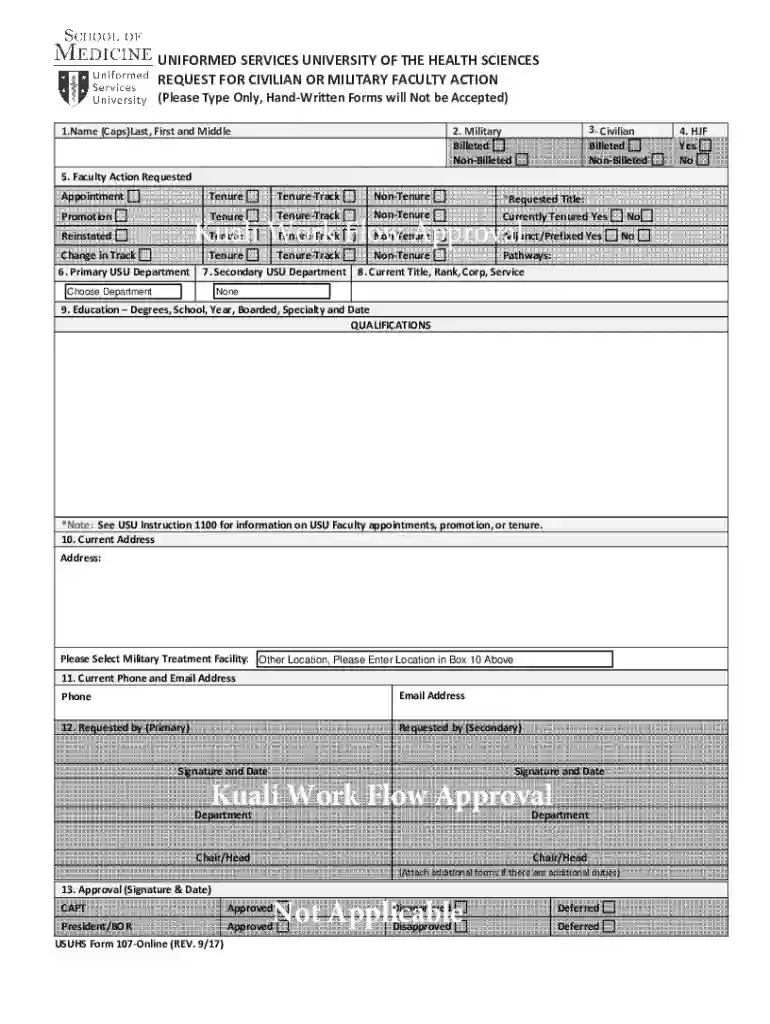
Type text, add images, blackout confidential details, add comments, highlights and more.

Draw your signature, type it, upload its image, or use your mobile device as a signature pad.

Send it via email, link, or fax. You can also download it, export it or print it out.
Document forms have undergone a significant transformation with online technology. The term "form online" refers to the digital equivalent of traditional paper forms, created and managed through software like DocHub. These online forms allow users to enter and submit data electronically for various purposes such as applications, registrations, and reports. The convenience and accessibility of digital forms eliminate the need for physical paper, making for a more efficient workflow. With tools like fillable fields and electronic signatures, such forms can accommodate a wide range of data collection needs across different industries.
To use a form online effectively, begin by accessing it through a digital platform such as DocHub. Once accessed, assess the structure of the form to understand its fields and requirements. With tools provided by the form platform, users can fill in text boxes, select from dropdown options, and check relevant boxes. Online forms often include guidance or instructions, enhancing user experience by offering clarity on what information is necessary. If there are sections necessitating signatures, platforms with electronic signature capabilities ensure this step is quick and legally compliant. Always verify the information before submitting to prevent errors.
When using forms online, it’s crucial to adhere to legal standards such as the ESIGN Act in the U.S., which grants electronic signatures the same legal standing as traditional ones. Platforms like DocHub ensure compliance through features that validate digital signatures, secure document storage, and verifiable audit trails. It is essential for users to familiarize themselves with any legal requirements tied to their specific industry or use case, ensuring that the forms are filled out and managed in accordance with relevant guidelines and regulations.
Online forms serve various purposes across different sectors:
Completing specific forms online may necessitate supporting documents. For instance, when filling out application forms, users might need to provide identification, proof of address, or previous records. Always check the requirements outlined by the form to gather and upload necessary documentation through integrated features in platforms like DocHub. This step ensures completeness and accuracy, preventing delays or rejections of the submitted form.
While the primary benefit of using forms online is the ability to submit them digitally, alternatives are available based on user preference or requirement:
Forms managed online can be compatible with a variety of software and digital tools:
We've got more versions of the USU Faculty Action Request Form form. Select the right USU Faculty Action Request Form version from the list and start editing it straight away!
At DocHub, your data security is our priority. We follow HIPAA, SOC2, GDPR, and other standards, so you can work on your documents with confidence.
by F Goal The U.S. Environmental Protection Agency through its Office of Research and. Development conducted the research described here as an in-house effort in.Read more
by I Villanueva 2018 Cited by 38 This exploratory study will assess the primary forms of curriculum perspectives that engineering faculty and students convey around theRead more
Action Use this form for requests approved by your major advisor such as Audits, Pass/Fail, +18 Credits, Section Swap, Unable to Waitlist, and Variable Credit


