




01. Edit your form online
Type text, add images, blackout confidential details, add comments, highlights and more.

Type text, add images, blackout confidential details, add comments, highlights and more.

Draw your signature, type it, upload its image, or use your mobile device as a signature pad.

Send it via email, link, or fax. You can also download it, export it or print it out.
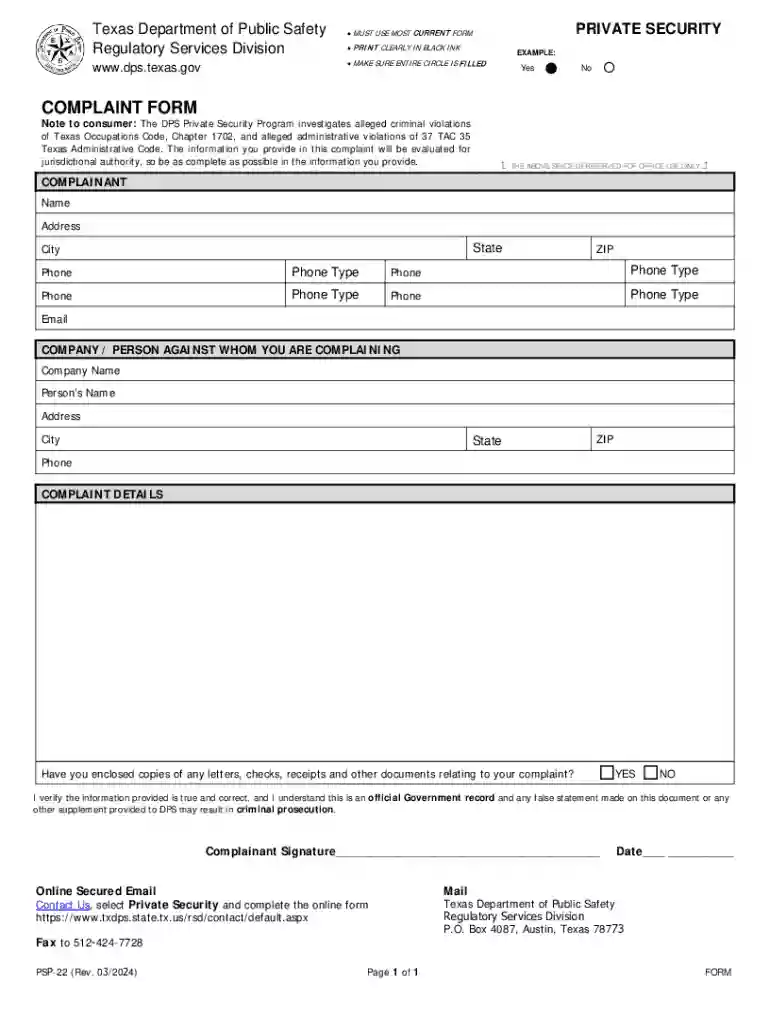
The Texas Department of Public Safety PDF Form is a standardized document used by the Texas Department of Public Safety's Regulatory Services Division. It serves as a medium for reporting issues related to private security services within the state. The form allows consumers to officially register complaints concerning security entities or personnel, ensuring that their concerns are formally addressed by the appropriate authorities.
Complainant Information: The form requires detailed information regarding the complainant, including their full name, contact information, and any relevant affiliations. This section ensures that the regulatory body can communicate effectively with the individual reporting the issue.
Issue Specification: Users must clearly detail the nature of the complaint, including the date of the incident, involved parties, and specific occurrences that led to the dissatisfaction with the security service.
Verification and Signature: It includes a section where the complainant affirms the accuracy and truthfulness of the information provided. This signature authenticates the complaint, allowing it to be processed officially.
Access the Form: Download the official form from the Texas Department of Public Safety's website or collect a physical copy from their office.
Fill in Personal Details: Ensure to complete the personal information section accurately. Double-check all entries to avoid miscommunication and delays.
Describe the Complaint: In the specified fields, provide a concise yet comprehensive account of the incident. Include any evidence or documents that support your claim.
Submit the Form: Once filled, submit the form via mail, electronically through the department's portal, or in person at the department's office.
Online Download: The easiest and most direct method is downloading from the official Texas Department of Public Safety's website.
In-person Collection: Visit a nearby Texas Department of Public Safety office to obtain a hard copy.
Begin with Personal Information: Start by carefully completing the section for your personal details, ensuring every detail is correct.
Detail the Incident and Complaint: Use the allocated space to describe the complaint comprehensively. Be clear and factual in your descriptions.
Attach Supporting Documents: Include any relevant evidence, such as correspondence, contracts, or eyewitness statements.
Review and Sign: Double-check every section of the form for completeness and accuracy and sign the form to authorize the complaint.
Submit the Form Appropriately: Follow the submission instructions carefully, choosing the online, mail, or in-person option.
Consider a scenario where security personnel failed to provide adequate service. Filing a complaint using this form resulted in an investigation, ultimately leading to improved service protocols and accountability within the security company involved.


Individuals: Consumers who have encountered issues or dissatisfaction with private security services can use this form for official complaints.
Businesses: Companies utilizing security services have the formal channel to report violations or unprofessional conduct.
Subpar Security Services: Users can report inadequate protection or failure to meet service agreements.
Misconduct Allegations: Allegations of unethical behavior or misconduct by security personnel can be filed using this form.
Complainant: The individual or entity filing the complaint, responsible for providing accurate details.
Regulatory Services Division: The department within the Texas Department of Public Safety handling complaints related to private security.
Clear comprehension of these terms ensures accurate form completion and helps prevent misunderstandings during interactions with the department.
This comprehensive guide provides all necessary information regarding the Texas Department of Public Safety PDF Form, ensuring users can properly obtain, complete, and submit the form for their concerns. This ensures that they can engage with the department effectively and receive appropriate responses to their issues.
We've got more versions of the Texas Department Of Public Safety PDF Form form. Select the right Texas Department Of Public Safety PDF Form version from the list and start editing it straight away!
At DocHub, your data security is our priority. We follow HIPAA, SOC2, GDPR, and other standards, so you can work on your documents with confidence.
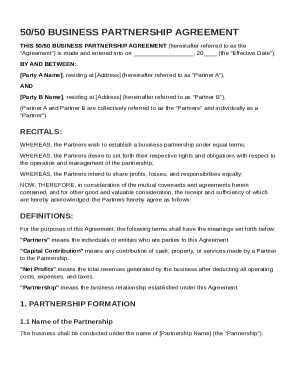
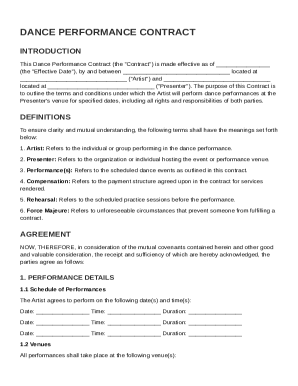
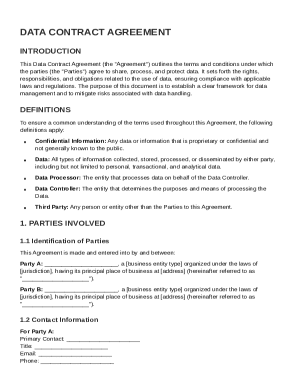

Search TxDPS Forms. Texas Department of Public Safety. PDF files require DocHub Reader or compatible.
TEXAS DPS APPLICATION FOR COPY OF DRIVER RECORD MAIL TO: Texas Department of Public Safety, Contact Center at 512-424-2600. Record of ALL Crashes/Violations.


