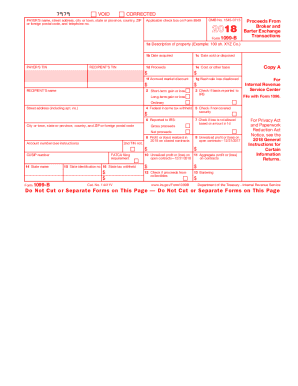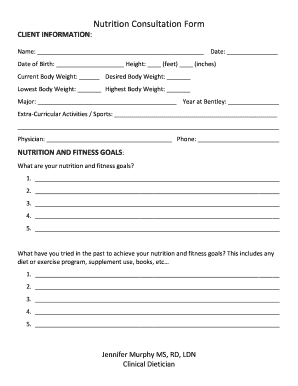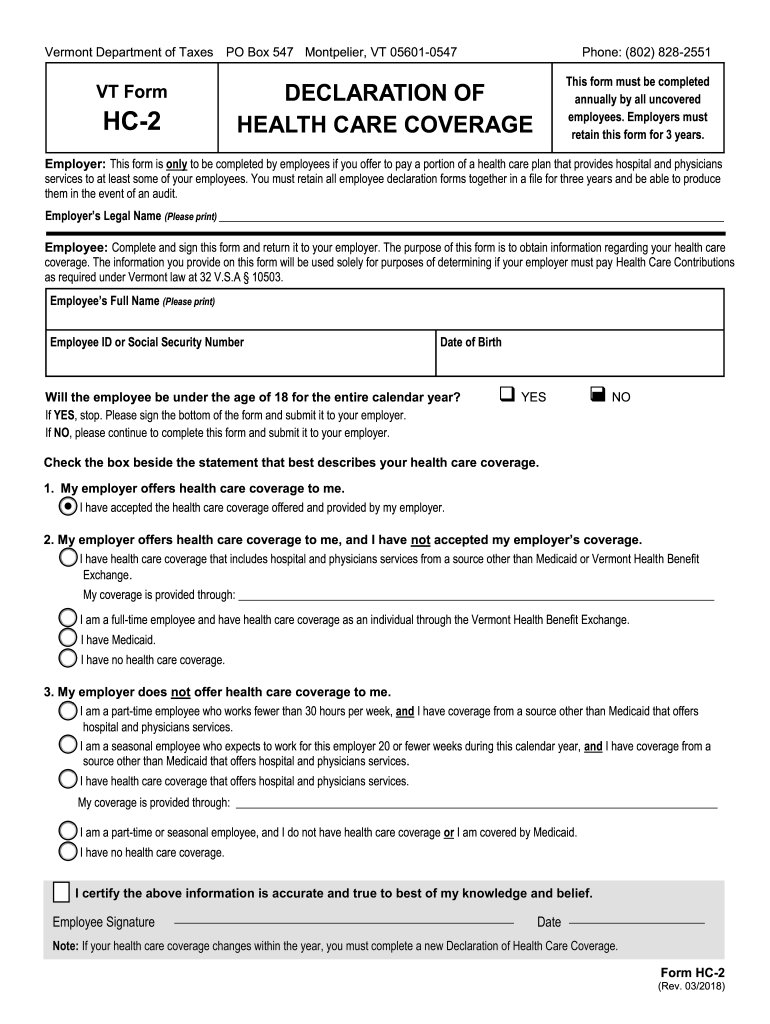







Definition and Meaning of Forms Online
Forms online refer to digital versions of documents that are accessed, filled, and submitted through the internet. This format allows users to complete necessary paperwork without physical interaction, making it convenient for both personal and business tasks. Online forms can range from simple contact or feedback forms to complex legal or government documents like tax filings or applications for permits. They typically consist of fields where users input information, drop-down menus, checkboxes, and areas for digital signatures. These forms are designed to streamline data collection and processing by reducing human error and improving efficiency.
How to Obtain Forms Online
Acquiring forms online is generally straightforward and can be done through various platforms, including government websites, business portals, or specialized form services. To find specific forms, users can:
- Use search engines with specific keywords related to the form needed.
- Visit official government websites for tax, business registration, or public records.
- Access online platforms like DocHub that aggregate various forms and allow for direct downloading or online completion.
- Check websites of relevant organizations or companies if the form is specific to their services.
For example, tax-related forms can often be found on the IRS website, while business registration forms might be available through a state's official business portal.
Steps to Complete Forms Online
Completing forms online often follows a standardized procedure, offering a guided experience from start to finish. Here’s a typical step-by-step process:
- Access the form via a web browser, either by downloading or through an online viewer.
- Review the instructions and information required for the form.
- Fill in the necessary fields using text boxes, checkboxes, or dropdown menus provided.
- Attach any required documents, if applicable, such as identification or verification letters.
- Review the entire form for completeness and accuracy.
- Sign the form digitally if a signature is required.
- Submit the form either through an upload portal, email, or a dedicated submission button provided by the platform.
Each platform might offer unique tools for certain fields, such as auto-fill options for repetitive entries or the ability to save progress and continue later.
Why Use Forms Online
Forms online offer numerous benefits over traditional paper forms. Some of these advantages include:
- Accessibility: Forms can be accessed from anywhere, as long as there is an internet connection, facilitating ease for remote or traveling individuals.
- Efficiency: Detailed instructions and validation checks help minimize errors and ensure compliance with required standards.
- Cost-saving: Reduces the need for printing and mailing physical documents, lowering operational costs.
- Environmental impact: Using digital forms reduces paper consumption and the carbon footprint associated with traditional document handling.
Who Typically Uses Forms Online
A vast array of individuals and entities use online forms, including:
- Businesses: For employee onboarding, contracts, feedback, and compliance documentation.
- Government Entities: For tax filings, permits, and public records.
- Educational Institutions: For admissions, course registrations, and research surveys.
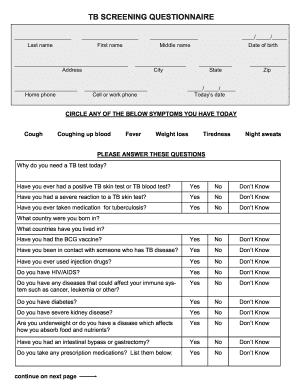
- Healthcare Providers: For patient intake forms, consent forms, and medical records.
Online forms cater to varying needs across multiple sectors, providing a versatile solution for standardizing data collection.
Key Elements of Forms Online
Important components of online forms include:
- Form Fields: Text boxes for inputting names, addresses, and other data.
- Interactive Elements: Checkboxes, radio buttons, sliders, and dropdown menus for easier data selection.
- Instructional Text: Guides and explanations to assist in filling out the form accurately.
- Privacy and Security Measures: Password protections and encryption ensure that sensitive data remains secure.
- Submission Features: Buttons or links for easy online submission, often featuring instant confirmation messages.
Legal Use of Forms Online
Forms online adhere to legal standards to ensure validity and compliance. For instance:
- Legally Binding Signatures: Digital signatures are recognized under laws like the ESIGN Act, ensuring they hold the same legal weight as handwritten signatures.
- Privacy Regulations: Adhering to data protection laws such as the GDPR or CCPA, ensuring user information is managed ethically and securely.
- Compliance Checkpoints: Integrated review processes within the forms confirm adherence to specific legal requirements before submission.
Companies designing these forms often include disclaimers and consent agreements to comply with legal protocols.
Examples of Using Forms Online
Practical applications of online forms include various scenarios, such as:
- Tax Filing: The ability to complete and submit tax forms electronically reduces the hassle associated with traditional filing.
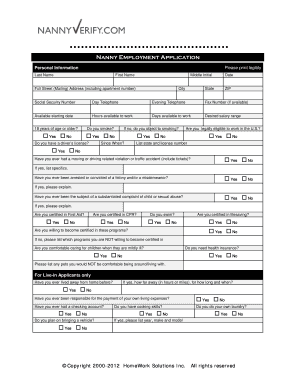
- Job Applications: Potential employees can fill out applications and submit resumes through online forms, expediting the hiring process.
- Service Agreements: Clients and service providers can use online forms to agree on terms and sign contracts, providing a quick, efficient way to conduct business.
Each of these examples demonstrates the versatility and convenience of online forms in managing various administrative functions.
State-Specific Rules for Forms Online
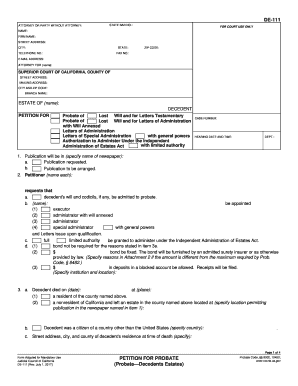
Certain forms may have state-specific requirements, particularly when dealing with legal or regulatory documents. It's essential to:
- Review State Guidelines: Some forms might have unique fields or instructions based on jurisdictional laws.
- State Portals: Utilizing local government websites or tax authority portals ensures the correct version of a form is used.
- Consult Local Experts: For complex forms, it might be advisable to consult with a legal or tax professional familiar with the state's specific requirements.
Understanding these nuances ensures compliance and the successful submission of necessary documentation.