




Here's how it works

01. Edit your ct dmv medical form online
Type text, add images, blackout confidential details, add comments, highlights and more.

02. Sign it in a few clicks
Draw your signature, type it, upload its image, or use your mobile device as a signature pad.

03. Share your form with others
Send it via email, link, or fax. You can also download it, export it or print it out.
How to use or fill out ct dmv medical form with DocHub

- Click ‘Get Form’ to open the ct dmv medical form in our platform's editor.
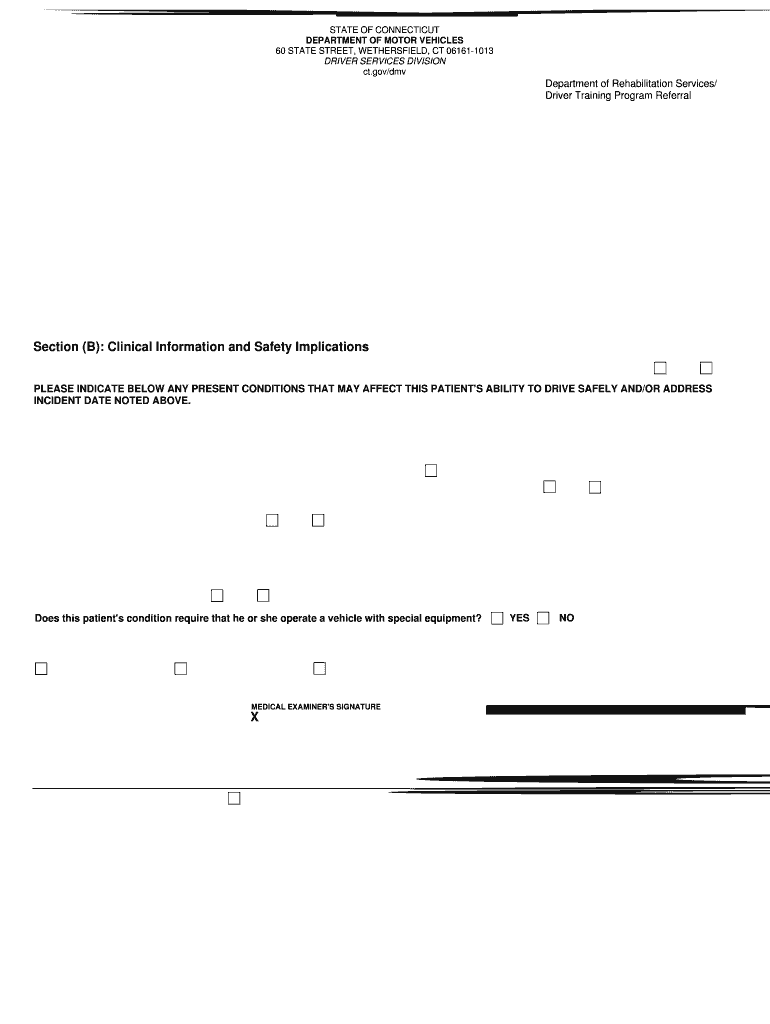
- In Section (A), enter your personal information including your name, mailing address, date of birth, and phone number. Ensure all details are accurate for a smooth processing.
- Sign and date the authorization statement at the bottom of Section (A) to allow your medical examiner to conduct an examination and submit necessary reports.
- In Section (B), your medical examiner will fill out clinical information. They should indicate any conditions affecting your ability to drive safely and whether periodic reports are needed.
- If applicable, Section (C) requires detailed information about specific health conditions. Your examiner will note any medications that may impact driving safety.
Start using our platform today for free to complete your ct dmv medical form effortlessly!
Fill out ct dmv medical form online
It's free
It's free
See more ct dmv medical form versions
We've got more versions of the ct dmv medical form form. Select the right ct dmv medical form version from the list and start editing it straight away!
Got questions?
We have answers to the most popular questions from our customers. If you can't find an answer to your question, please contact us.
Contact us
What is the form R 229 in CT?
This document is an application for a non-commercial Class D drivers license from the Connecticut Department of Motor Vehicles. It requests information from the applicant such as name, address, identification documents, driving history, and medical certification.
Does CT DMV have forms?
All Connecticut Department of Motor Vehicle forms may be obtained through the Connecticut Department of Motor Vehicle website. Several forms available on the DMV website can also be found in the lobby of the Police Department. Please contact the Police Department to see if they have the form you need at (860) 633-8301.
What documents are needed for CT DMV?
What documents do I need to bring to the DMV? Two forms of identification, as detailed below. Proof of Social Security Number. Proof of Connecticut residency. Proof of legal presence in the U.S. Name change documentation (if applicable)
What is the Q-1 form for CT DMV?
Required forms If the vehicle is registered in Connecticut but doesnt require a Certificate of Title, the seller needs to request and complete a supplemental assignment of ownership (Form Q-1) assigning ownership to the purchaser.
Security and compliance
At DocHub, your data security is our priority. We follow HIPAA, SOC2, GDPR, and other standards, so you can work on your documents with confidence.
Learn more


