
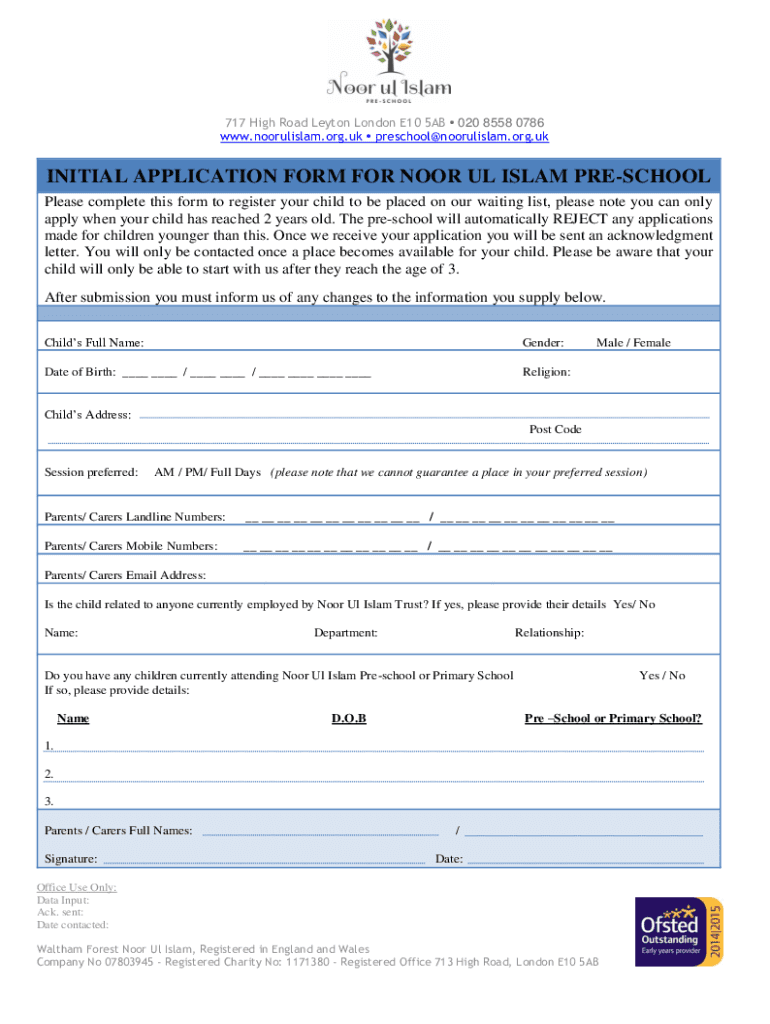







Definition & Meaning
The term "form online" refers to any digital version of traditional forms, allowing users to fill out, submit, and manage documents electronically. Online forms have revolutionized both personal and professional settings, offering a paperless alternative that enhances convenience and productivity. These digital forms are accessible through web browsers and can be integrated with various software, streamlining processes such as applications, registrations, and agreements. Rather than dealing with paper copies, individuals and businesses can manage forms efficiently in a secure online environment.
How to Use the Form Online
Using an online form typically involves a few straightforward steps. First, identify the platform or website hosting the form and ensure it is the correct version needed for your task. Navigating to the form involves either a direct URL or access through a portal, such as DocHub. Once accessed, the form often includes fillable fields for easy data entry. Upon completion, review the inputs for accuracy. If the form requires additional documentation, such as identification or signatures, these can often be uploaded directly into the form system. After finalizing, submit the form electronically. Many platforms confirm submission through email notifications or direct confirmation messages.
Steps to Complete the Form Online
- Access the Form: Visit the hosting website or platform, such as DocHub, to find the specific form needed.
- Fill Out Required Fields: Enter all necessary information in the form fields, which may include personal details, contact information, or other relevant data.
- Review for Accuracy: Double-check all entries for completeness and correctness to avoid errors that could impede the process.
- Attach Supporting Documents: If the form requires additional documents, such as identification or proof of residence, upload them as directed.
- Sign the Form: Apply an electronic signature if needed, ensuring compliance with legal requirements.
- Submit the Form: Use the provided submission button or link to send the form electronically to the recipient.
- Confirmation and Follow-up: Look for a submission confirmation message and note any follow-up actions or additional steps required.
Why Should You Form Online
Choosing to manage forms online offers numerous advantages. It simplifies the process by providing immediate access from any location with an internet connection, removing the need for physical storage and postal services. Online forms often include instructional guides or prompts, making them user-friendly, even for those with limited technical skills. The secure encryption protocols protect user data, ensuring privacy and compliance with legal standards. Overall, using forms online increases efficiency, saves time, and reduces the environmental impact associated with paper documents.
Who Typically Uses the Form Online
A wide range of individuals and businesses utilize online forms across various industries. In educational settings, students and parents might use forms for enrollment or financial aid purposes. Human resources departments rely on online forms for job applications, onboarding, and performance evaluations. Legal professionals and accountants handle documents such as contracts and tax forms digitally. Non-profit organizations employ them for volunteer sign-ups and donor registrations. Essentially, anyone needing to distribute or collect information efficiently can benefit from using forms online.


Key Elements of the Form Online
An effective online form typically includes several key components to ensure usability and completeness:
- User Instructions: Clear guidelines on how to fill out and submit the form.
- Fillable Fields: Interactive elements that allow users to input data, such as text boxes, checkboxes, and dropdown menus.
- Validation Features: Automated checks to ensure fields are completed and data is formatted correctly.
- Submission Mechanism: A button or link to finalize and send the form data.
- Security Protocols: Encryption and authentication measures to safeguard information.
- Confirmation Details: Notifications or messages to confirm successful submission and outline next steps.
Legal Use of the Form Online
Online forms must adhere to legal requirements to ensure they are legitimate and binding. This includes compliance with electronic signature laws, such as the ESIGN Act in the United States, which affirms that electronic signatures hold the same validity as traditional signatures. For forms involving sensitive information, platforms often use secure encryption and authentication processes to protect data transmission and storage. Privacy policies and consent clauses are also crucial, detailing how data will be used and stored, thereby protecting user rights and complying with regulations like the GDPR.
Examples of Using the Form Online
Online forms are used in various scenarios, reflecting their versatility and utility:
- Job Applications: Candidates complete and submit applications, often with attached resumes and cover letters.
- Government Services: Citizens apply for permits, licenses, or benefits through government portals.
- Loan Applications: Financial institutions offer online forms for loan or mortgage requests, expediting credit assessments and approvals.
- Event Registrations: Attendees register for conferences, seminars, or workshops using interactive online forms for ease of coordination.
- Customer Feedback: Businesses use satisfaction surveys to gather customer insights and improve services.
Required Documents
Before completing an online form, gather any necessary documents to ensure a smooth process. These may include:
- Identification: Such as a driver's license or passport.
- Proof of Residence: Utility bills or lease agreements for address verification.
- Financial Records: Bank statements or tax documents if financial information is required.
- Employment Verification: Pay stubs or employment letters for job-related forms.
- Supporting Attachments: Additional documents specific to the form's purpose, like transcripts for educational applications.




