
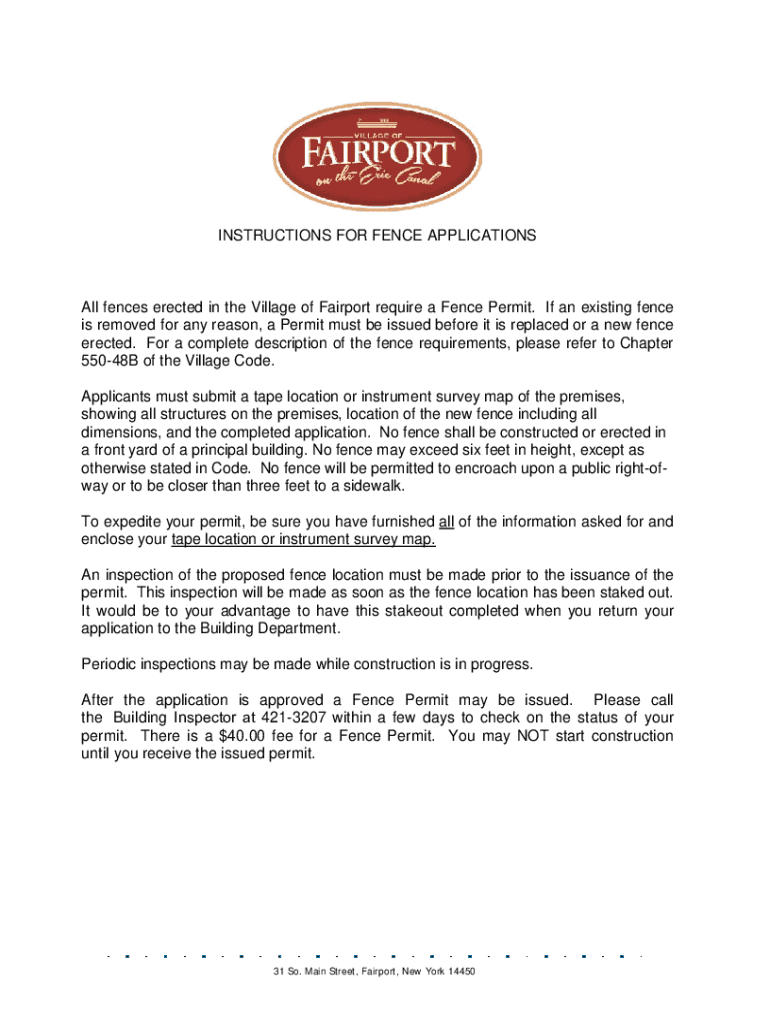







Definition and Meaning
The term "form online" refers to the digital version of a traditional paper-based form. Online forms are utilized across various sectors, including business, education, and government, to streamline processes such as data collection, feedback gathering, and formal applications. Unlike their paper counterparts, these forms can be accessed, completed, and submitted electronically, often via web browsers. This digital approach enhances efficiency by reducing processing time and minimizing the need for physical storage and handling.
Key Characteristics
- Accessibility: Users can access forms from any device with an internet connection.
- Immediate Submission: Once filled, forms can be submitted instantly, ensuring quick processing.
- Integration: Many online forms can integrate with databases and other systems for seamless data management.
How to Use the Form Online
Using a form online involves several steps to ensure accurate completion and submission. It typically requires access to the internet and a compatible device such as a computer, tablet, or smartphone. Understanding the interface and requirements of the specific form is crucial.
Step-by-Step Instructions
- Access the Form: Open the form via a link or a webpage.
- Read Instructions: Carefully review any provided directions or guidelines.
- Fill Required Fields: Enter all necessary information into specified fields, ensuring accuracy.
- Double-Check Entries: Review your entries for any errors or omissions.
- Submit the Form: Click the 'Submit' button to send your form electronically.
Common Issues
- Connectivity Problems: Ensure a stable internet connection to avoid interruptions.
- Compatibility: Some websites may not support certain browsers or devices.
Steps to Complete the Form Online
Completing an online form involves more than just filling in blanks. It requires understanding the form's purpose and the information needed. The process typically features several basic steps, each essential for proper submission.
Detailed Steps
- Access the Form: Locate the form through an official website or receive it via email.
- Enter Personal Information: Fill in essential details, such as name, contact info, or relevant ID numbers.
- Provide Specifics: Depending on the form's purpose, include additional information, like addresses or financial data.
- Attach Required Documents: If needed, upload supporting documents in acceptable formats.
- Review for Completeness: Double-check all fields to ensure no crucial information is missing.
- Correct Errors: Use provided tools to amend any mistakes or incorrect entries.
- Submit Form: Finalize by submitting the form according to the provided guidelines.
Why Should You Form Online
Filing forms online offers numerous advantages over traditional methods, enhancing efficiency and reducing errors. It simplifies processes, whether for tax filing, business applications, or government registrations. Digital forms reduce paper usage and provide a secure method for transferring sensitive information.
Benefits
- Time-Saving: Instant submission and processing eliminate postal delays.
- Reduced Errors: Built-in checks help minimize mistakes.
- Environmental Impact: Decreases paper consumption and waste.
- Convenience: Available 24/7 from any location with internet access.
Practical Applications
- Business Operations: Streamline tasks such as applications, tax forms, and compliance reports.
- Government Services: Ease citizen interactions with services like permits and licenses.
Key Elements of the Form Online
Understanding the critical components of an online form is vital to its successful completion. Each form element plays a specific role in data collection and processing.
Common Elements
- Text Fields: For inputting personal or business information.
- Checkboxes: Used for selecting multiple options or confirming statements.
- Radio Buttons: Allow selection of a single option from a group.
- Dropdown Menus: Provide a list of options to choose from, often saving space on the form.
Functionality Features
- Auto-Fill: Automatically populates fields using stored data or suggestions.
- Validation Tools: Ensure the correct format of entries, like email addresses or phone numbers.
Legal Use of the Form Online
Legal considerations are paramount when using online forms, as they often involve sensitive data or trigger legal obligations. Knowing the legal implications helps in managing risks and ensuring compliance.
Compliance and Security
- Data Protection: Forms must comply with regulations like GDPR or CCPA, ensuring user data is secure and rights respected.
- Authenticity: Electronic signatures on forms are upheld by laws like the ESIGN Act, making them legally binding.
Best Practices
- Use verified platforms known for secure transactions.
- Implement encryption to protect sensitive data during transmission.
Examples of Using the Form Online
Online forms are utilized in numerous scenarios, offering a versatile tool for various applications. Real-world examples highlight the diverse uses across different sectors and needs.
Use Cases
- Educational: Enrollment forms for schools and courses.
- Healthcare: Patient intake forms or consent forms.
- Financial: Loan applications or tax filing (e.g., IRS forms).
Case Studies
- A small business uses an online vendor registration form to streamline partnerships.
- An educational institution implements online consent forms for easier parental approval in school activities.
Required Documents for Form Online Submission
Depending on the form's nature, certain documents may be required to accompany online submissions. Proper preparation and submission of these documents ensure that the form is fully compliant with requirements.
Commonly Required Documents
- Identification: Proof of ID such as a driver’s license or passport.
- Financials: W-2 forms or bank statements for fiscal applications.
- Legal Papers: Documents such as property deeds or contracts in legal matters.
Submission Guidelines
- Follow specific upload instructions for format and size.
- Ensure documents are clear and legible to avoid processing delays.
This comprehensive coverage of online forms should provide significant insights, helping users navigate, complete, and make informed decisions regarding their online form processes.


