




01. Edit your form online
Type text, add images, blackout confidential details, add comments, highlights and more.

Type text, add images, blackout confidential details, add comments, highlights and more.

Draw your signature, type it, upload its image, or use your mobile device as a signature pad.

Send it via email, link, or fax. You can also download it, export it or print it out.
Forms are essential tools for collecting structured information, and the process of filling out forms has evolved significantly with the advent of online platforms. The term "form online" refers to the ability to create, edit, submit, and manage forms digitally, using internet-based platforms. This modern approach offers convenience and flexibility, allowing users to access and complete forms from anywhere with an internet connection. The digitization of forms has streamlined processes across various industries, reducing the need for physical paperwork and manual data entry.
Access: Begin by navigating to a platform that supports online forms, such as DocHub, where you can either start with a blank form or upload an existing document that you want to convert into a fillable form.
Edit and Design: Utilize the platform's editing tools to add fillable fields such as text boxes, checkboxes, dropdown menus, and signature fields. These fields are interactive and guide the user to fill in the necessary information accurately.
Customization: Customize the form by setting field requirements, adding instructions or descriptions to guide users, and applying layout adjustments to enhance user experience.
Review and Test: Before distributing the form, review it thoroughly for accuracy and completeness. Conduct a test submission to ensure that all fields function as intended.
Distribute: Share the form with recipients via email or a link, allowing them to access and fill it out.
Manage Responses: Collect and organize the information submitted by recipients. Online platforms often offer tools to automate data collection and integration with other systems, facilitating seamless data management.
Open the Form: Click the link or attachment provided to access the form online.
Read Instructions: Carefully read any instructions or guidelines provided to ensure you understand the requirements.
Fill Out Fields: Enter your information into the appropriate fields. Pay attention to mandatory fields marked with an asterisk (*) to ensure completion.
Review Entries: Double-check your entries for accuracy. Make any necessary corrections before submission.
Sign Electronically: If the form requires a signature, use the platform's electronic signature feature to sign digitally.
Submit the Form: Once complete, click the submit button to send your completed form. Some platforms may offer a confirmation message or email to verify successful submission.
The shift to online forms offers numerous benefits that enhance efficiency and accuracy:
When creating an online form, consider incorporating the following key components:
Header Fields: Include basic information fields such as name, date, and contact details to identify the respondent.
Information Sections: Break the form into clear sections for specific data collection, improving readability and focus.
Interactive Fields: Use interactive elements like dropdown menus, radio buttons, and checkboxes for ease of data entry.
Conditional Logic: Implement logic that displays specific questions based on previous answers to tailor the form to the user.
Security Protocols: Ensure data security with encryption measures and access controls to protect sensitive information.
Digitally submitted forms must comply with legal standards to ensure they hold the same validity as their paper counterparts. In the U.S., the ESIGN Act governs electronic signatures, confirming they are legally binding if appropriately executed. Users must ensure that:
Compatibility with popular software can enhance the utility of online forms. Programs like TurboTax and QuickBooks often support importing data from digital forms, streamlining tax preparation and financial record-keeping. Ensure the form platform offers:
The usage and legality of forms may vary by state due to differing regulations and requirements. It's important to understand:
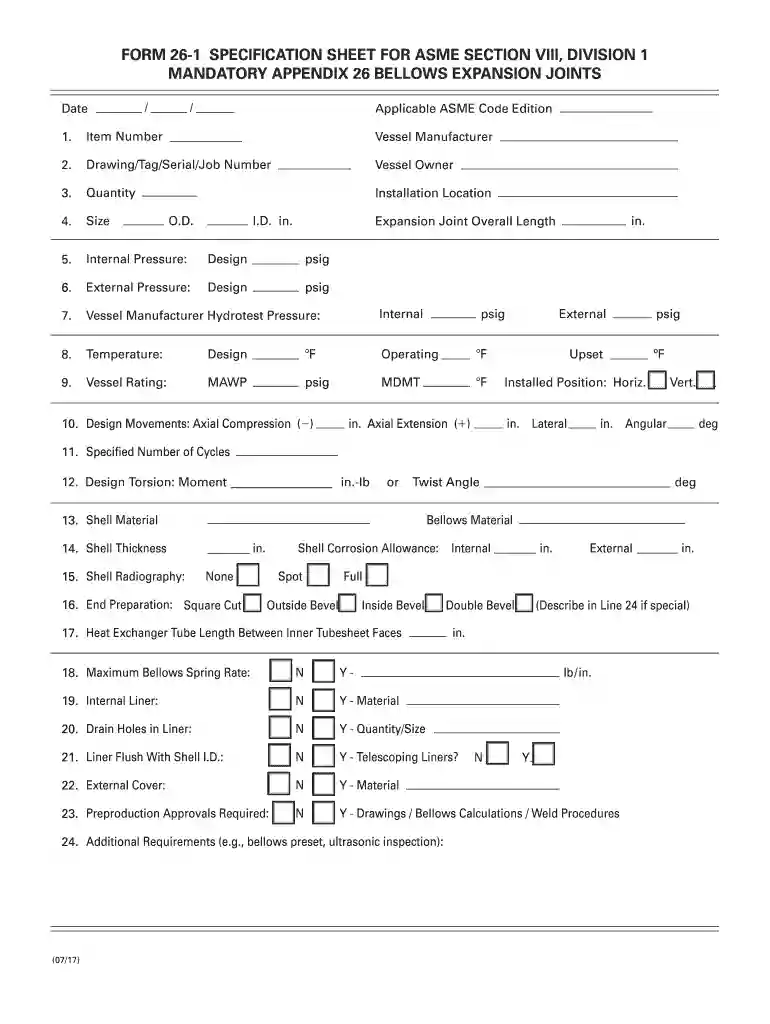
We've got more versions of the Form 26-1 Specification Sheet for ASME Section VIII form. Select the right Form 26-1 Specification Sheet for ASME Section VIII version from the list and start editing it straight away!
At DocHub, your data security is our priority. We follow HIPAA, SOC2, GDPR, and other standards, so you can work on your documents with confidence.


