
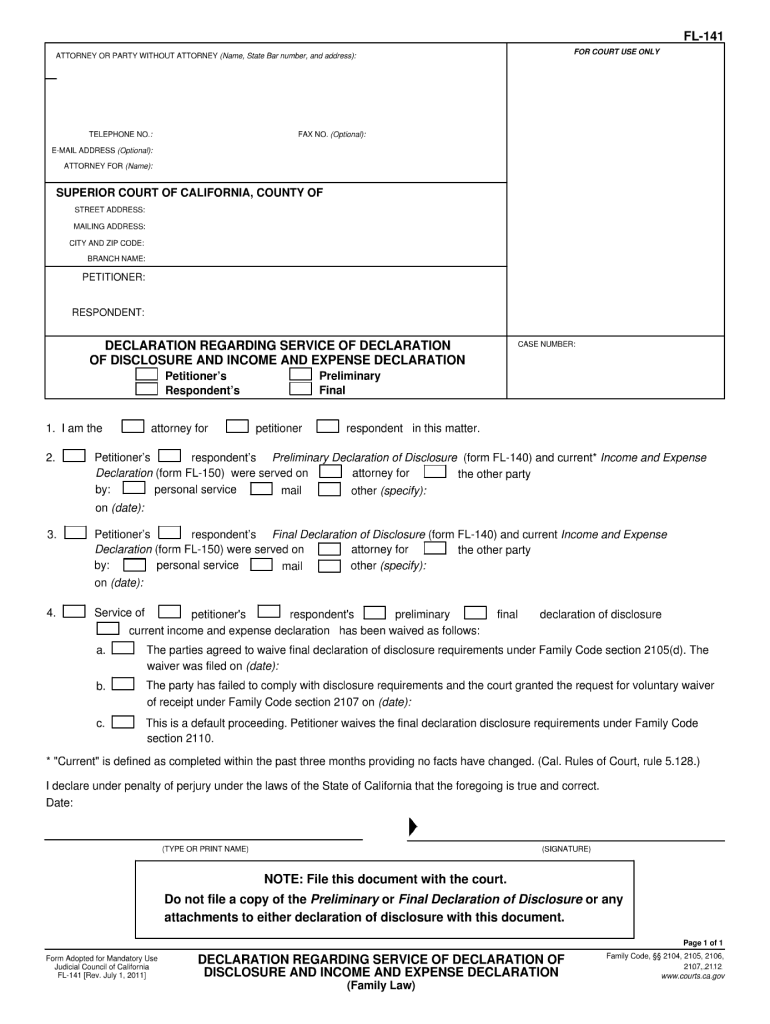




Here's how it works

01. Edit your dochub com fillable form online
Type text, add images, blackout confidential details, add comments, highlights and more.

02. Sign it in a few clicks
Draw your signature, type it, upload its image, or use your mobile device as a signature pad.

03. Share your form with others
Send fl 141 instructions via email, link, or fax. You can also download it, export it or print it out.
How to use or fill out fl 141 2011 form with our platform

- Click ‘Get Form’ to open the fl 141 2011 form in the editor.
- Begin by entering your personal information in the designated fields, including your name, address, and contact details. Ensure accuracy for effective communication.
- Proceed to the financial disclosure section. Here, you will need to provide detailed information about your income and expenses. Use our platform's text boxes to input figures clearly.
- Next, review the child custody and visitation sections if applicable. Fill out any relevant details regarding custody arrangements or visitation schedules.
- Finally, sign the document electronically using our platform’s signature feature. This ensures that your submission is valid and legally binding.
Start using our platform today for free to streamline your fl 141 2011 form completion!
Fill out fl 141 2011 form online
It's free
It's free
Security and compliance
At DocHub, your data security is our priority. We follow HIPAA, SOC2, GDPR, and other standards, so you can work on your documents with confidence.
Learn more


Related forms
ALL OF THE FOLLOWING SCHOLARSHIPS REQUIRE THE STUDENT TO
The document provides instructions for high school seniors applying for the $500 ASB Leadership scholarship at Allan Han ...
BR19
The document provides information about the State Pension forecast, detailing how individuals can obtain their forecast, ...
Best pdf editor for windows 10
The document is a tender notice issued by Hindustan Petroleum Corporation Limited (HPCL) for the transportation of packe ...
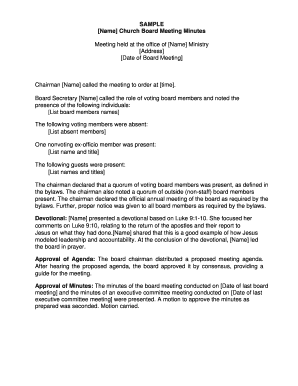
Church board meeting minutes pdf
The document contains the minutes of a Church Board Meeting, detailing the proceedings including attendance, devotional ...
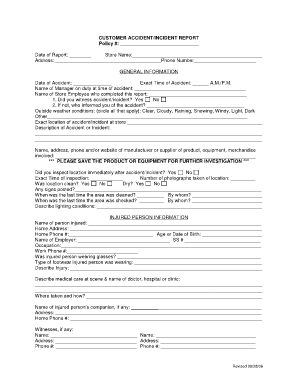
Customer incident report template
The document is a CUSTOMER ACCIDENT/INCIDENT REPORT form designed to collect detailed information about accidents or inc ...
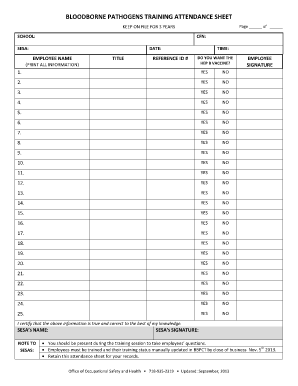
Training attendance sheet
The document is a Bloodborne Pathogens Training Attendance Sheet that records employee attendance and vaccination prefer ...

Certificado de admissibilidade pdf
The document is a request form for the Certificate of Admissibility of Company Name or Denomination in Portugal, detaili ...