




01. Edit your form online
Type text, add images, blackout confidential details, add comments, highlights and more.

Type text, add images, blackout confidential details, add comments, highlights and more.

Draw your signature, type it, upload its image, or use your mobile device as a signature pad.

Send it via email, link, or fax. You can also download it, export it or print it out.
An online form refers to a digital version of a document that users fill out electronically via an internet-connected device. Online forms are designed to streamline data collection by eliminating the need for physical paperwork, allowing for easy gathering, processing, and storage of responses. Common types include registration forms, feedback forms, and applications for services. By utilizing online forms, organizations enhance efficiency and accessibility, offering a more environmentally friendly and user-friendly approach to form management.
Online forms are widely adopted across various industries due to their convenience. They typically include fields for inputting information such as names, addresses, and other relevant data. Modern online forms can incorporate complex elements like dropdown menus, checkboxes, and electronic signature fields, making them versatile tools for both simple and complex transactional processes.
To use an online form effectively, users must first access it through a specific URL or integrated platform. Once accessed, the user will follow these steps:
Challenges users might face include technical issues like internet connectivity problems or form submission errors. It's beneficial to ensure all necessary documents are prepared in advance and to resolve any technical issues ahead of time for a smooth submission process.
Obtaining an online form typically involves visiting the relevant website or platform where the form is hosted. Here are the general steps to locate and access an online form:
For instance, government forms might be found on official state or federal websites, while business-related forms could be available through corporate portals. Always ensure you are accessing the most recent version to avoid using outdated templates.
Completing an online form involves several detailed steps to ensure accuracy and compliance. The following detailed instructions can serve as a guide:
It's important to follow any on-screen prompts or guidelines provided by the platform to ensure successful submission and to avoid technical glitches that might invalidate your entry.
Using an online form offers several advantages over traditional paper forms:
Organizations across sectors implement online forms to streamline operations, enhance client interactions, and support a paperless environment, which aligns with modern sustainable practices.
Online forms are essential tools used by a diverse range of entities, including:
The adaptability of online forms makes them suitable for both individuals and enterprises, offering customizable solutions that cater to specific needs and scenarios.


For online forms to be effective, they must incorporate several critical elements:
These elements are crucial for designing online forms that meet user expectations and organizational needs, balancing user experience with rigorous data requirements.
Online forms must comply with legal and regulatory standards to maintain validity. Key legal considerations include:
Organizations should ensure their online forms adhere to legal requirements to avoid penalties and ensure that collected data remains credible and usable for legal processes.
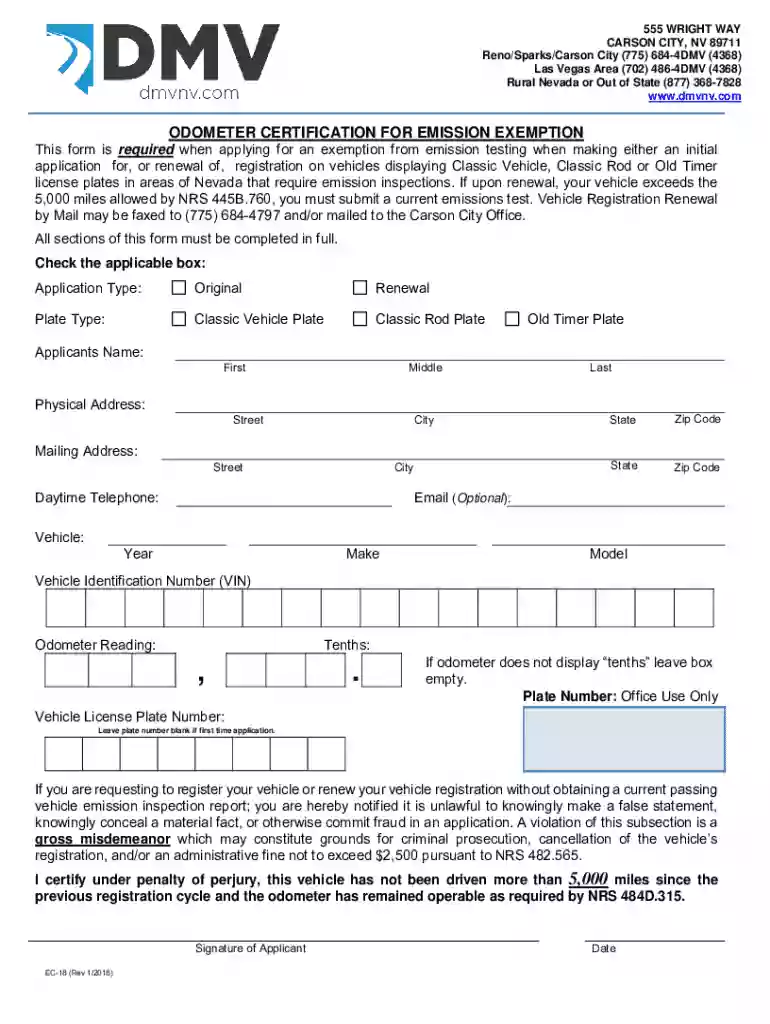
We've got more versions of the Nevada Odometer Certification for Emission Exemption form. Select the right Nevada Odometer Certification for Emission Exemption version from the list and start editing it straight away!
At DocHub, your data security is our priority. We follow HIPAA, SOC2, GDPR, and other standards, so you can work on your documents with confidence.
Owners must provide this form along with the declaration page from their insurance policy as proof that the vehicle is covered by Nevada liability insuranceRead more
(303) 205-5603. Cars must meet smog certification requirements and federal emissions standards, (605) 773-3541


