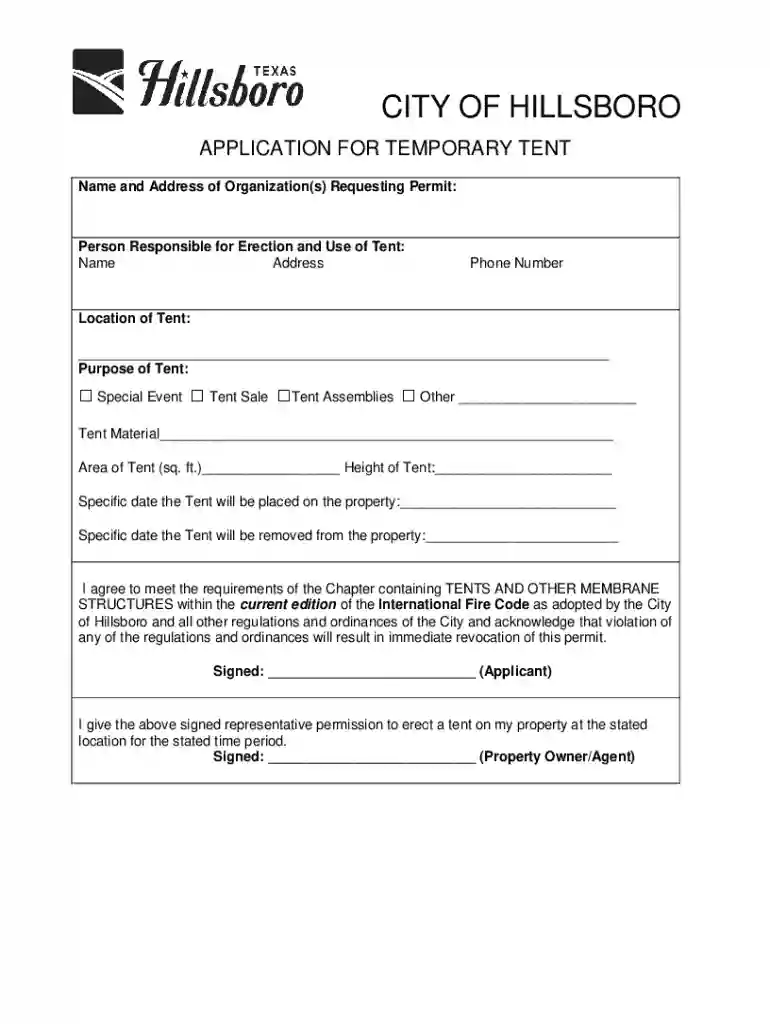
Business License Forms and ApplicationsCity of 2025

Get Form
Business License Forms and ApplicationsCity of Preview on Page 1

Here's how it works

01. Edit your form online
Type text, add images, blackout confidential details, add comments, highlights and more.

02. Sign it in a few clicks
Draw your signature, type it, upload its image, or use your mobile device as a signature pad.

03. Share your form with others
Send it via email, link, or fax. You can also download it, export it or print it out.

How to quickly redact Business License Forms and ApplicationsCity of online

Form edit decoration
9.5
Ease of Setup
DocHub User Ratings on G2
9.0
Ease of Use
DocHub User Ratings on G2

Dochub is the best editor for changing your forms online. Adhere to this straightforward guideline redact Business License Forms and ApplicationsCity of in PDF format online at no cost:

  1. Sign up and log in. Register for a free account, set a strong password, and proceed with email verification to start managing your forms.
  2. Add a document. Click on New Document and choose the form importing option: upload Business License Forms and ApplicationsCity of from your device, the cloud, or a protected URL.
  3. Make adjustments to the template. Use the upper and left-side panel tools to redact Business License Forms and ApplicationsCity of. Add and customize text, images, and fillable fields, whiteout unnecessary details, highlight the significant ones, and comment on your updates.
  4. Get your documentation done. Send the form to other parties via email, generate a link for quicker file sharing, export the template to the cloud, or save it on your device in the current version or with Audit Trail added.

Explore all the benefits of our editor today!

See more Business License Forms and ApplicationsCity of versions

We've got more versions of the Business License Forms and ApplicationsCity of form. Select the right Business License Forms and ApplicationsCity of version from the list and start editing it straight away!
Versions Form popularity Fillable & printable
2015 4.8 Satisfied (125 Votes)
be ready to get more

Complete this form in 5 minutes or less

Get form

Got questions?

We have answers to the most popular questions from our customers. If you can't find an answer to your question, please contact us.
Contact us
A business license number is issued by state or local governments to authorize operations, while an Employer Identification Number (EIN) is issued by the IRS for tax purposes. 4.
Registering your business for sales tax is different from registering your business as a legal entity and obtaining licenses and permits to operate in the United States in general, and in a specific state, county, and/or city.
Montana doesnt have a general business license at the state level, so there are no fees there. However, your business may need a state-level occupational license or municipal-level license or permit to operate.
Your business license number (sometimes called a company license number) can be found on your business license and is part of what allows you to legally operate. Your EIN (also called a tax ID) is a different number that the IRS uses to identify your business.
be ready to get more

Complete this form in 5 minutes or less

Get form