




01. Edit your form online
Type text, add images, blackout confidential details, add comments, highlights and more.

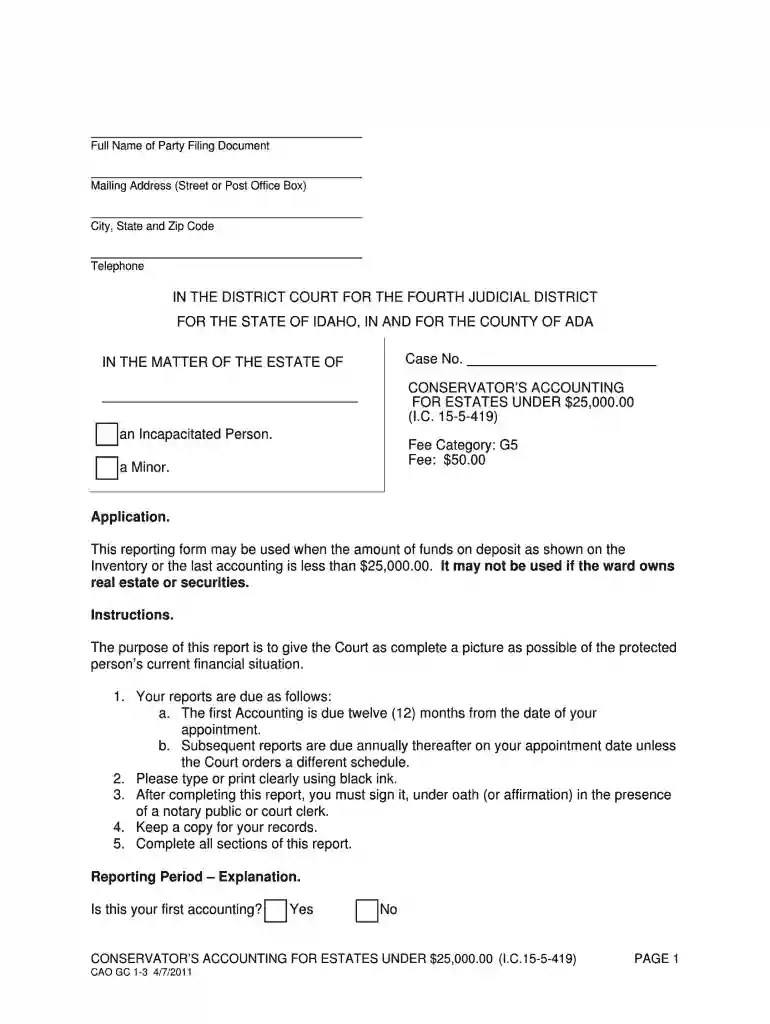
Type text, add images, blackout confidential details, add comments, highlights and more.

Draw your signature, type it, upload its image, or use your mobile device as a signature pad.

Send it via email, link, or fax. You can also download it, export it or print it out.

Start using our platform today to simplify your document editing and form completion process!
We've got more versions of the accounting under 25000 form. Select the right accounting under 25000 version from the list and start editing it straight away!
| Versions | Form popularity | Fillable & printable |
|---|---|---|
| 2011 | 4.9 Satisfied (43 Votes) |
At DocHub, your data security is our priority. We follow HIPAA, SOC2, GDPR, and other standards, so you can work on your documents with confidence.
Jan 31, 2012 limited to $25,000. Royalties derived by the taxpayer in accounting under section 448(a)(3), it another class of income. theRead more
$25,000 average tuition and fees pay as you go 18 - 60 months to complete you set the pace Customizable curriculum choose your path Fully online noRead more
Nov 21, 2025 For tipped workers, the maximum annual deduction is $25,000, which phases out for taxpayers with modified adjusted gross income over $150,000 ($Read more


