




01. Edit your uscis i 765 application authorization online
Type text, add images, blackout confidential details, add comments, highlights and more.

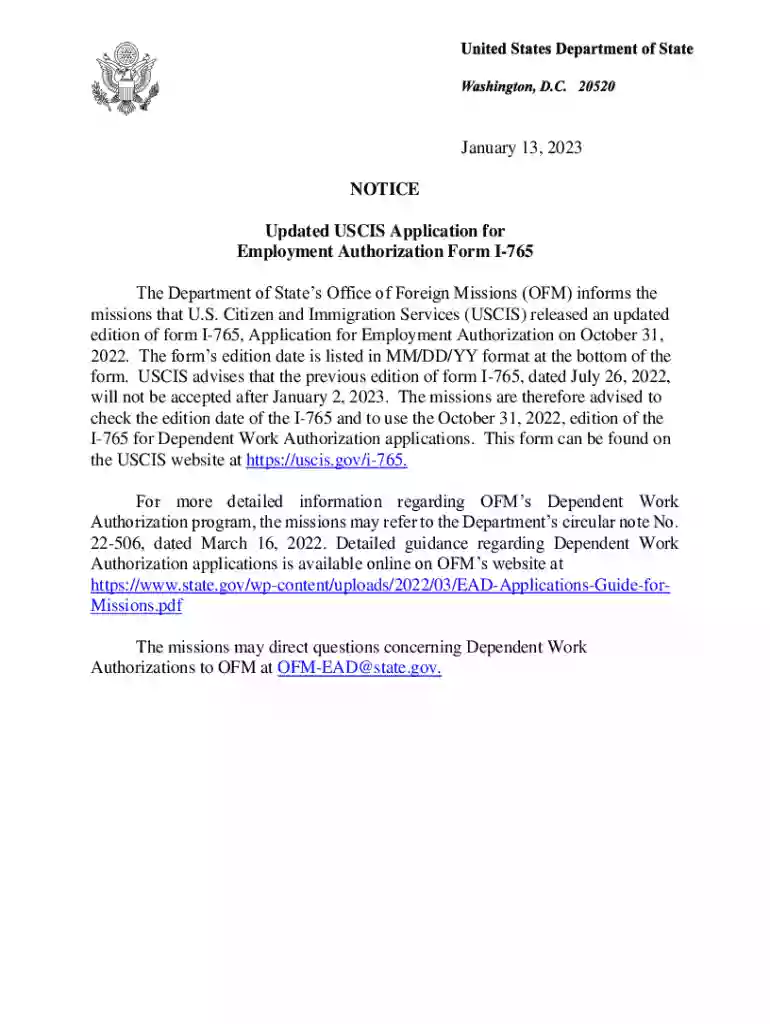
Type text, add images, blackout confidential details, add comments, highlights and more.

Draw your signature, type it, upload its image, or use your mobile device as a signature pad.

Send i765 instructions via email, link, or fax. You can also download it, export it or print it out.

Start using our editor today to streamline your application process for free!
We've got more versions of the uscis i 765 application authorization form. Select the right uscis i 765 application authorization version from the list and start editing it straight away!
Yes, a typed name is accepted as a legitimate electronic signature when you add it to your document using a compliant solution like DocHub. Simply add your form i765 notice to our editor, click Sign in the top tool pane → Create your signature → Type your name in the proper tab, and select how it will appear on your document.
You can find the latest and most relevant version of the i765 notice pdf in our DocHub forms collection. Browse it by categories or utilize the search field to find the exact template that fits your case. You may open this form for editing once you find it.
At DocHub, your data security is our priority. We follow HIPAA, SOC2, GDPR, and other standards, so you can work on your documents with confidence.
This page lists updates to forms as we publish them, Application for Asylum and for Withholding of Removal. 01/20/25 edition. also use the 01/20/25 edition.
Moreover, USCIS is also proposing a possible new Asylum Program Fee surcharge of $600 to be paid by employers who file either Form I-129 or I-140, in order to
Oct 14, 2025 New issues raised by the agency in responding to an administrative appeal.Read more


