




01. Edit your favn report form online
Type text, add images, blackout confidential details, add comments, highlights and more.

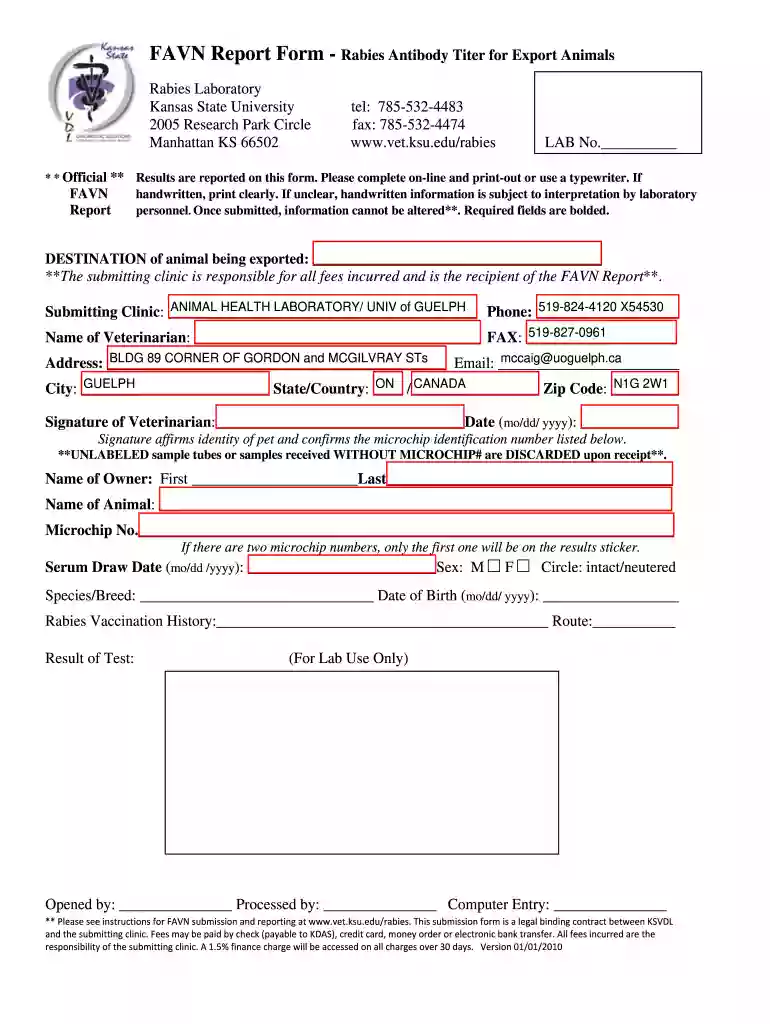
Type text, add images, blackout confidential details, add comments, highlights and more.

Draw your signature, type it, upload its image, or use your mobile device as a signature pad.

Send favn via email, link, or fax. You can also download it, export it or print it out.

Start using our platform today to streamline your favn form completion!
We've got more versions of the favn report form form. Select the right favn report form version from the list and start editing it straight away!
At DocHub, your data security is our priority. We follow HIPAA, SOC2, GDPR, and other standards, so you can work on your documents with confidence.
When stimulated by 470nm blue light, FMN forms a covalent bond with cysteine, inducing conformational changes in broussonetia papyrifera. YF1 is unable to
Animal ID. Microchip Number. Age. Serum Draw Date. Vaccine History ; Animal ID. Microchip Number. Age. Serum Draw Date. Vaccine HistoryRead more
** OFFICIAL **. FAVN. REPORT. Results are reported on this form. Please complete on-line and printout. If handwritten, print clearly. Handwritten information isRead more


