




Here's how it works



How to use or fill out The Marion County Commission on Youth, Inc with our platform

- Click ‘Get Form’ to open it in the editor.
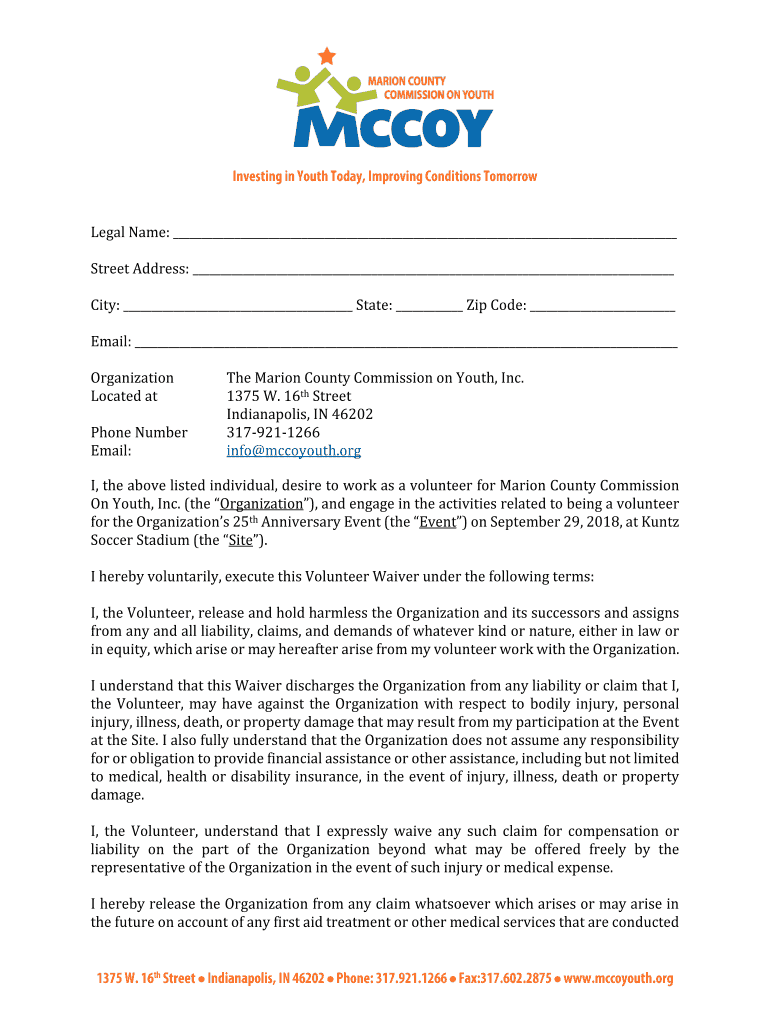
- Begin by entering your legal name in the designated field at the top of the form. This ensures that your application is properly identified.
- Fill in your street address, city, state, and zip code accurately to provide complete contact information.
- Enter your email address and phone number. This information is crucial for communication regarding your volunteer role.
- Read through the waiver carefully. It outlines important terms regarding liability and responsibilities during your volunteering experience.
- Sign and date the form at the bottom to confirm your agreement with the waiver terms. If you are a minor, ensure a parent or guardian signs as well.
Start filling out The Marion County Commission on Youth, Inc form today for free using our platform!
It's free
See more The Marion County Commission on Youth, Inc versions
| Versions | Form popularity | Fillable & printable |
|---|---|---|
| 2018 | 4.8 Satisfied (38 Votes) |
Got questions?
Can I sign my The Marion County Commission on Youth, Inc electronically?
According to eSignature regulations, documents approved electronically have the same validity as those approved with pen and paper. You can electronically sign almost any business and personal documentation. Four types of documents still call for handwritten signatures only - wills and testamentary trusts, court orders and other court forms, state statutes regulating divorce, adoption, or other family law, and notice of cancellation of utility services. If you adhere to the guidelines and utilize a safe and compliant software solution, like DocHub, you can eSign your The Marion County Commission on Youth, Inc without printing it.
How do you fill out The Marion County Commission on Youth, Inc online?
You can find and edit your The Marion County Commission on Youth, Inc online with the help of DocHub. Its straightforward but feature-rich design enables you to begin productive work right after you sign up your account. Create your account and add your file, and then our user interface will guide you via our stress-free form completion experience.
Security and compliance
At DocHub, your data security is our priority. We follow HIPAA, SOC2, GDPR, and other standards, so you can work on your documents with confidence.
Learn more


