Start using our platform today to easily complete your scholarship application for free!
| Versions | Form popularity | Fillable & printable |
|---|---|---|
| 2019 | 4.8 Satisfied (75 Votes) |
Sure, a typed name is recognized as a legitimate electronic signature when you add it to your form using a compliant solution like DocHub. Simply import your Fire 7 Foundation Scholarship Application - Lake Stevens School to our editor, click Sign in the top tool pane → Create your signature → Type your name in the proper tab, and select how it will appear on your document.
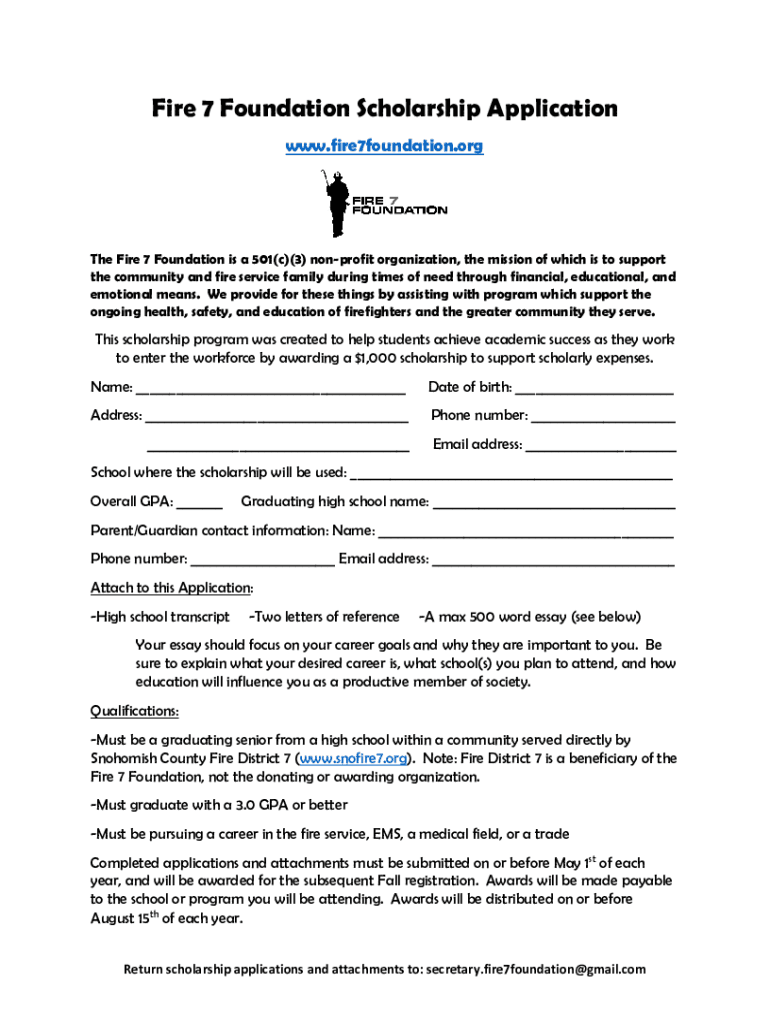
You can easily complete, edit, and even eSign your Fire 7 Foundation Scholarship Application - Lake Stevens School using DocHub. Create a new profile and start your free trial. After that, you may upload the document with the form and easily make all the necessary edits. No need to print on paper or use a third-party application to sign it, as you can put your electronic signature on your document quicker through DocHub.
At DocHub, your data security is our priority. We follow HIPAA, SOC2, GDPR, and other standards, so you can work on your documents with confidence.
Learn more