Start using our platform today to streamline your form completion process for free!
| Versions | Form popularity | Fillable & printable |
|---|---|---|
| 2013 | 4.8 Satisfied (121 Votes) |
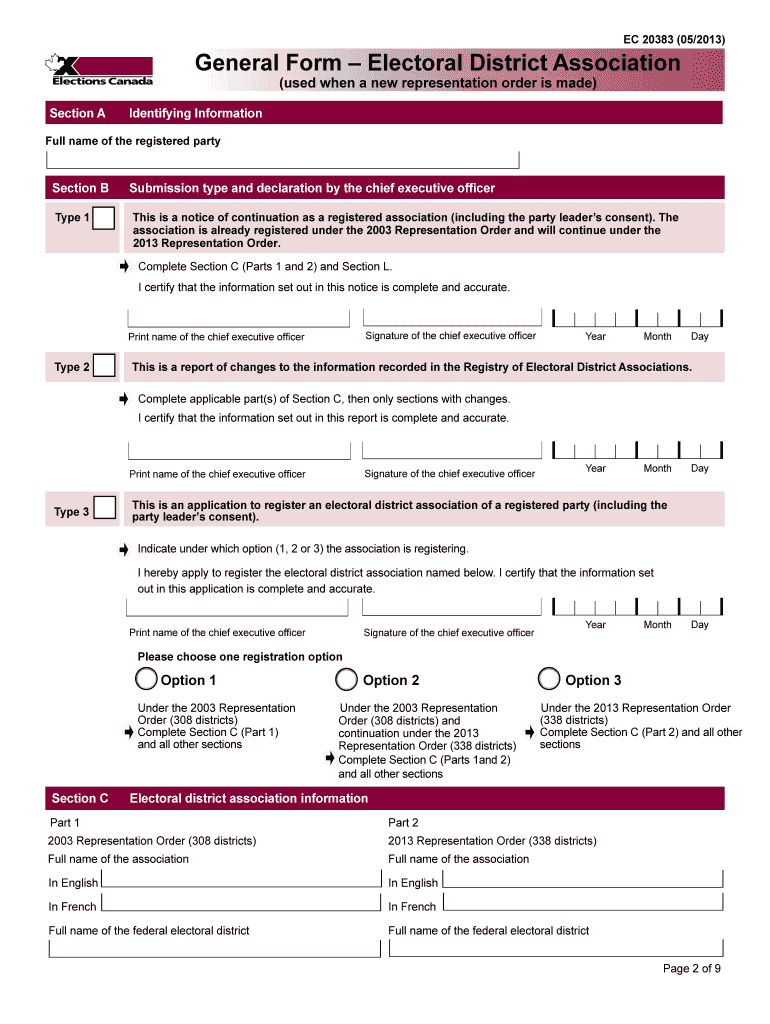
According to eSignature laws, forms signed electronically have the same validity as traditionally approved ones. You can electronically sign almost any business and private paperwork. Four types of paperwork still call for handwritten signatures only - wills and testamentary trusts, court orders and other court forms, state statutes regulating divorce, adoption, or other family law, and notice of cancellation of utility services. If you adhere to the regulations and use a trustworthy and compliant software solution, like DocHub, you can eSign your General Form Electoral District Association(used when a new representation order is made) without printing it.
You need only a web connection and a browser to fill out your General Form Electoral District Association(used when a new representation order is made) by using an iOS phone. Open the DocHub website and authenticate. Then, add your document or choose it from the list in your dashboard. Then use our editing tools to fill out your form and preserve all your adjustments. You may also send it to a specified recipient straight away.
At DocHub, your data security is our priority. We follow HIPAA, SOC2, GDPR, and other standards, so you can work on your documents with confidence.
Learn more