




Here's how it works



How to use or fill out Submission Guidelines - National Capital Planning Commission

- Click ‘Get Form’ to open it in the editor.
- Begin by reviewing the introduction section, which outlines the purpose of the guidelines. Familiarize yourself with the key objectives to ensure your submission aligns with them.
- Proceed to fill out the project details section. Provide comprehensive information about your development project, including its title, objectives, and expected outcomes.
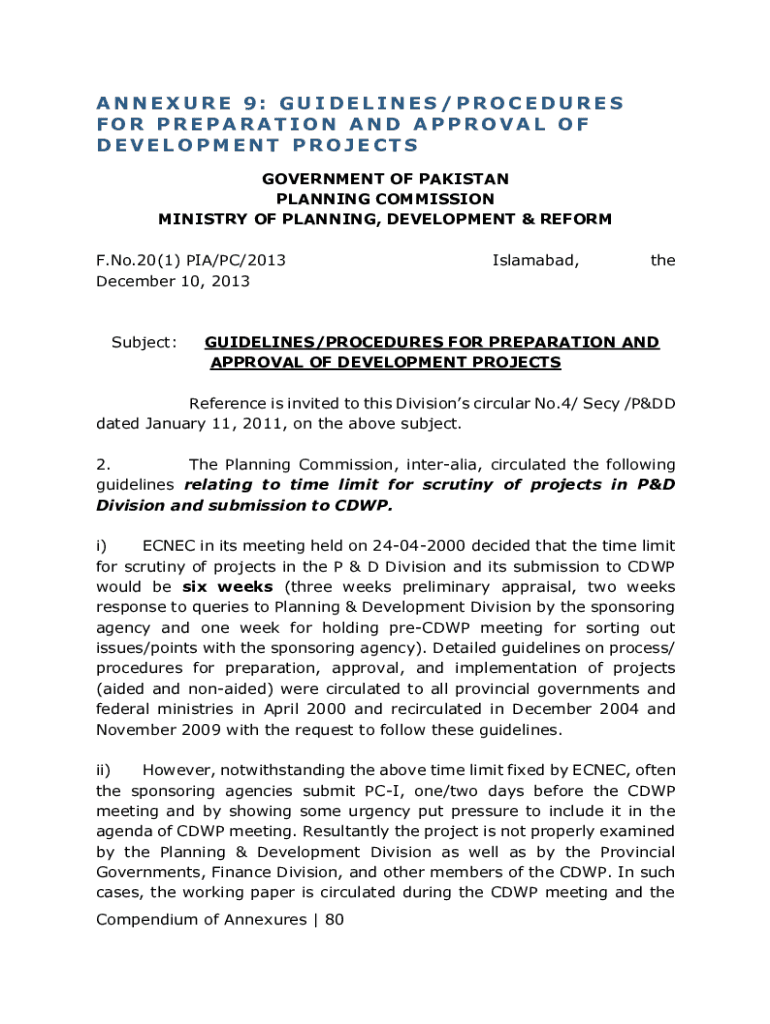
- In the timeline section, clearly indicate the proposed schedule for project completion. Adhere to the six-week scrutiny timeline mentioned in the guidelines.
- Complete any additional fields related to financial implications and resource allocation. Ensure all data is accurate and reflects your project's needs.
- Review your entries for completeness and accuracy before submitting. Utilize our platform's editing tools to make any necessary adjustments.
Start using our platform today for free to streamline your submission process!
It's free
See more Submission Guidelines - National Capital Planning Commission versions
| Versions | Form popularity | Fillable & printable |
|---|---|---|
| 2013 | 4.8 Satisfied (206 Votes) |
Got questions?
What do I need to sign my Submission Guidelines - National Capital Planning Commission electronically?
Electronic document signing demands a software solution that complies with data protection and eSignature standards. DocHub is a perfect tool for that, since it fulfills all the above mentioned requirements. Whatever method you prefer to sign your Submission Guidelines - National Capital Planning Commission in DocHub, your eSignature will be legally binding and court-admissible.
How do you edit Submission Guidelines - National Capital Planning Commission from Google Drive?
If you store your files in Google Drive, there is no need to download your Submission Guidelines - National Capital Planning Commission on the computer and upload it back to our editor. A significantly simpler way is to set up a browser extension created by DocHub to streamline this flow. The extension allows editing PDFs right in your browser. Alternatively, you may integrate your DocHub and Gmail accounts for more efficient modifying.
What is the role of Planning Commission in the development of India?
What is the role of planning in developing economies?
What is development plan in India?
Security and compliance
At DocHub, your data security is our priority. We follow HIPAA, SOC2, GDPR, and other standards, so you can work on your documents with confidence.
Learn more


