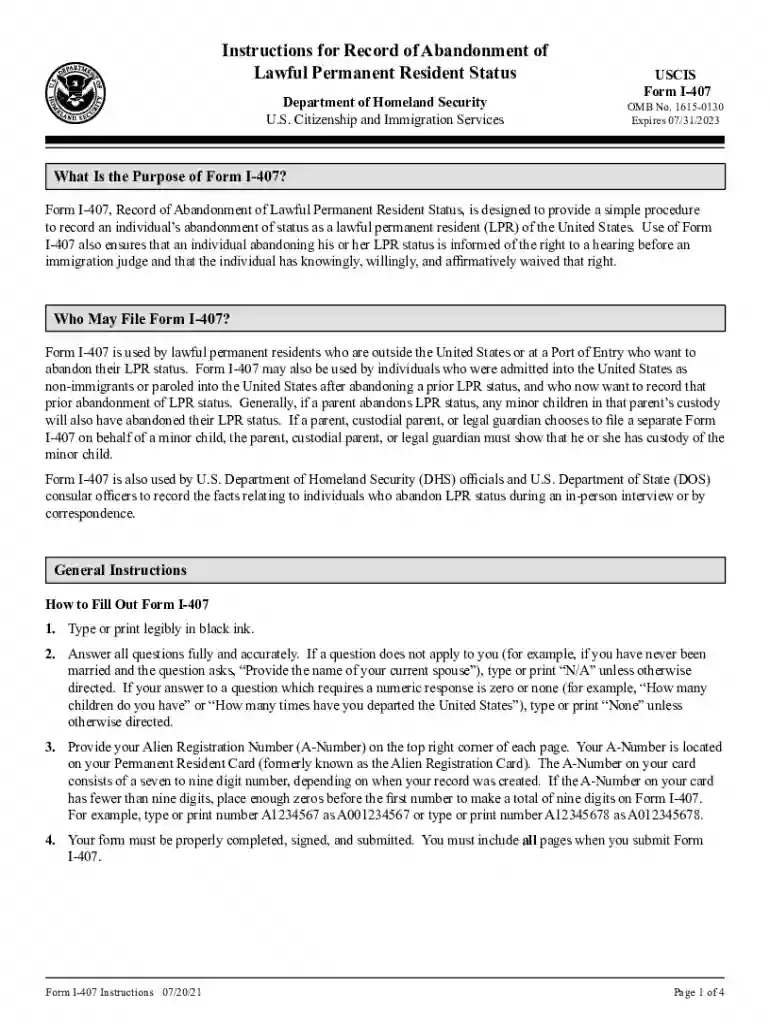
application resident Preview on Page 1

Instructions permanent resident status 2026

Here's how it works

  • 01. Edit your application resident online

    Type text, add images, blackout confidential details, add comments, highlights and more.

  • 02. Sign it in a few clicks

    Draw your signature, type it, upload its image, or use your mobile device as a signature pad.

  • 03. Share your form with others

    Send it via email, link, or fax. You can also download it, export it or print it out.

How to use or fill out instructions permanent resident status with our platform

Form edit decoration
9.5
Ease of Setup
DocHub User Ratings on G2
9.0
Ease of Use
DocHub User Ratings on G2
  1. Click ‘Get Form’ to open it in the editor.
  2. Begin by typing or printing legibly in black ink. Ensure all questions are answered fully and accurately. If a question does not apply, write 'N/A'.
  3. Enter your Alien Registration Number (A-Number) at the top right corner of each page. If your A-Number has fewer than nine digits, add leading zeros to make it nine digits.
  4. Complete Part 1 by providing your personal information, including your name as it appears on your Permanent Resident Card, date of birth, and reasons for abandonment.
  5. In Part 2, if an interpreter is used, include their contact information and signature.
  6. Finally, ensure that you sign the form before submission. If applicable, a parent or legal guardian must also sign for minors.

Start using our platform today to streamline your form completion process for free!

See more application resident versions

We've got more versions of the application resident form. Select the right application resident version from the list and start editing it straight away!

VersionsForm popularityFillable & printable
20214.8 Satisfied (64 Votes)

be ready to get more

Complete this form in 5 minutes or less

Security and compliance

At DocHub, your data security is our priority. We follow HIPAA, SOC2, GDPR, and other standards, so you can work on your documents with confidence.

Related links

FAA Form 8710-1, Airman Certificate and/or Rating

The status of the airmans certificate. FAA FORM 8710-1 to the applicants physical residence must be attached to the application. permanent airman certificate.

Learn more
Form I-485, Instructions for Application to Register

Form I-485, Application to Register Permanent Residence or Adjust Status, is for a person in the United States to apply for lawful permanent resident statusRead more

Learn more
Form I-551, Permanent Resident Card | Business Central

Holder has the right to live and work permanently in the U.S., hence this status does not expire. Most cards, however, are only valid for 10 years. ARead more

Learn more
If you believe that this page should be taken down, please follow our DMCA take down process here