Membership rae 2026

Get Form
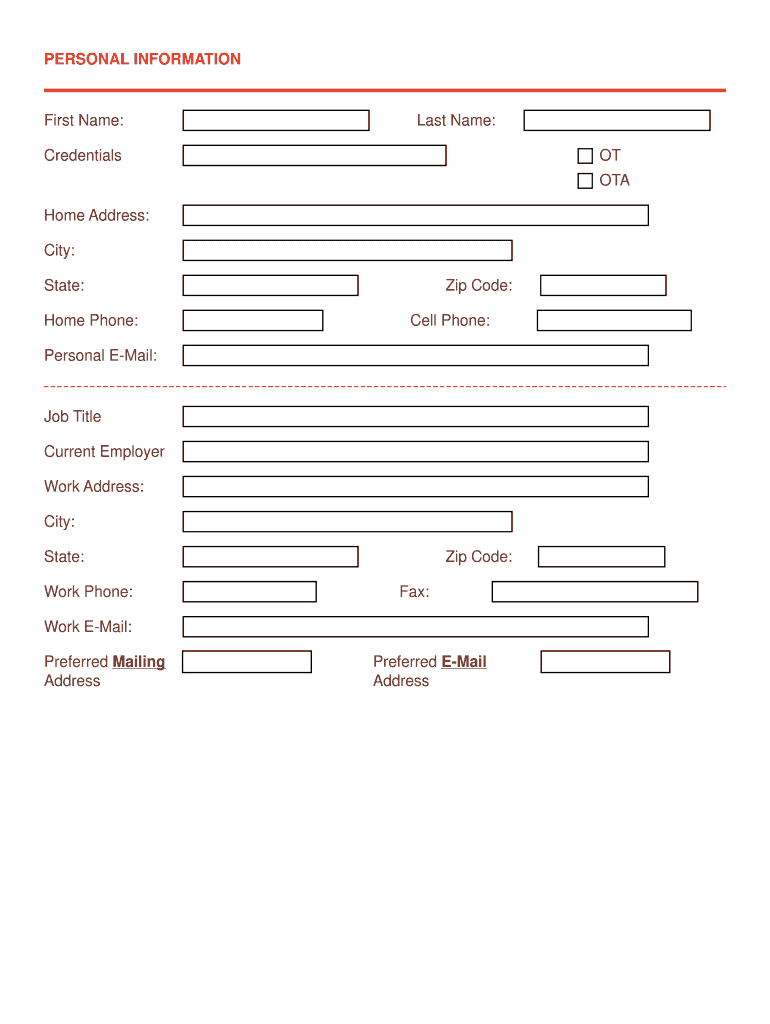
membership rae Preview on Page 1

Here's how it works

01. Edit your membership rae online
Type text, add images, blackout confidential details, add comments, highlights and more.
02. Sign it in a few clicks
Draw your signature, type it, upload its image, or use your mobile device as a signature pad.
03. Share your form with others
Send it via email, link, or fax. You can also download it, export it or print it out.

How to use or fill out membership rae with our platform

Form edit decoration
9.5
Ease of Setup
DocHub User Ratings on G2
9.0
Ease of Use
DocHub User Ratings on G2
  1. Click ‘Get Form’ to open the membership rae in the editor.
  2. Begin by filling out your personal information, including your first name, last name, credentials, and contact details. Ensure accuracy as this information is crucial for communication.
  3. In the Licensure and Education section, provide your initial certification date and AOTA membership number. List all states where you are licensed or registered as an OT or OTA.
  4. Complete the Membership Categories section by detailing your experience in various roles such as Coordinator of Fieldwork Education or Clinical Researcher. Avoid inserting a CV; instead, summarize your duties and responsibilities.
  5. Rate yourself in the Self-Evaluation section on various professional skills. This helps assess your fit for RAE membership.
  6. In the Short Response section, articulate your motivations for joining RAE and summarize your evaluation responses within character limits provided.
  7. List three professional references, ensuring one is your current supervisor. Finally, verify that all information is accurate before submitting.

Start using our platform today to complete your membership rae effortlessly and for free!

See more membership rae versions

We've got more versions of the membership rae form. Select the right membership rae version from the list and start editing it straight away!
Versions Form popularity Fillable & printable
2019 4.8 Satisfied (150 Votes)
be ready to get more

Complete this form in 5 minutes or less

Get form

Got questions?

We have answers to the most popular questions from our customers. If you can't find an answer to your question, please contact us.
Contact us

Sure, electronically drawing your signature is appropriate, but only if you use a tool that complies with industry laws and regulations. Consider DocHub, which guarantees eSignature validity under ESIGN and UETA requirements. All you need to approve your membership rae electronically is an account with DocHub and an internet connection. Once you open your paperwork in our editor, click Sign and select the Draw tool.

Apart from a comprehensive toolset for editing PDFs on mobile phones, DocHub enables you to sign your membership rae along the way. Open our editor in your internet browser, make changes using DocHub’s toolset, and finish your editing by eSigning the completed form.

How to become a REALTOR in Alberta Get a high school diploma or equivalent. Ensure you meet the eligibility requirements. Complete a training program. Complete a certified criminal record check. Obtain a job with a brokerage. Complete the licensing application. Maintain your licence.
Its relatively easy to become a real estate agent in Canada, but becoming a successful real estate salesperson is increasingly difficult. So if youre looking to build your career as a real estate professional, youll need to acquire skills that will help you.
How to become a REALTOR in Alberta Get a high school diploma or equivalent. Ensure you meet the eligibility requirements. Complete a training program. Complete a certified criminal record check. Obtain a job with a brokerage. Complete the licensing application. Maintain your licence.

Security and compliance

At DocHub, your data security is our priority. We follow HIPAA, SOC2, GDPR, and other standards, so you can work on your documents with confidence.

Learn more
ccpa2
pci-dss
gdpr-compliance
hipaa
soc-compliance

People also ask

Real Estate Agent Salary in Alberta Annual SalaryMonthly PayTop Earners$150,000$12,50075th Percentile$100,000$8,333Average$90,038$7,50325th Percentile$60,000$5,000
Total Duration. Between the 2 courses you get 12 months to complete the education requirements. Within 1 year from the date you enroll in the first course, you have to finish both of these courses. In a nutshell, a total of 2 Courses and 2 Exams will conclude your Pre-licensing Education for Real Estate in Alberta.
The REALTORS Association of Edmonton (RAE) is a professional services association composed of over 4,300 professionals serving the Greater Edmonton area.

Related links