




01. Edit your cdcs community support plan online
Type text, add images, blackout confidential details, add comments, highlights and more.

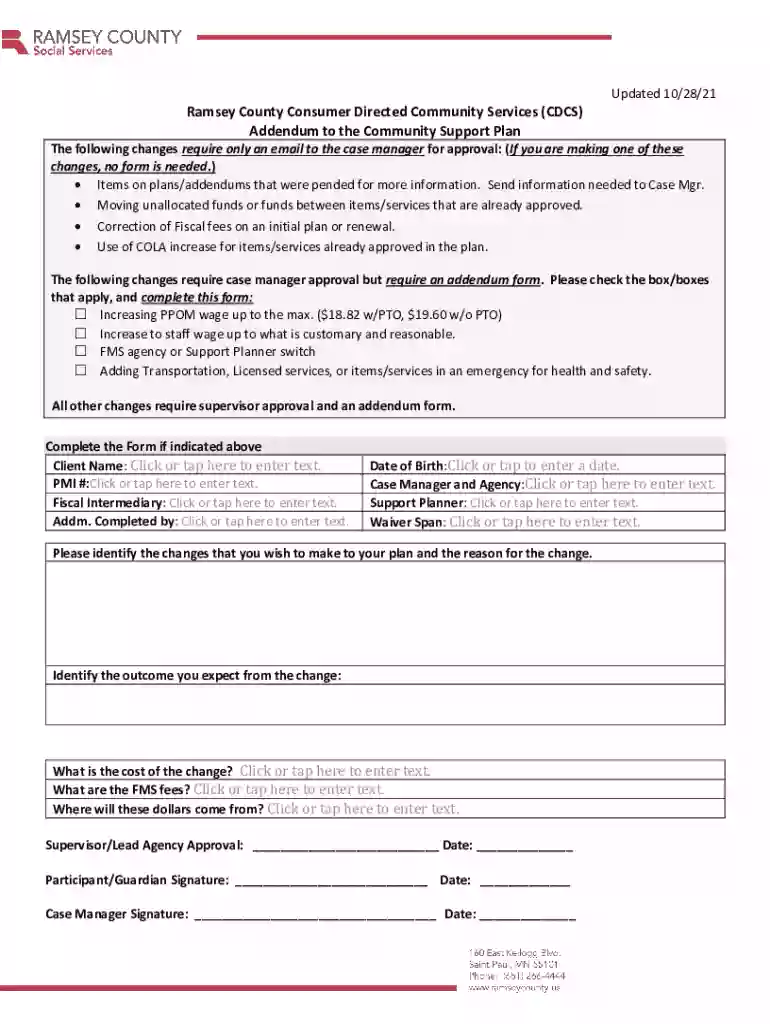
Type text, add images, blackout confidential details, add comments, highlights and more.

Draw your signature, type it, upload its image, or use your mobile device as a signature pad.

Send it via email, link, or fax. You can also download it, export it or print it out.

Start using our platform today to easily complete your MN Addendum form online for free!
We've got more versions of the cdcs community support plan form. Select the right cdcs community support plan version from the list and start editing it straight away!
Sure, a typed name is accepted as a legitimate electronic signature when you create it on your document using a compliant solution like DocHub. Simply add your MN Addendum to the Community Support Plan - Ramsey County Form to our editor, click Sign in the top tool pane → Create your signature → Type your name in the appropriate tab, and choose how it will appear on your document.
You can find the latest and most relevant version of the MN Addendum to the Community Support Plan - Ramsey County Form in our DocHub forms library. Browse it by categories or use the search field to find the exact template that suits your case. You may open this form for editing after you find it.
At DocHub, your data security is our priority. We follow HIPAA, SOC2, GDPR, and other standards, so you can work on your documents with confidence.
Jan 1, 2016 Enrollee will be provided with a copy of the Community Support Plan produced by the STATEs assessment process.
Apr 3, 2025 Addendums- An Addendum or revision is a change to the plan, during the service plan year. The following changes require only an email to theRead more
This document has been reviewed in accordance with U.S. Environmental Protection Agency policy and approved for publication and distribution.Read more


