




Here's how it works



How to use or fill out form AR-1 financial with our platform

- Click ‘Get Form’ to open the AR-1 financial statements in the editor.
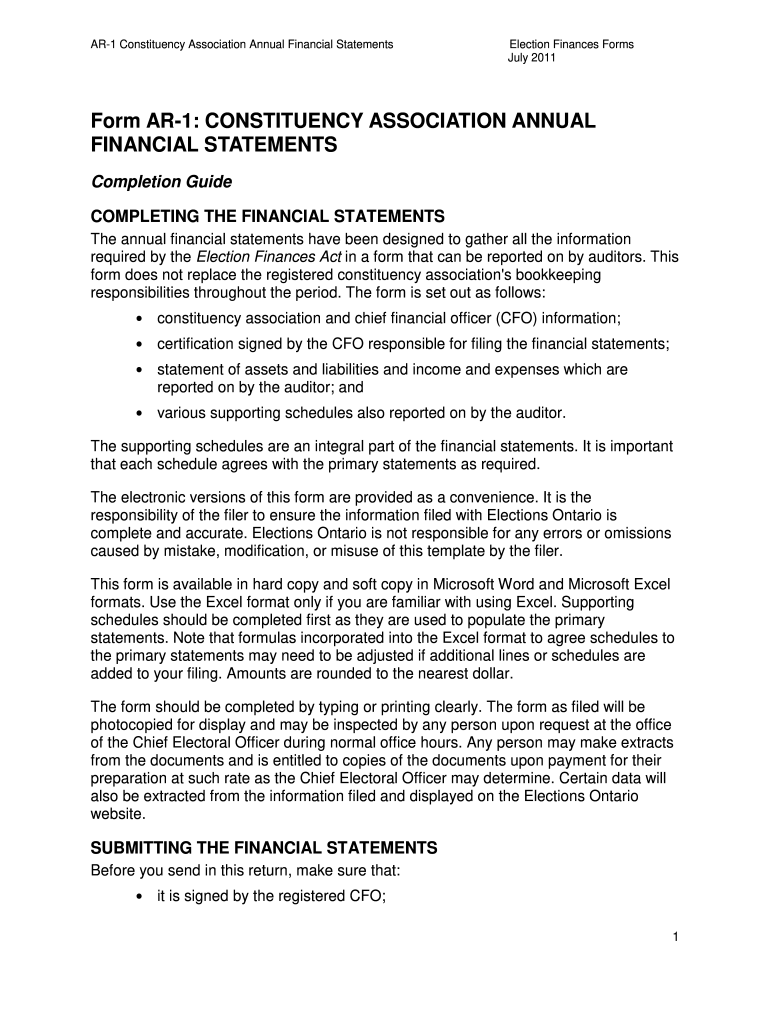
- Begin by entering the constituency association and Chief Financial Officer (CFO) information at the top of the form. Ensure all contact details are accurate for future correspondence.
- Complete the certification section by having the CFO sign and date it, confirming that the financial statements are true and correct.
- Fill out the statement of assets and liabilities. Include cash, accounts receivable, inventory, and any other relevant assets. Make sure to provide detailed breakdowns as required in supporting schedules.
- Next, detail your income and expenses in the corresponding sections. Be thorough in reporting contributions, fundraising activities, and any other income sources.
- Review all entries for accuracy before submitting. Ensure that all required schedules are completed and attached as they support your primary statements.
Start using our platform today to streamline your document editing and form completion process for free!
It's free
See more form ar1 financial versions
| Versions | Form popularity | Fillable & printable |
|---|---|---|
| 2011 | 4.9 Satisfied (266 Votes) |
Got questions?
What do I need to sign my ar1 financial online electronically?
Electronic document approval requires a software solution that works in compliance with data security and eSignature regulations. DocHub is a great tool for that, because it fulfills all the previously mentioned requirements. Whatever method you like to sign your ar1 financial online in DocHub, your electronic signature will be legally binding and court-admissible.
Can I edit ar 1 constituency association on my phone?
As a comprehensive document modifying service, DocHub is available on mobile phones. Open DocHub in your choice of mobile internet browser and employ our intelligent mobile-friendly toolset to complete your ar 1 constituency association.
What is the form C AR financial statements?
What is an AR1 form?
What is the use of Form C?
Security and compliance
At DocHub, your data security is our priority. We follow HIPAA, SOC2, GDPR, and other standards, so you can work on your documents with confidence.
Learn more


