




Here's how it works



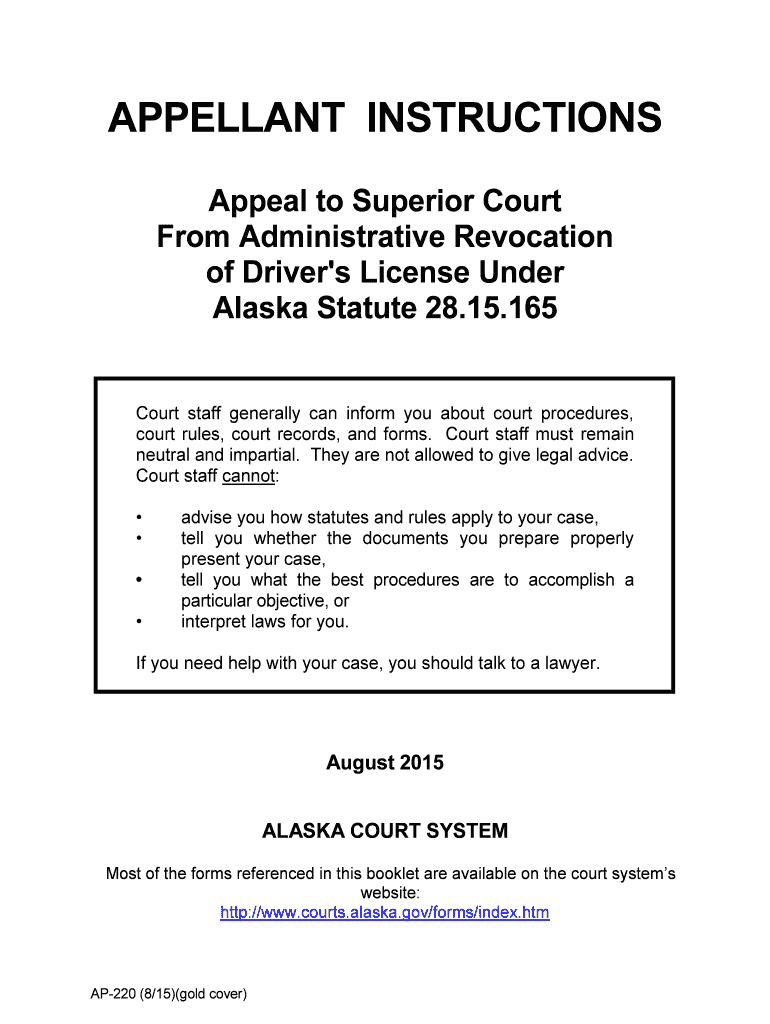
How to use or fill out APPELLANT INSTRUCTIONS Appeal to Superior Court From Administrative Revocation of Driver's License with Our Platform

- Click ‘Get Form’ to open the APPELLANT INSTRUCTIONS document in the editor.
- Begin by carefully reading the introduction section, which outlines the appeal process and defines key terms such as 'Appellant' and 'Appellee'. This understanding is crucial for accurately completing your appeal.
- Fill out the Notice of Appeal (form AP-102) as instructed. Ensure you attach a copy of the DMV decision, as this is a requirement for filing your appeal.
- Complete the Filing Fee section. If applicable, prepare a Request and Order (form AP-135) to waive the fee if you cannot afford it.
- Prepare your cost bond documentation. Choose between a surety bond or cash deposit, ensuring all forms are filled out correctly before submission.
- Send copies of your notice of appeal and attachments to both DMV and the Attorney General as specified in Section IV.
- Follow through with any additional requirements outlined in further sections, such as preparing an excerpt of record or requesting oral arguments if necessary.
Start using our platform today to streamline your document editing and ensure your appeal is filed correctly!
It's free
See more APPELLANT INSTRUCTIONS Appeal to Superior Court From Administrative Revocation of Driver 's License versions
| Versions | Form popularity | Fillable & printable |
|---|---|---|
| 2015 | 4.9 Satisfied (58 Votes) |
Got questions?
Can I use DocHub to generate legal electronic signatures on my APPELLANT INSTRUCTIONS Appeal to Superior Court From Administrative Revocation of Driver 's License ?
Yes, you can use DocHub for signing any business and private documentation, including your APPELLANT INSTRUCTIONS Appeal to Superior Court From Administrative Revocation of Driver 's License . All electronic signatures you create with our tool are legally binding and court-admissible, as DocHub complies with criteria required by ESIGN and UETA. Save your completed paperwork with a detailed Audit Trail if necessary.
Can I print my APPELLANT INSTRUCTIONS Appeal to Superior Court From Administrative Revocation of Driver 's License and finish it on my own?
If you go for analog ways of completing your APPELLANT INSTRUCTIONS Appeal to Superior Court From Administrative Revocation of Driver 's License , you can easily download your file for printing. Search DocHub’s Forms & Templates catalog to locate the exact file template you require and open it for editing or download it on your gadget in the format of your choice. It is easy to complete your form electronically and place your handwritten signature on it after printing or eSign your file with DocHub.
Security and compliance
At DocHub, your data security is our priority. We follow HIPAA, SOC2, GDPR, and other standards, so you can work on your documents with confidence.
Learn more


