




Here's how it works

01. Edit your body shop direction to pay form online
Type text, add images, blackout confidential details, add comments, highlights and more.

02. Sign it in a few clicks
Draw your signature, type it, upload its image, or use your mobile device as a signature pad.

03. Share your form with others
Send free printable auto repair authorization form template via email, link, or fax. You can also download it, export it or print it out.
How to use or fill out repair authorization with our platform

- Click ‘Get Form’ to open the repair authorization document in the editor.
- Begin by entering your name in the designated field at the top of the form. This identifies you as the vehicle owner.
- Fill in the date of authorization to ensure clarity on when the repairs are approved.
- Provide your home and work phone numbers for contact purposes, ensuring that Auto Art Body Shop can reach you if needed.
- Specify the year, make, and model of your vehicle. This information is crucial for identifying which vehicle is being authorized for repair.
- Enter your insurance company’s name, adjuster’s name, and their contact number along with your claim number to facilitate any necessary insurance communications.
- Review the authorization statement carefully before signing. This confirms that you understand and agree to the terms regarding liability and payment responsibilities.
- Sign and date at the bottom of both sections to finalize your authorization and direct pay consent.
Start using our platform today for free to streamline your repair authorization process!
Fill out repair authorization online
It's free
It's free
Security and compliance
At DocHub, your data security is our priority. We follow HIPAA, SOC2, GDPR, and other standards, so you can work on your documents with confidence.
Learn more


Related forms

Buchanan logistics carrier setup
The document outlines the requirements and procedures for new carriers working with Buchanan Logistics, including necess ...
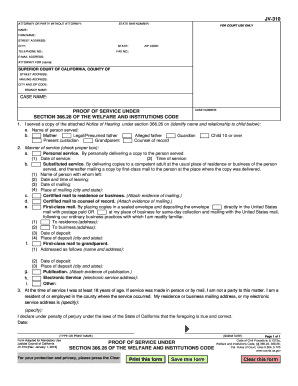
JV-310 PROOF OF SERVICE UNDERSECTION 366 26 OF THE WELFARE AND INSTITUTIONS CODE Judicial Council fo
JV-310 PROOF OF SERVICE UNDERSECTION 366 26 OF THE WELFARE AND INSTITUTIONS CODE Judicial Council fo
The document is a legal form (JV-310) used in the Superior Court of California for providing proof of service under Sect ...
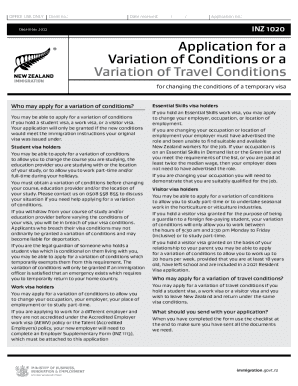
INZ 1020 Application for a Variation of Conditions
The document is an application form for a Variation of Conditions or Travel Conditions for temporary visa holders in New ...
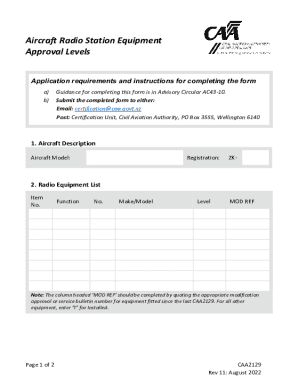
Aircraft Radio Station Equipment Approval Form
The document outlines the application requirements and instructions for completing a form related to Aircraft Radio Stat ...
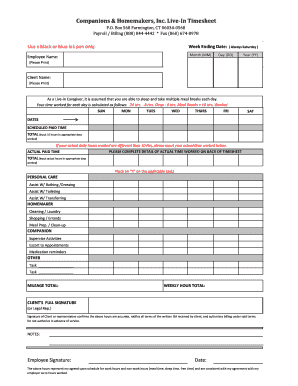
Companions & Homemakers, Inc Live-In Timesheet
The document is a timesheet for live-in caregivers employed by Companions & Homemakers, Inc. It outlines the process for ...
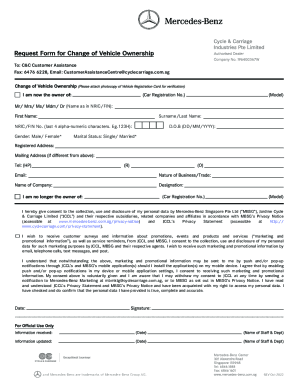
Request Form for Change of Vehicle Ownership
The document is a consent form for customers of Mercedes-Benz Singapore Pte Ltd and Jardine Cycle & Carriage Limited, al ...

Marine corps scholarship fund cpl ian w stewart memorial
The 'Semper Fi' Scholarship at Mount de Sales Academy honors the commitment of Marines to faithfulness and supports Cath ...

Copy right release texas form
The document provides detailed instructions for completing Form TX, which is used for the registration of published or u ...