




Here's how it works



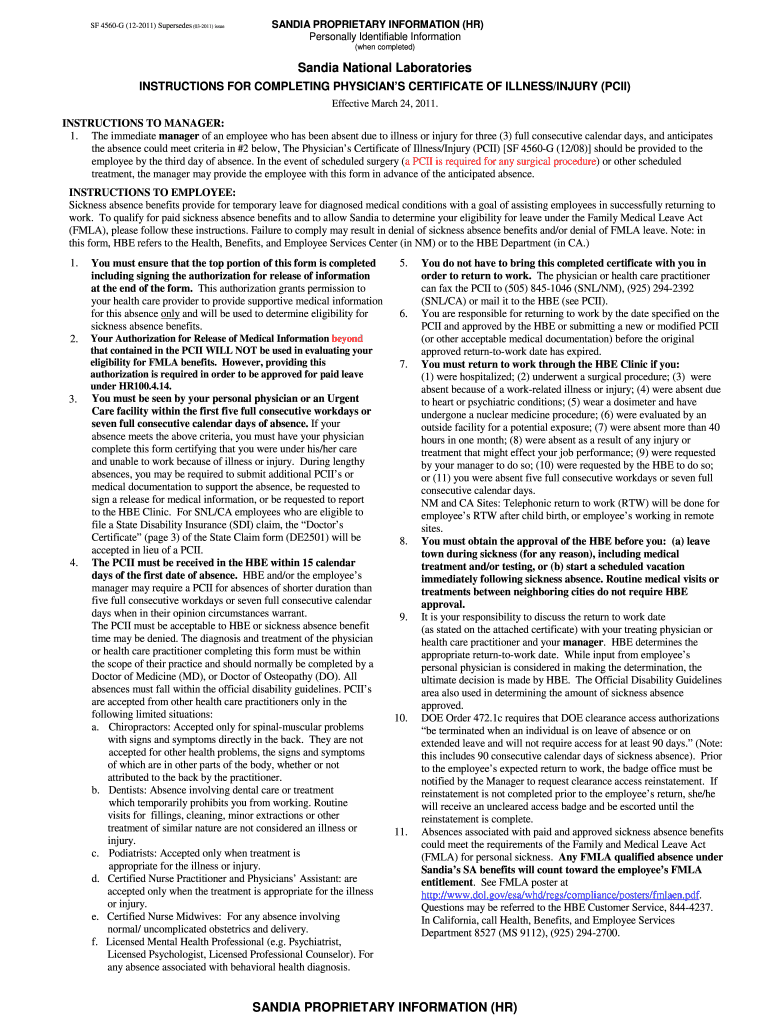
How to use or fill out SNL Physician's Certificate of Disability; SF 4560-G - sandia with DocHub

- Click ‘Get Form’ to open the SNL Physician's Certificate of Disability; SF 4560-G in our editor.
- Begin by filling out the top portion of the form, including your name, SNL ID number, and contact information. Ensure that you provide accurate details as this section is crucial for identification.
- Indicate the first day of absence and whether the illness/injury was due to an accident. This information helps establish the context for your leave.
- Next, have your physician complete their section, detailing treatment dates, diagnosis, and any necessary surgery or hospitalization. This certification is essential for validating your absence.
- Sign the authorization for release of medical information at the end of the form. This grants permission for your healthcare provider to share relevant medical details with Sandia.
- Once completed, submit the form via fax or mail to ensure it reaches Health Benefits and Employee Services within the required timeframe.
Start using our platform today to fill out your SNL Physician's Certificate of Disability efficiently and for free!
It's free
See more SNL Phuysician's Certificate of Disability; SF 4560-G - sandia versions
Got questions?
Can I draw my eSignature to approve my SNL Phuysician's Certificate of Disability; SF 4560-G - sandia?
Sure, electronically drawing your signature is appropriate, but only if you use a tool that complies with industry laws and regulations. Consider DocHub, which guarantees eSignature validity under ESIGN and UETA requirements. All you need to eSign your SNL Phuysician's Certificate of Disability; SF 4560-G - sandia is an account with DocHub and an internet connection. After you open your file in our editor, click Sign and select the Draw option.
How do you get SNL Phuysician's Certificate of Disability; SF 4560-G - sandia for my state?
If you are searching for a state-specific SNL Phuysician's Certificate of Disability; SF 4560-G - sandia sample, you can find it in our DocHub Forms & Templates catalog. Use the search field, enter your form’s name, and search through the results for your state. You can also filter out irrelevant results while browsing our catalog by groups.
Security and compliance
At DocHub, your data security is our priority. We follow HIPAA, SOC2, GDPR, and other standards, so you can work on your documents with confidence.
Learn more


