




Here's how it works



How to use or fill out Specialty Medical Services Initial Appointment - Acuity with our platform

- Click ‘Get Form’ to open the Specialty Medical Services Initial Appointment - Acuity in the editor.
- Begin by filling out your identifying information, including your name, date of birth, and contact details. Ensure all fields are completed accurately.
- Proceed to the Professional Information section. Here, you will need to provide details about your medical education, training, and current affiliations.
- Complete the Clinical Privileges section by checking the appropriate specialties and procedures for which you are requesting privileges. Make sure to provide proof of competency where required.
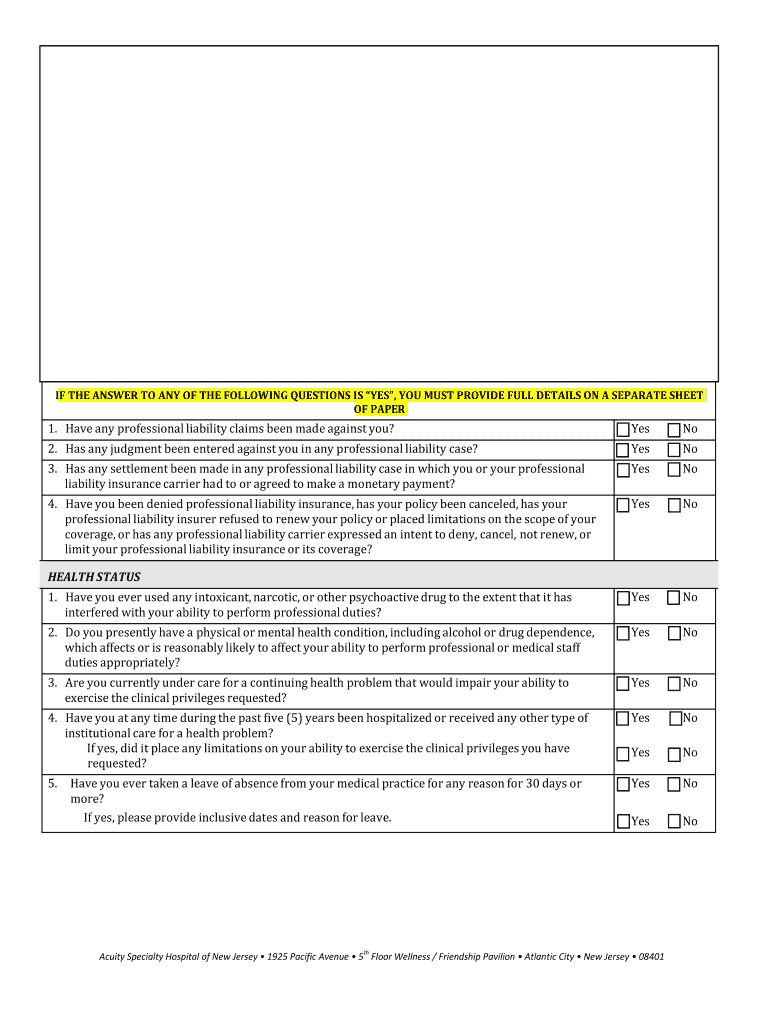
- Review the Health Status and Disciplinary Actions sections carefully. Answer all questions truthfully and provide additional documentation if necessary.
- Once all sections are filled out, review your application for completeness before submitting it via email or fax as indicated in the instructions.
Start using our platform today to streamline your application process for free!
It's free
See more Specialty Medical Services Initial Appointment - Acuity versions
| Versions | Form popularity | Fillable & printable |
|---|---|---|
| 2020 | 4.8 Satisfied (166 Votes) |
Got questions?
Can I fill out and sign my what does pc ftr stand for in medical terms online?
Sure, and it’s really easy! DocHub is an online PDF editor with advanced document management features that allow you quickly modify your documents, fill out blank fields and insert new ones for others to fill out, and create electronic signatures in several ways. Add your what does pc ftr stand for in medical terms, give information as requested, and select how you want to eSign your template - by typing your name, drawing your signature, uploading its image, or using a QR code.
How do you edit pc ftr appointment on Android?
Document editing with DocHub is equally convenient on desktop and mobile devices. You just need an internet browser to revise your pc ftr appointment on Android. Open our site and sign in to access the tools you need. Add your document and introduce your intended changes. Next, you can keep your form in your document storage or send it out immediately.
Security and compliance
At DocHub, your data security is our priority. We follow HIPAA, SOC2, GDPR, and other standards, so you can work on your documents with confidence.
Learn more


