




01. Edit your cbp declaration form 6059b sample online
Type text, add images, blackout confidential details, add comments, highlights and more.

Type text, add images, blackout confidential details, add comments, highlights and more.

Draw your signature, type it, upload its image, or use your mobile device as a signature pad.

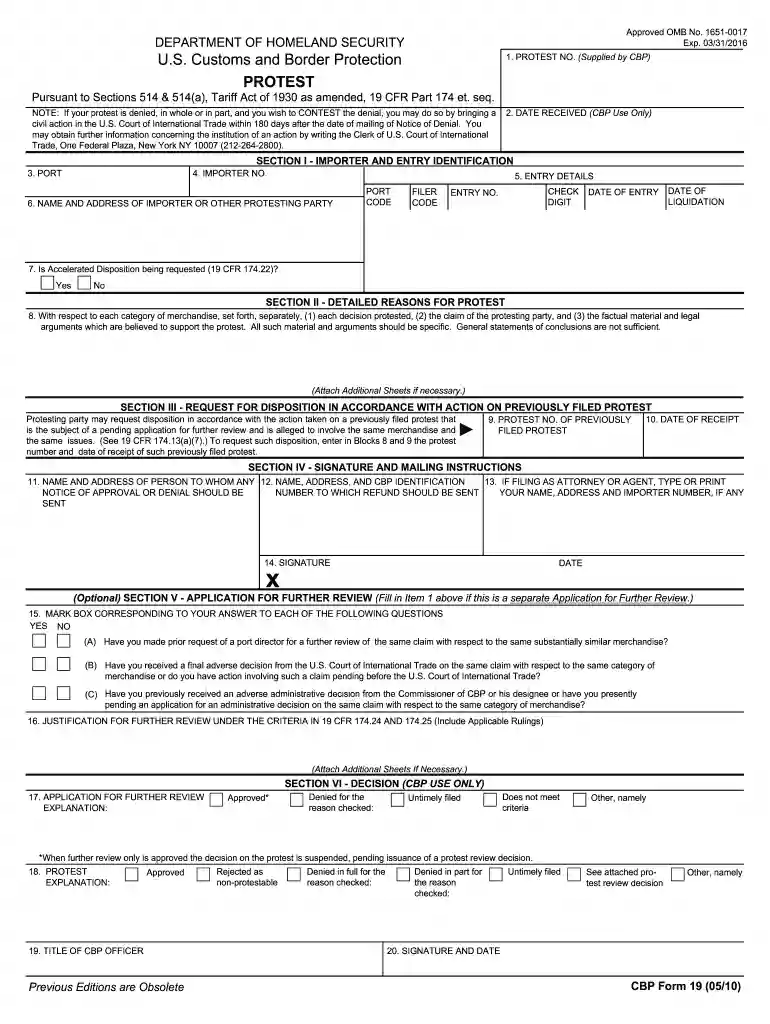
Send cbp form 19 via email, link, or fax. You can also download it, export it or print it out.

Start using our editor today to fill out CBP Form 19 easily and efficiently!
We've got more versions of the cbp declaration form 6059b sample form. Select the right cbp declaration form 6059b sample version from the list and start editing it straight away!
At DocHub, your data security is our priority. We follow HIPAA, SOC2, GDPR, and other standards, so you can work on your documents with confidence.
A written protest against a decision of CBP must be filed in quadruplicate on CBP Form 19 or a form of the same size clearly labeled Protest.Read more
These elements would be collected for FDA by CBP via ACE to facilitate FDAs process of making admissibility decision on certain FDA-regulated commoditiesRead more
AUTHORITY: U.S. Customs and Border Protection (CBP) is authorized to collect the information requested on this form pursuant to Sections 514 and 514(a),. TariffRead more


