




Here's how it works



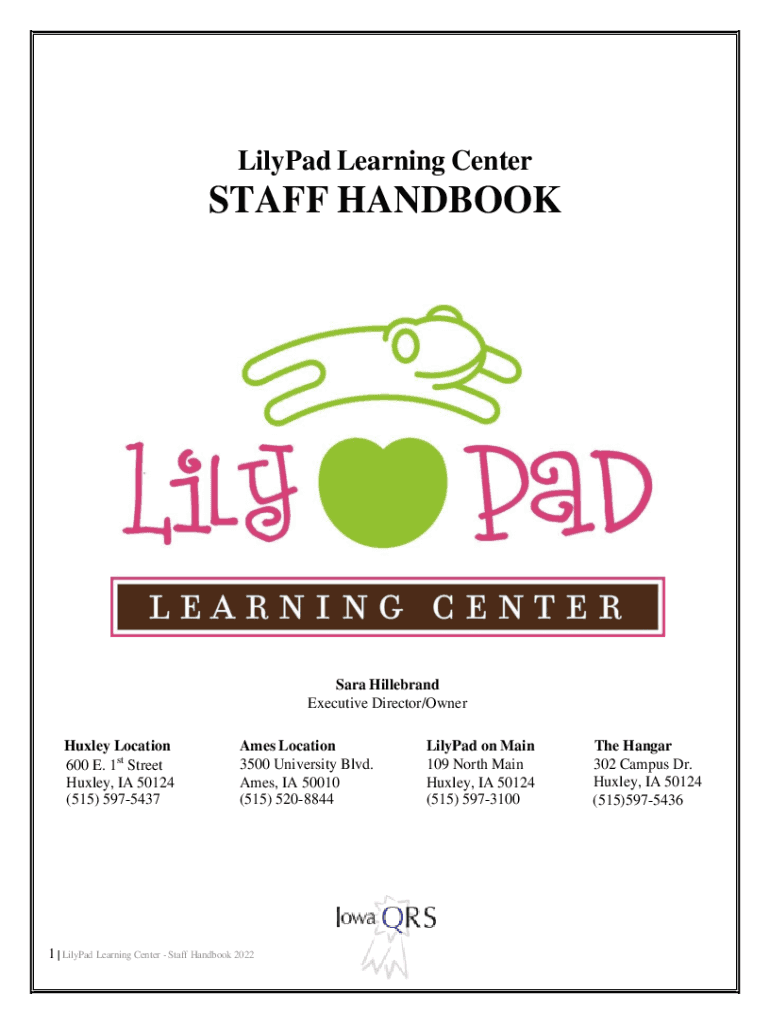
How to use or fill out LILY PAD LEARNING CENTER600 E 1st St, Huxley, Iowa with our platform

- Click ‘Get Form’ to open it in the editor.
- Begin by reviewing the 'General Center Information' section. This will provide you with essential details about the center's administration and contact information.
- Fill out your personal information in the designated fields. Ensure accuracy as this information is crucial for communication and record-keeping.
- Proceed to the 'Attendance Policies' section. Here, you may need to acknowledge your understanding of attendance expectations by checking the appropriate boxes.
- Review and sign any required agreements or acknowledgments related to health and safety policies. Use the signature tool available in our editor for a seamless signing experience.
- Once all sections are completed, click ‘Submit’ to finalize your form. You can also save a copy for your records directly from our platform.
Start using our platform today for free to streamline your document editing and form completion!
It's free
See more LILY PAD LEARNING CENTER600 E 1st St, Huxley, Iowa versions
Got questions?
How can I sign my LILY PAD LEARNING CENTER600 E 1st St, Huxley, Iowa without printing?
Electronic signatures are a great replacement for traditional signing, as they save time, effort, and costs people spend on printing, scanning, and paper delivery. You can electronically sign your LILY PAD LEARNING CENTER600 E 1st St, Huxley, Iowa utilizing a trustworthy and robust online document management services like DocHub. It complies with main eSignature policies (ESIGN and UETA), so all documents approved there are legally binding and have the same validity as manually signed ones.
How do you edit LILY PAD LEARNING CENTER600 E 1st St, Huxley, Iowa on Android?
Document editing with DocHub is equally convenient on desktop and mobile devices. You only need an internet browser to revise your LILY PAD LEARNING CENTER600 E 1st St, Huxley, Iowa on Android. Open our site and sign in to access the tools you require. Add your document and introduce your intended changes. After that, you can keep your form in your document storage or send it out instantly.
Security and compliance
At DocHub, your data security is our priority. We follow HIPAA, SOC2, GDPR, and other standards, so you can work on your documents with confidence.
Learn more


