




Here's how it works



How to use or fill out form online with DocHub

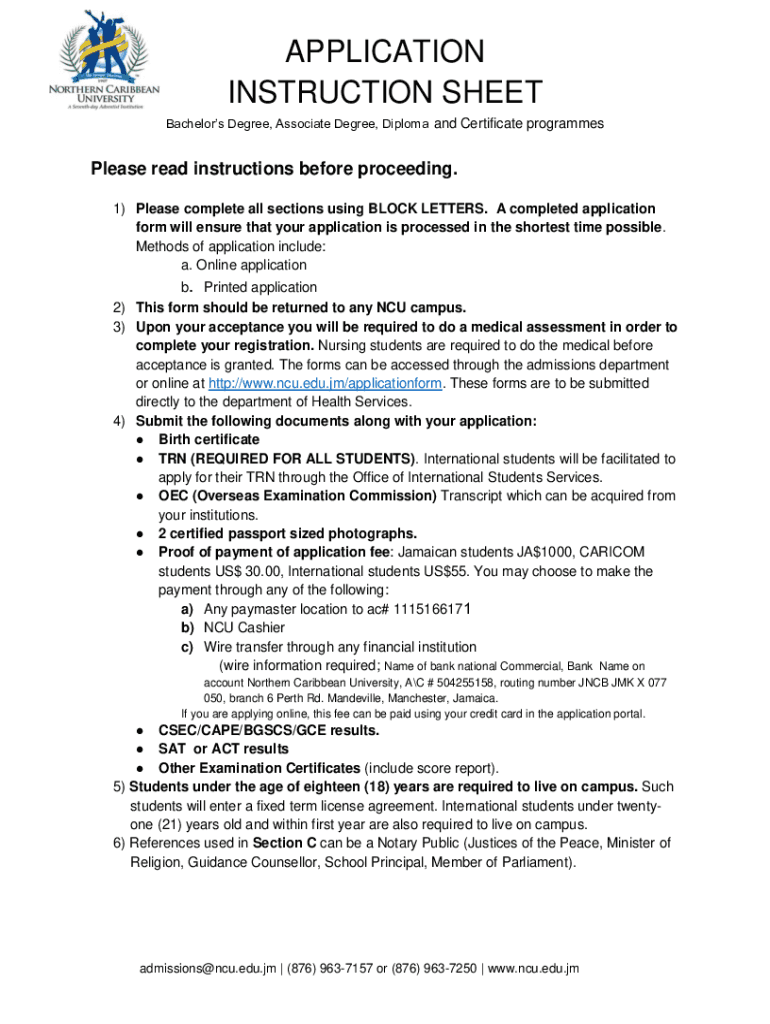
- Click ‘Get Form’ to open the application form in our editor.
- Begin with Section A, where you will enter your TRN/SSN/NIB and indicate if you have previously been accepted at NCU. Fill in your personal information including last name, first name, date of birth, and gender.
- Proceed to provide your contact details. Ensure that all fields are filled accurately, including telephone numbers and email addresses.
- In Section B, select your programme of interest and specify the entry term. Choose your preferred campus and modality for study.
- Complete Section C by listing your educational background. Include all relevant qualifications and institutions attended.
- Finally, review Section D for the enrolment agreement. Confirm that you understand the regulations before signing the declaration.
Start filling out your application form online today for free using our platform!
It's free
Got questions?
What is the optimum way to electronically sign my NCU Application Form?
Many software applications are available on the market for document modifying and signing. DocHub is one of the most in-demand online solutions that comply with all security and compliance requirements and guarantees your eSigned paperwork is legally enforceable. All you need to give it a try is to sign up for an account, add your NCU Application Form, fill out the required information, and click Sign. Generate your electronic signature by typing, drawing it, uploading its image to your document, or scanning a unique QR code.
How do you create an e-signature for the NCU Application Form on iOS?
In addition to an extensive toolset for editing PDFs on mobile devices, DocHub allows you to sign your NCU Application Form along the way. Open our editor in your browser, make modifications using DocHub’s toolset, and complete your editing by eSigning the finished form.
Security and compliance
At DocHub, your data security is our priority. We follow HIPAA, SOC2, GDPR, and other standards, so you can work on your documents with confidence.
Learn more


