




Here's how it works

01. Edit your form online
Type text, add images, blackout confidential details, add comments, highlights and more.

02. Sign it in a few clicks
Draw your signature, type it, upload its image, or use your mobile device as a signature pad.

03. Share your form with others
Send it via email, link, or fax. You can also download it, export it or print it out.
How to use or fill out ssmaps 201703Sample Assisted Living Resident Agreement - Senior Service with our platform

- Click ‘Get Form’ to open the ssmaps 201703Sample Assisted Living Resident Agreement in the editor.
- Begin by filling in the names of the Operator, Resident, Resident’s Representative, and Resident’s Legal Representative in the designated fields. Ensure accuracy as these details are crucial for legal purposes.
- Enter the date of the original Residency Agreement in MM/DD/YYYY format. This establishes a clear timeline for your agreement.
- In Section I, provide the Facility Street Address where services will be rendered. This is important for identifying the location of care.
- For Section II, confirm your request for admission and ensure that it aligns with the acceptance from the Operator. This section solidifies your intent to reside at the facility.
- Review Section IV carefully, which outlines specialized programs and staff qualifications. Make sure you understand how these services will meet your needs.
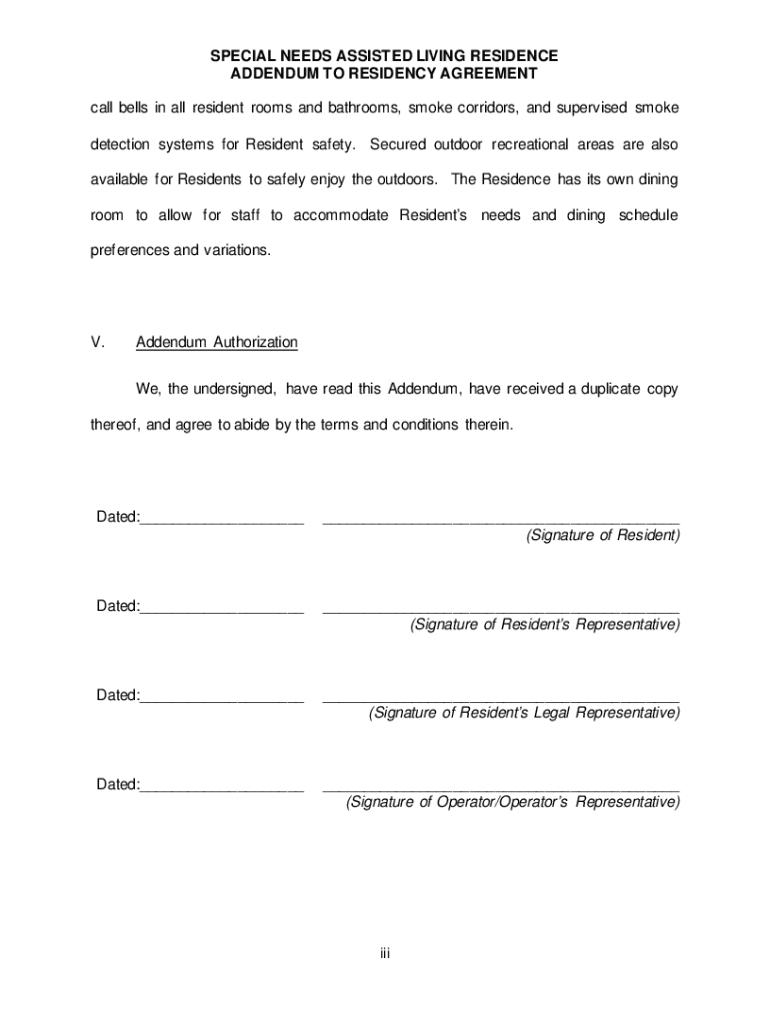
- Finally, complete Section V by signing and dating where indicated. Ensure all parties involved also sign to validate this Addendum.
Start using our platform today to easily fill out and manage your Assisted Living Resident Agreement!
Fill out ssmaps 201703Sample Assisted Living Resident Agreement - Senior Service online
It's free
It's free
See more ssmaps 201703Sample Assisted Living Resident Agreement - Senior Service versions
We've got more versions of the ssmaps 201703Sample Assisted Living Resident Agreement - Senior Service form. Select the right ssmaps 201703Sample Assisted Living Resident Agreement - Senior Service version from the list and start editing it straight away!
Security and compliance
At DocHub, your data security is our priority. We follow HIPAA, SOC2, GDPR, and other standards, so you can work on your documents with confidence.
Learn more


