




01. Edit your ctu transfer window online
Type text, add images, blackout confidential details, add comments, highlights and more.

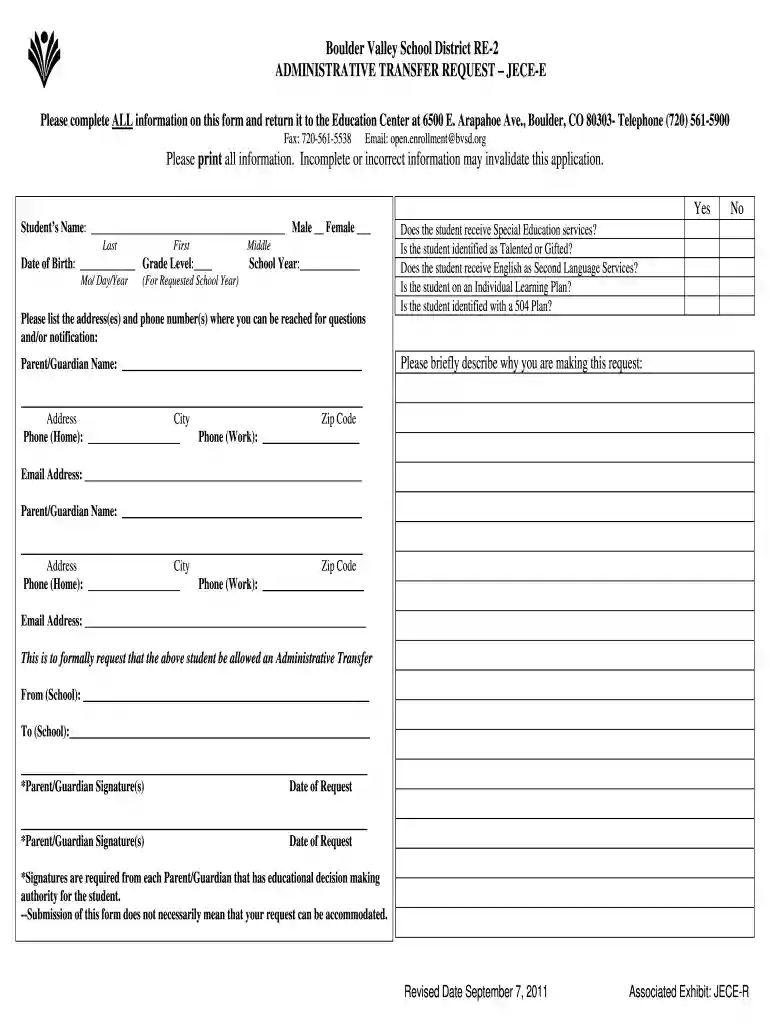
Type text, add images, blackout confidential details, add comments, highlights and more.

Draw your signature, type it, upload its image, or use your mobile device as a signature pad.

Send cps transfer window via email, link, or fax. You can also download it, export it or print it out.

Start using our platform today to streamline your administrative transfer process for free!
We've got more versions of the ctu transfer window form. Select the right ctu transfer window version from the list and start editing it straight away!
| Versions | Form popularity | Fillable & printable |
|---|---|---|
| 2011 | 4.9 Satisfied (41 Votes) |
At DocHub, your data security is our priority. We follow HIPAA, SOC2, GDPR, and other standards, so you can work on your documents with confidence.
The transfer of an employee may be made administratively from one position to another position within a unit or to another unit when it is considered to be inRead more
Administrative Transfer. To utilize the full functionality of a fillable PDF file, you must download the form, and fill in the form fields using your defaultRead more
Dec 22, 2025 The player to transfer. Can be the microsoft account name (player name), or the PlayFab ID (shown when a player joins in or disconnects from theRead more


