




Here's how it works



How to use or fill out Brandeis International Business School Provisional with our platform

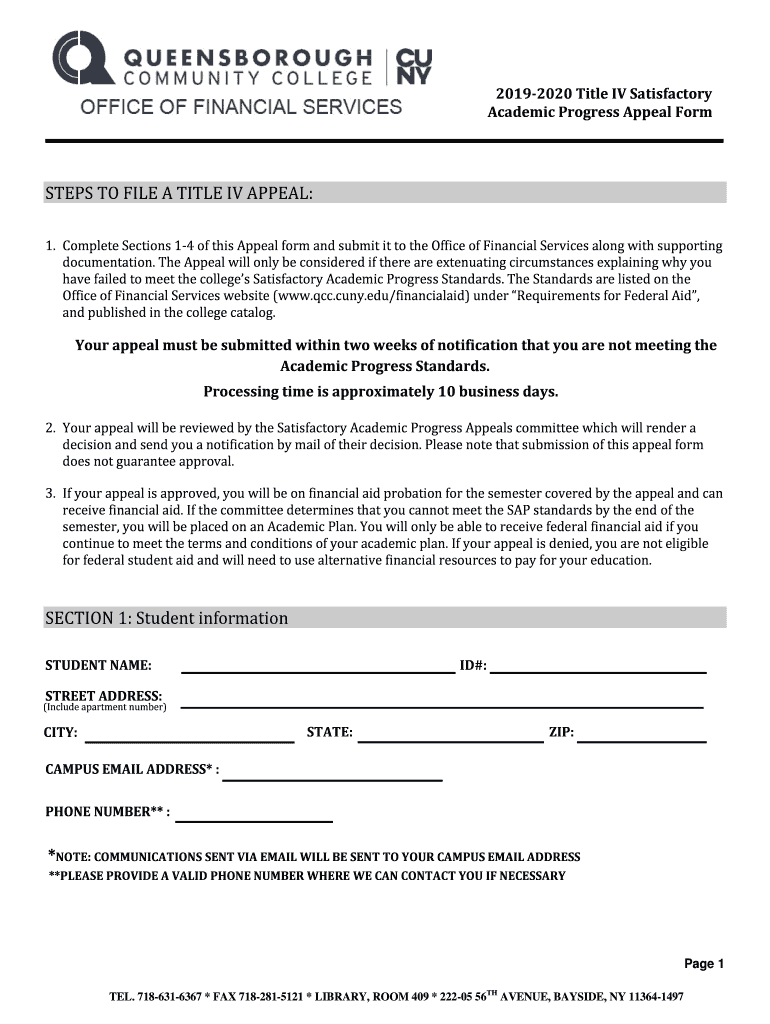
- Click ‘Get Form’ to open the Brandeis International Business School Provisional in the editor.
- Begin with Section 1, where you will enter your personal information. Fill in your name, ID number, address (including apartment number), city, state, zip code, campus email address, and phone number. Ensure all details are accurate for effective communication.
- Move to Section 2 to indicate your extenuating circumstances. Check all applicable reasons and attach relevant supporting documentation as specified. This may include letters from healthcare providers or other necessary documents.
- In Section 3, provide a detailed personal statement explaining how the circumstances affected your academic performance. Address each semester where standards were not met and attach additional sheets if needed.
- Finally, complete Section 4 by outlining steps you have taken for future academic success. Include any evidence from individuals who can support your claims.
Start using our platform today to streamline your form completion process for free!
It's free
See more Brandeis International Business SchoolProvisional versions
Got questions?
Can I sign my Brandeis International Business SchoolProvisional electronically?
Based on eSignature regulations, documents signed electronically have the same validity as traditionally approved ones. You can eSign almost any business and personal documentation. Four types of paperwork still demand wet signatures only - wills and testamentary trusts, court orders and other court forms, state statutes regulating divorce, adoption, or other family law, and notice of cancellation of utility services. If you follow the rules and utilize a trustworthy and compliant software solution, like DocHub, you can eSign your Brandeis International Business SchoolProvisional without printing it.
How do you get Brandeis International Business SchoolProvisional for my state?
If you are looking for a state-specific Brandeis International Business SchoolProvisional sample, you will find it in our DocHub Forms & Templates catalog. Use the search field, enter your form’s name, and search through the results for your state. You may also filter out irrelevant results while browsing our catalog by groups.
Security and compliance
At DocHub, your data security is our priority. We follow HIPAA, SOC2, GDPR, and other standards, so you can work on your documents with confidence.
Learn more


