




01. Edit your canpass form online
Type text, add images, blackout confidential details, add comments, highlights and more.

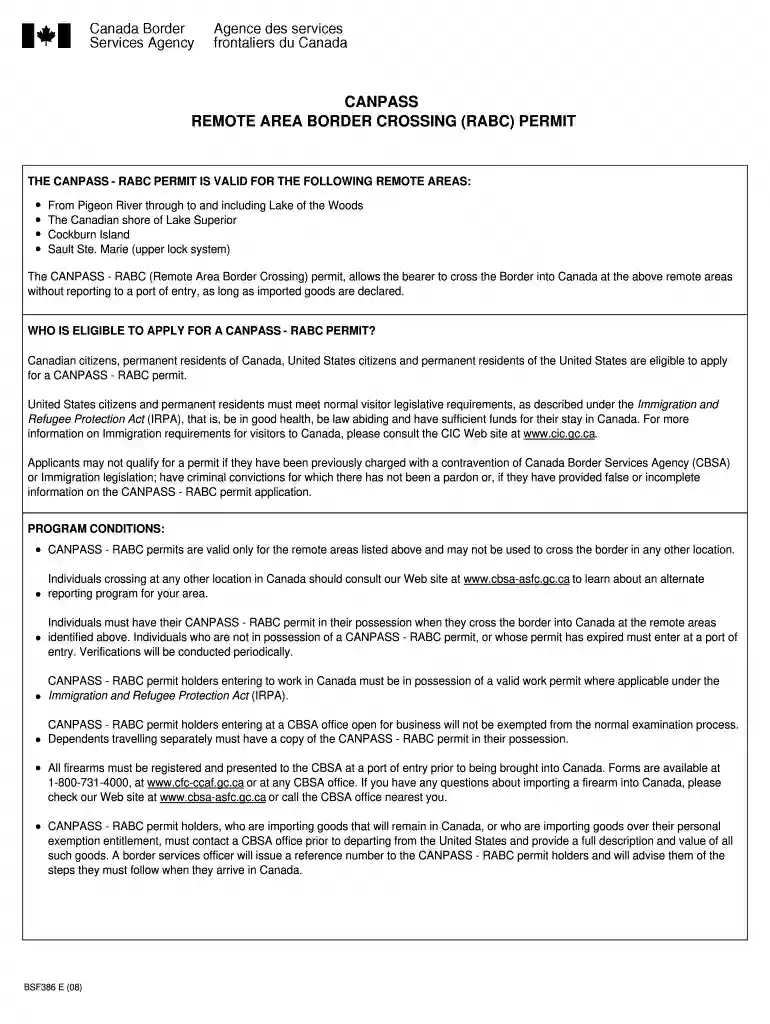
Type text, add images, blackout confidential details, add comments, highlights and more.

Draw your signature, type it, upload its image, or use your mobile device as a signature pad.

Send it via email, link, or fax. You can also download it, export it or print it out.

Start using our platform today for free to streamline your CANPASS - RABC permit application process!
We've got more versions of the canpass form form. Select the right canpass form version from the list and start editing it straight away!
At DocHub, your data security is our priority. We follow HIPAA, SOC2, GDPR, and other standards, so you can work on your documents with confidence.
Feb 14, 2008 Form 1320-5 (6-80) USE PREVIOUS EDITION. Page 3. JO 7110.10T. 2/14/08 2008. b. This order and its changes are scheduled to be.Read more
form. If this is not possible, it is recommended to change gloves between cleaning peepers and transferring the water to the sample bottles. 3. Attach theRead more
May 7, 2008 Pleasure Boating Between Canada NYs Seaway Trail. One-Year I-68 and Five-Year CANPASS Permits for Recreational Boaters.Read more


