




Here's how it works



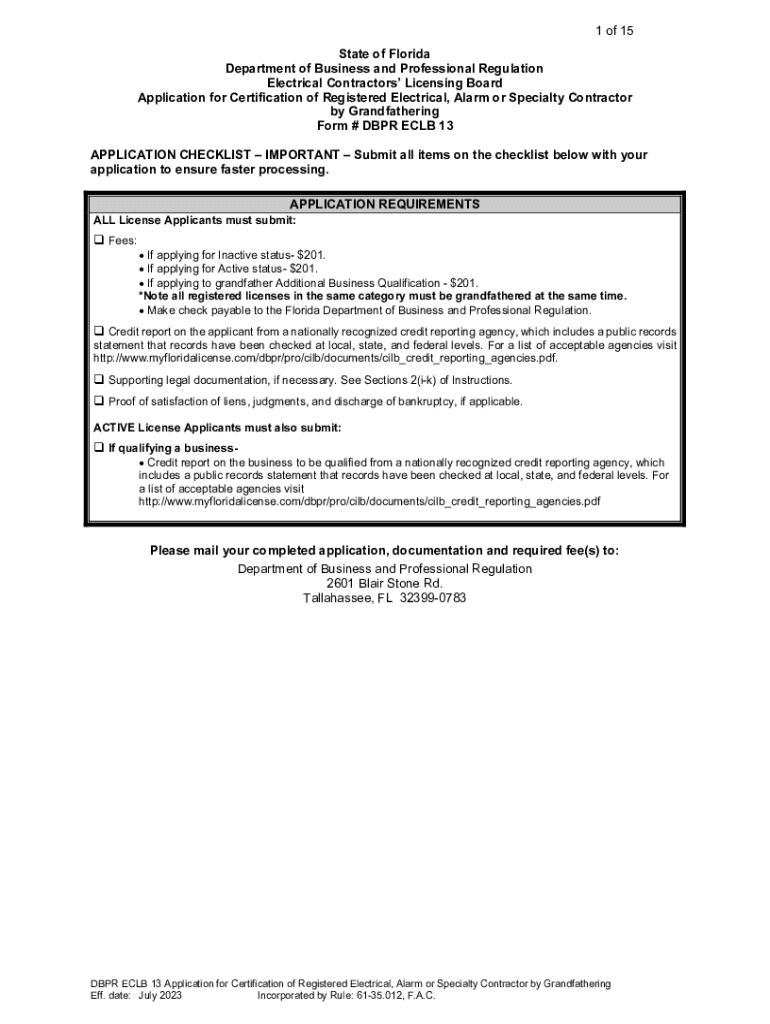
How to use or fill out 61-35 012 Electrical Contractors' Departmental Forms with our platform

- Click ‘Get Form’ to open the 61-35 012 Electrical Contractors' Departmental Forms in the editor.
- Begin with Section I, where you select the application type and license category. Ensure you provide your registered license number and date of issuance.
- In Section II, fill out your personal information completely, including your full legal name as it appears on your Social Security card and any prior names.
- Proceed to Section III to indicate which qualification for licensure you meet by checking the appropriate box.
- Complete Section IV with business information if applicable, including the business name and Federal Employer Identification Number (FEID).
- In Section V, answer questions regarding liability insurance and workers’ compensation coverage as required.
- Continue through Sections VI to XIII, providing necessary financial statements, background information, and affirmations as instructed.
Start using our platform today for free to streamline your form completion process!
It's free
See more 61-35 012 Electrical Contractors' Departmental Forms versions
Got questions?
How can I eSign my 61-35 012 Electrical Contractors' Departmental Forms in Word?
Microsoft Word doesn’t have signing tools to create valid electronic signatures and enforceable documents. Luckily, DocHub is an online eSignature-compliant editor that works with various document formats, such as .doc files. Log in to your account and add the Word version of your 61-35 012 Electrical Contractors' Departmental Forms from your device and cloud, or URL - our editor will automatically turn it into an editable PDF. Make all necessary adjustments in your form and click Sign to create your own legally-binding eSignature. You will find four signing methods from which to choose.
How do you complete 61-35 012 Electrical Contractors' Departmental Forms online?
You may complete and sign your 61-35 012 Electrical Contractors' Departmental Forms online, even on a tight deadline. All you need to access top-notch editing tools on any device is a DocHub profile, that you can register in a few moments. When you sign up, add your document or find what you are looking for in our catalog, complete it utilizing the editing tools you need, and place your electronic signature on it at the end.
How can I get electrician license in India?
How can I get electrical supervisor license in India?
Who is eligible for contractor license in India?
Security and compliance
At DocHub, your data security is our priority. We follow HIPAA, SOC2, GDPR, and other standards, so you can work on your documents with confidence.
Learn more


