
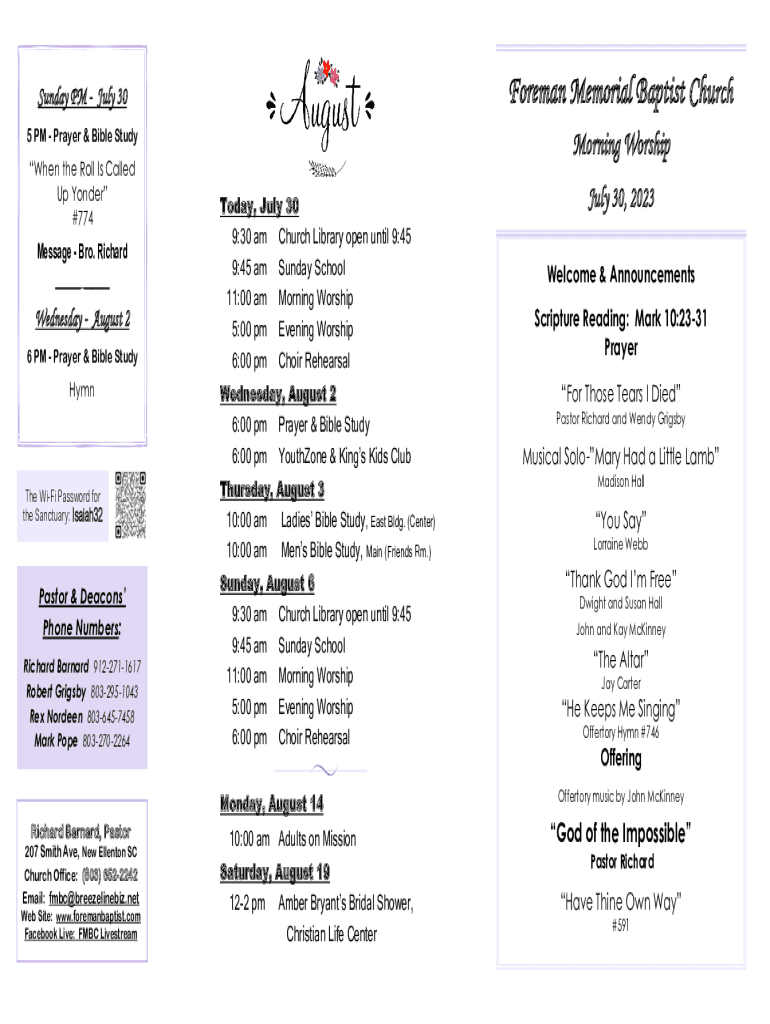




Here's how it works



How to use or fill out Foreman Memorial Baptist Church Pastor Richard Barnard with our platform

- Click ‘Get Form’ to open the Foreman Memorial Baptist Church Pastor Richard Barnard document in the editor.
- Begin by filling out your personal information in the designated fields. Enter your name, address, city, state, and zip code clearly.
- Provide your phone number in the appropriate field to ensure easy communication regarding the bridal shower for Miss Amber Bryant.
- Indicate your church membership status by checking 'Yes' or 'No' in the provided box.
- If applicable, select any additional options such as wanting to trust Christ as Savior or requesting more information about FMBC by checking the corresponding boxes.
- Once all fields are completed, review your entries for accuracy before submitting. You can easily save or print the form directly from our platform.
Start using our platform today to effortlessly fill out and submit your forms for free!
It's free
See more Foreman Memorial Baptist Church Pastor Richard Barnard versions
Got questions?
How do I sign my Foreman Memorial Baptist Church Pastor Richard Barnard for free?
Most eSignature services require users to have a paid subscription. With DocHub, there are two ways for you to create an electronic signature to your Foreman Memorial Baptist Church Pastor Richard Barnard free of charge:
- You can do it during a 7-day trial period;
- You can subscribe to a free plan.
The second option, though, has restrictions on the number of signatures, sign requests, emails, and documents for adjusting available per month. You can check for full information here.
How do you edit Foreman Memorial Baptist Church Pastor Richard Barnard in Chrome?
If you use Chrome, there are two straightforward methods to edit your Foreman Memorial Baptist Church Pastor Richard Barnard online. First, visit the DocHub site, add your document, and edit it using our toolbar. You can also install our Chrome extension and edit any document by dragging and dropping it in your browser tab.
Security and compliance
At DocHub, your data security is our priority. We follow HIPAA, SOC2, GDPR, and other standards, so you can work on your documents with confidence.
Learn more


