




01. Edit your form online
Type text, add images, blackout confidential details, add comments, highlights and more.

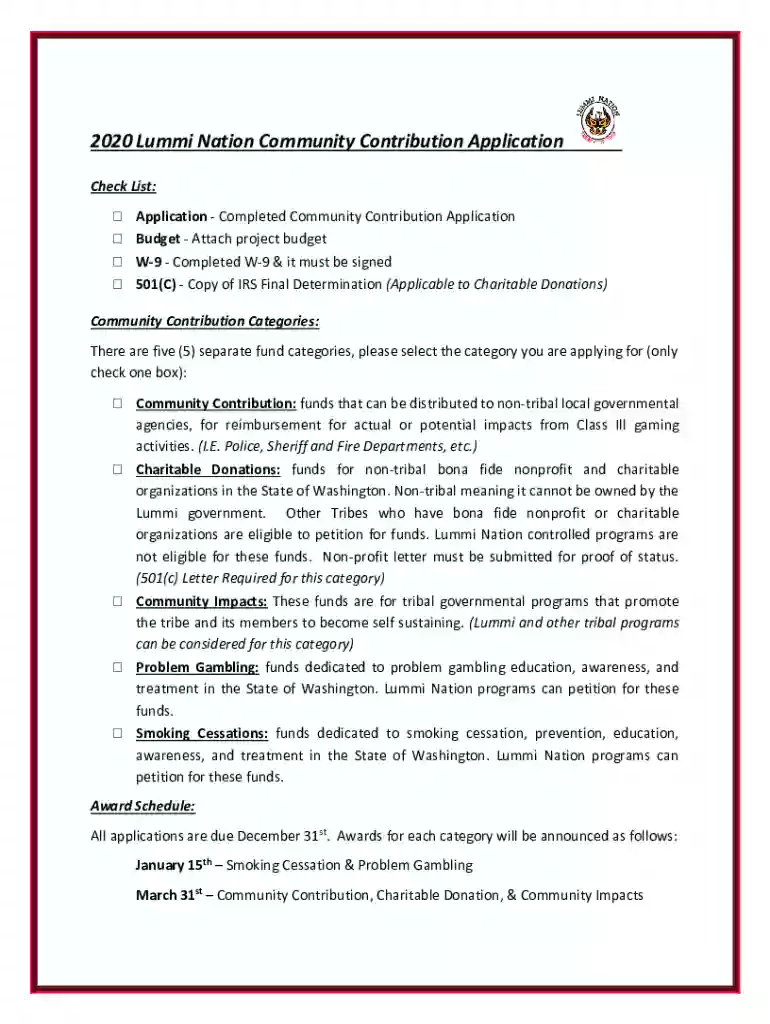
Type text, add images, blackout confidential details, add comments, highlights and more.

Draw your signature, type it, upload its image, or use your mobile device as a signature pad.

Send it via email, link, or fax. You can also download it, export it or print it out.
The Detailed Budget Template - Community Foundations of Canada serves as a structured financial planning tool designed to help grant applicants and nonprofit organizations outline their funding requirements and allocations precisely. This document is essential for those seeking support from community foundations across Canada, ensuring that financial data is presented in a clear and organized manner. It enables organizations to effectively communicate their financial needs, strategies, and anticipated outcomes, facilitating transparency and accountability during the grant application process.
To efficiently utilize the Detailed Budget Template, start by carefully reviewing each section, ensuring that you understand the required information and financial categories. Generally, the template will include sections for anticipated income, detailed expense categories, and a summary of financial projections. Enter your data systematically, adhering to any instructions or guidelines provided, to maintain accuracy and consistency. Double-check figures to ensure they align with supporting documents and accurately reflect your organization's financial strategy. This careful approach will enhance the clarity and persuasiveness of your budget presentation.
The template comprises several crucial components that guide applicants in presenting a comprehensive financial plan:
This template is primarily used by nonprofit organizations, community groups, and charitable entities applying for funding or grants from the Community Foundations of Canada. It serves as a vital tool for financial officers, grant writers, and project managers responsible for ensuring that an organization's financial proposals are thorough, accurate, and aligned with funding requirements.


The template can typically be obtained directly from the Community Foundations of Canada's website or by contacting the foundation directly. Ensure you access the most current version, often available as a downloadable PDF or Excel file, to stay in line with any updates or revisions in funding requirements.
Utilizing the Detailed Budget Template is crucial for several reasons. It provides a standardized format that aligns with the expectations of the Community Foundations of Canada, aiding in the efficient evaluation of your proposal. The template facilitates accuracy, transparency, and consistency in financial reporting, which are essential for building credibility and trust with funders. Moreover, it helps organizations comprehensively plan and justify their funding needs, ultimately supporting the achievement of their philanthropic goals.
Organizations can typically submit the completed Detailed Budget Template through several methods, including online submission portals provided by the Community Foundations of Canada, mailing physical copies, or in-person delivery, depending on the foundation’s submission guidelines. It's crucial to adhere to deadlines and submission protocols to ensure your application is considered.
We've got more versions of the Detailed Budget Template - Community Foundations of Canada form. Select the right Detailed Budget Template - Community Foundations of Canada version from the list and start editing it straight away!
Sure, you’ll find numerous apps for this on the web. However, if you need to eSign your Detailed Budget Template - Community Foundations of Canada without installing additional software, DocHub is the best choice you can make. This robust editor works on mobile devices just as on desktops. Open our editor in any internet browser, register or log in to your account, and start managing your documents.
If your go-to email service is Gmail, you can easily integrate your DocHub editor into your work. Edit your Detailed Budget Template - Community Foundations of Canada with DocHub tools and connect it to your drafts in Gmail. See how straightforward it is to exchange files and collaborate having a swift PDF editing solution at hand.
At DocHub, your data security is our priority. We follow HIPAA, SOC2, GDPR, and other standards, so you can work on your documents with confidence.
Foundations Company-Sponsored Foundations Operation Foundations Community Foundations Total Number % Asset? Finally, each detailed budget should beRead more
by E Fuller Community foundations are uniquely placed to be the voice of the local community, a notion which is increasingly unheard of or absent in AustraliasRead more


