
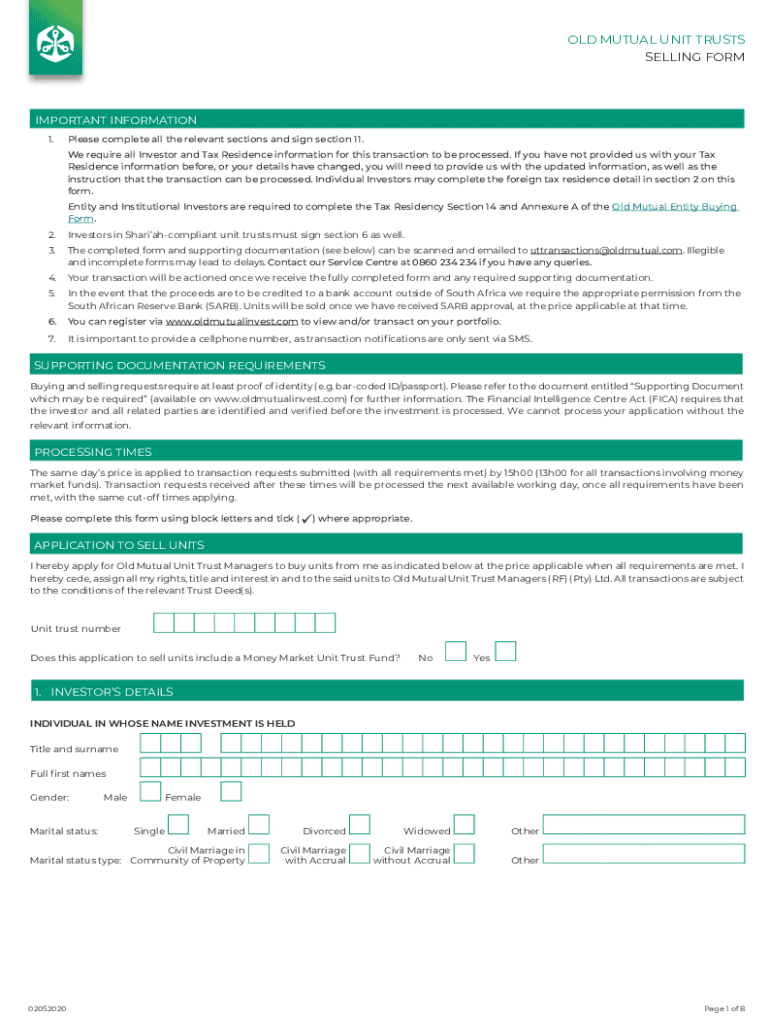







Definition and Meaning of "Form Online"
In the digital age, the concept of "form online" refers to the ability to interact with and submit forms via the internet rather than using traditional paper methods. Forms online are prevalent in diverse sectors such as banking, education, and government. They provide a standardized way to collect information from users in a structured and efficient manner. Online forms allow organizations to streamline their data collection processes and reduce physical paperwork, offering benefits such as immediate data submission and storage. This efficiency is crucial for both the organizations that deploy them and the users who fill them out.
How to Use "Form Online"
Utilizing an online form involves a straightforward process, typically accessed through an internet-connected device. The user navigates to the website hosting the form and follows instructions presented on the screen. Here is a typical process for using an online form:
- Access the Form: Navigate to the hosting website and locate the form you need.
- Read Instructions: Carefully review any guidance or instructions provided to understand how to complete the form correctly.
- Fill Out Required Fields: Enter the necessary information into the designated fields, which may include text boxes, checkboxes, dropdowns, and more.
- Review for Accuracy: Double-check the data entered to ensure it is accurate and complete.
- Submit the Form: Click the submit button to send your information to the hosting entity.
Steps to Complete the Form Online
Completing an online form is generally intuitive, but following a structured approach ensures accuracy:
- Prepare Necessary Information: Gather all required data and supporting documents before starting.
- Create an Account: Some platforms may require you to register or log in before accessing the form.
- Fulfill All Required Fields: Use the online tools to fill out text, number, or date fields.
- Attach Documents: If applicable, upload any necessary documents or files using the form's attachment feature.
- Confirm Form Details: Check that all entries are correct and fields are properly filled.
- Submit and Save Confirmation: After submission, save any confirmation numbers or emails related to the form submission.
Key Elements of the Form Online
Online forms typically comprise several key elements that allow them to function effectively:
- Text Fields: To input general information such as names, addresses, and other textual data.
- Dropdown Menus: Provide a predefined list of options for users to select from.
- Checkboxes and Radio Buttons: Used for selecting one or multiple options within a list.
- Instructions or Help Tips: Offer guidance directly within the form to assist users in completing it correctly.
- Submit Button: Finalizes the data entry process, sending the form to the receiving entity.
Software Compatibility for Online Forms
Online forms are designed to be compatible with various software and platforms, enhancing accessibility. They are usually embeddable into websites using HTML and can be created or edited using form-building applications like Google Forms, Microsoft Forms, or specialized software integrated into platforms like TurboTax or QuickBooks.
- Web Browsers: Ensure that forms work efficiently on all major browsers such as Chrome, Firefox, and Safari.
- Mobile Devices: Responsive design allows forms to be completed on smartphones and tablets comfortably.
- Cloud Integration: Some platforms offer features to save and sync data with cloud services, providing added convenience.
Required Documents for Online Form Submission
Online forms often require documentation to support the data entered. For example:
- Identification: Scanned copies of an ID or driver’s license.
- Financial Statements: For forms related to taxes or financial aid, you may need bank statements or pay stubs.
- Proof of Address: Utility bills or lease agreements may be necessary for residence verification.
- Supporting Documents: Any additional relevant documents specified in the form instructions.
Legal Use of the Form Online
The legal validity of online forms is upheld through digital signature technologies and secure platforms. Online forms must comply with regulations such as the Electronic Signatures in Global and National Commerce Act (ESIGN Act) to be considered binding:
- Digital Signatures: Legally recognized and can replace handwritten signatures when correctly implemented.
- Data Privacy Laws: Ensure that forms meet legal standards for personal data protection, such as GDPR or CCPA, where applicable.
- Authentication Measures: Verification processes, like two-step verification, enhance security and authenticity.
Business Entity Types Benefiting from Online Forms
Different business entities can gain significant advantages from deploying online forms:
- LLCs and Corporations: Use forms for regulatory filings or internal documentation processes.
- Non-Profits: Simplify donor information collection and volunteer registration.
- Small Enterprises: Streamline customer feedback processes and transactional data gathering.
These entities benefit from the efficiency, organization, and paperless convenience that online forms provide, ultimately improving operational workflows and data accuracy.




